


Contents
- The 9 alternatives at a glance
- Where SAP Concur falls short according to users online
- Choose by the finance job you need done
- 9 SAP Concur alternatives for restaurants
- Tab Commerce (run restaurant spend, add travel if needed)
- 1. Ramp
- 2. BILL Spend & Expense
- 3. Expensify
- 4. Zoho Expense
- 5. Navan
- 6. Emburse Expense
- 7. Airbase by Paylocity
- 8. Payhawk
- 9. Rydoo
- Questions restaurant operators ask before switching
- Use Tab for restaurant spend
Travel booking and restaurant spending are different jobs. If you force both into one system, either travelers or restaurant managers end up doing extra work.
The 9 alternatives at a glance
| Tool | Best for | Public pricing status |
|---|---|---|
| Tab Run restaurant spend; add travel only if needed |
Tab can replace the restaurant card and expense workflow on its own. It sets limits by employee and restaurant, texts the buyer for the receipt, and codes the charge to the right restaurant. Add a travel tool when the team also needs flights, hotels, mileage, or per diem. Get Started Free |
|
| 1. Ramp | Broad US spend management | Public, plus platform fee |
| 2. BILL Spend & Expense | Teams already on BILL for AP | Public, $0 software |
| 3. Expensify | Simple receipts and reimbursements | Public |
| 4. Zoho Expense | Budget teams inside Zoho | Public |
| 5. Navan | Travel booking as the real job | Public |
| 6. Emburse Expense | Larger finance teams | Quote, annual |
| 7. Airbase by Paylocity | Procure-to-pay inside Paylocity | Quote |
| 8. Payhawk | Multi-entity and international | Quote, by module |
| 9. Rydoo | Globally distributed teams | Public |
Where SAP Concur falls short according to users online
The complaints inside Concur Expense's 2,258 Capterra reviews land on four things, and all four hit multi-location operators harder than they hit a head office.
- The interface is the complaint, not the feature list. Reviewers flag slow search in the travel portion, and reviewers on a second platform describe an experience that has not moved in a decade. (Capterra reviews, TrustRadius reviews)
- Support answers on its own clock. One COO reviewer reports the onboarding success team taking more than a week to reply, and second-platform reviewers report slow response and slow action. (Capterra reviews, TrustRadius reviews)
- Setup needs a technical person. "The onboarding process is not user friendly and requires technical expertise," one reviewer writes, and dashboards stay hard to customize after go-live. (Capterra reviews, TrustRadius reviews)
- Cost lands hardest on small teams. 58% of negative reviews name expensive pricing with extra fees, especially at smaller companies, and there is no published price list to check it against, so every comparison starts with a scoping call. (Capterra reviews, SAP Concur pricing page)
Choose by the finance job you need done
| Tool | Receipt capture after a swipe | Location and entity controls | Travel booking | Accounting handoff |
|---|---|---|---|---|
| Tab Commerce | Text and email prompt after the charge | One or many locations per charge, entities under one login | None | Full QuickBooks Online integration, custom CSV |
| Ramp | In-app and email | Department and vendor based, limited by location | Ramp Travel | Major accounting systems |
| BILL Spend & Expense | Mobile capture | Budget owner based, limited by location | None | BILL AP ecosystem |
| Expensify | SmartScan | Workspace and tag based | Limited | QuickBooks, Xero, NetSuite, Sage |
| Zoho Expense | Autoscan, capped on free tier | Multi-entity on Premium | Premium tier | Zoho Books and others |
| Navan | In-app capture | Policy group based | Full booking | ERP integrations |
| Emburse Expense | Mobile capture | Policy group based | Yes | ERP integrations |
| Airbase by Paylocity | Mobile capture | Subsidiary based | None | Paylocity finance suite |
| Payhawk | In-app capture | Entity based by design | Travel module | Multi-entity ERP mapping |
| Rydoo | Mobile capture | Cost center based | Partner booking | ERP integrations |
9 SAP Concur alternatives for restaurants
Tab Commerce - run restaurant spend without carrying a travel suite

Use Tab for the restaurant card and expense workflow. Add a travel tool only when the team also needs booking, mileage, or per diem.
- Set limits by manager and restaurant before the card is used, then earn unlimited 1% cash back.
- Collect receipts by text after each purchase and attach the correct restaurant.
- Send clean spend to accounting. QuickBooks Online connects directly; other ledgers can use a customizable CSV.
"We looked at other expense systems but it just didn't compare to the technology that Tab has."
Teresa, Accounting Specialist, Rock Strategic (75+ units)
Price: Base is free. Pro is $150 per location per month and adds Andy AI. Groups with 5+ locations get custom pricing.
1. Ramp - the broad US spend-management suite, built for corporate finance teams
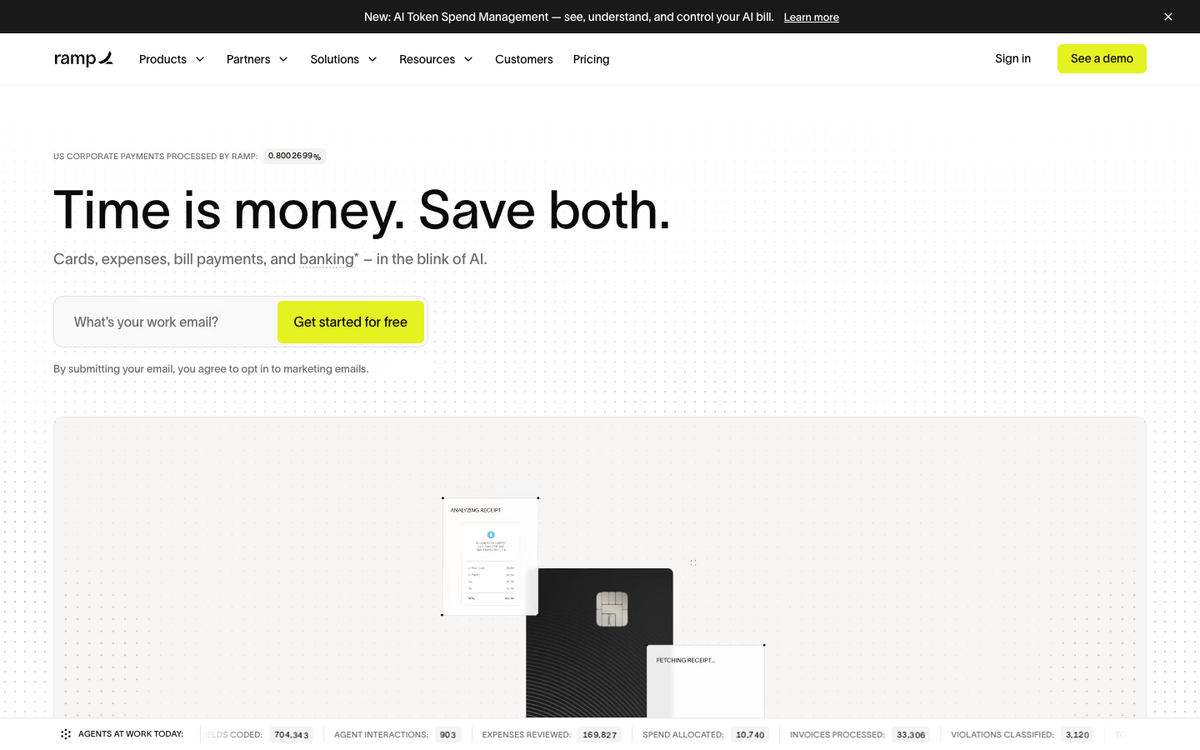
Ramp is the strongest general-purpose replacement when the org chart is built from departments rather than addresses, which is right for a head office and wrong for eleven kitchens.
- The free tier is unusually complete, covering unlimited cards with issuing controls, expenses completed by SMS or Slack, OCR invoice extraction, and QuickBooks Online and Xero sync at no cost.
- The upgrades are the multi-entity ones. Advanced accounting integrations, multi-entity support, real-time budget tracking, and custom user roles all sit on Plus, which is exactly the tier a growing group needs.
- Paying vendors stopped being free. From June 1, 2026, standard ACH costs $0.59, same-day ACH $10, domestic wires $15, and checks $1.99, waived when paying from a Ramp account. (source: Ramp pricing disclosures, June 2026)
- Location control is the weak spot. Rate Ramp as limited on multi-location, because policy and approvals attach to departments and vendors rather than to addresses.
Price: Free at $0 per user per month, Plus at $15 per user per month plus a platform fee based on team size, with 20% off annual billing, and Enterprise on quote.
What to weigh Ramp's platform fee sits on top of its per-user rate. Both charges determine total cost for groups that budget by location; the Tab vs Ramp comparison covers card limits, AP, and restaurant fit.
2. BILL Spend & Expense - the pick if you already run BILL for AP
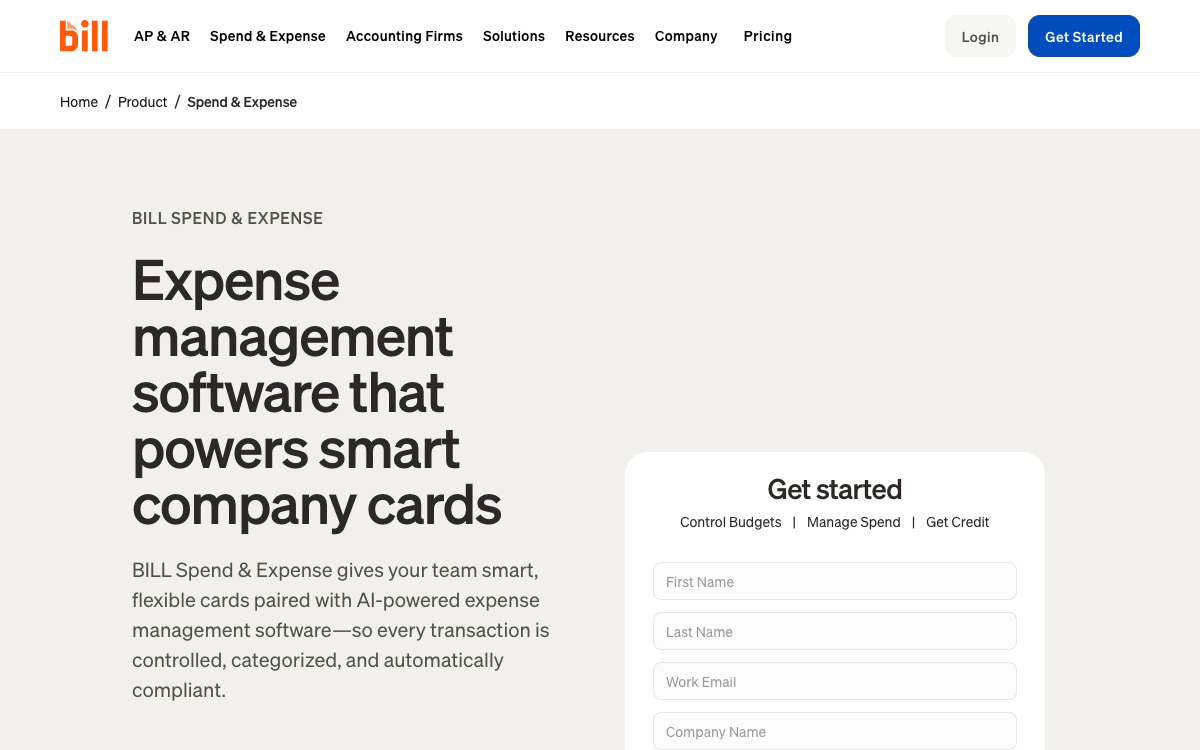
If vendor invoices already flow through BILL, adding its card product removes a second login and keeps AP and card spend together.
- The card program doubles as working capital. Cards, budgets, and expense tracking come with access to credit lines from $1,000 to $5M, determined on application approval rather than advertised as guaranteed.
- The accounting write-back is broad, reaching QuickBooks Online, NetSuite, Xero, Sage Intacct, Microsoft Dynamics, and Acumatica, plus custom file integration and APIs.
- It was Divvy until the rebrand, so legacy review pages, comparison lists, and even the card name still carry the old branding.
- Location control has the same ceiling as Ramp. Rate it limited on multi-location, because budgets attach to a budget owner rather than to a site.
Price: $0 per user per month, with no subscription or per-user software fees, and standard transaction fees separate.
What to weigh BILL Spend & Expense is most compelling when BILL already runs AP. Otherwise, the group is adopting a wider platform to add the card.
3. Expensify - the simple receipt and reimbursement pick, thin on location controls
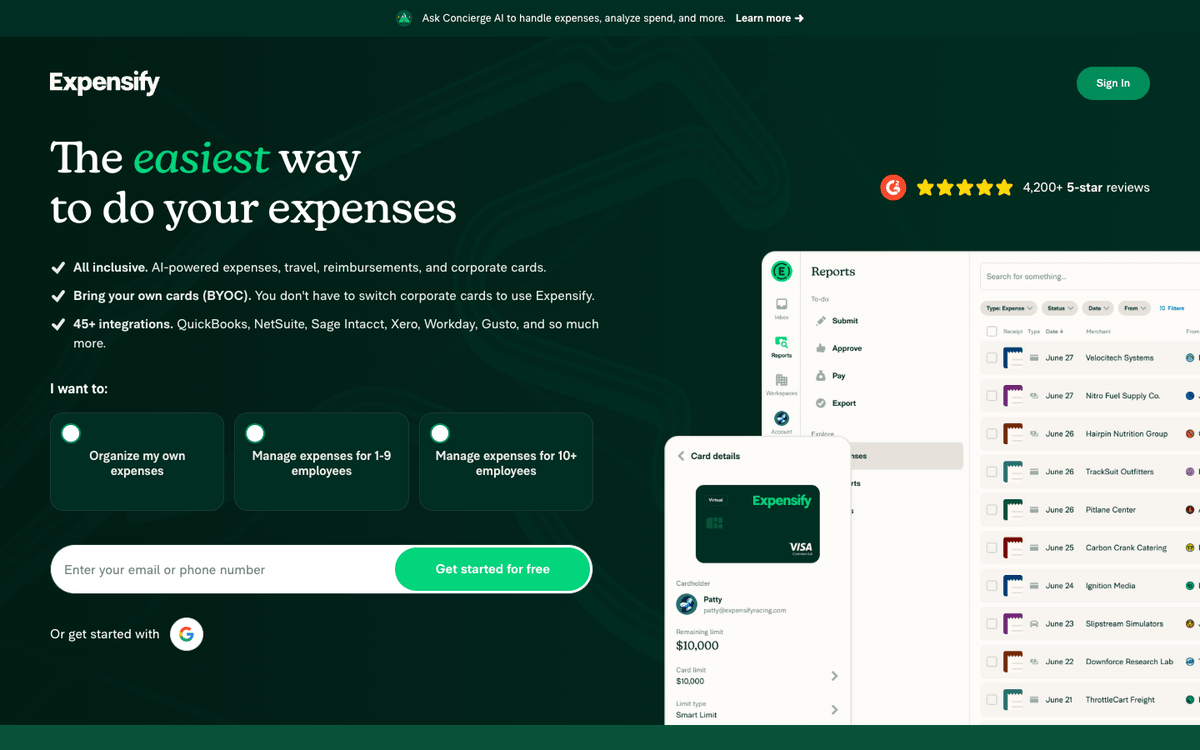
Expensify is the cleanest option when the job is receipts and reimbursements for a handful of people, not spend control across a portfolio.
- Collect bills every unique member in the workspace, whether or not that person filed anything that month, which is how a seasonal roster quietly inflates the invoice.
- The Control discount is conditional. The lower rate requires both an annual commitment and card adoption, and dropping either one takes the price back up.
- SmartScan is the whole workflow, and reviewers processing real volume describe correcting scanned line items by hand rather than approving them.
Price: Collect is $5 per member per month, and Control lists at $18 and halves to $9 when at least half of approved spend runs on the Expensify Card.
What to weigh For a small team of desk-based cardholders filing monthly reports, Expensify may already cover the job. Location tagging matters more as restaurant spend spreads across people and units.
4. Zoho Expense - the budget pick, if you already live in Zoho
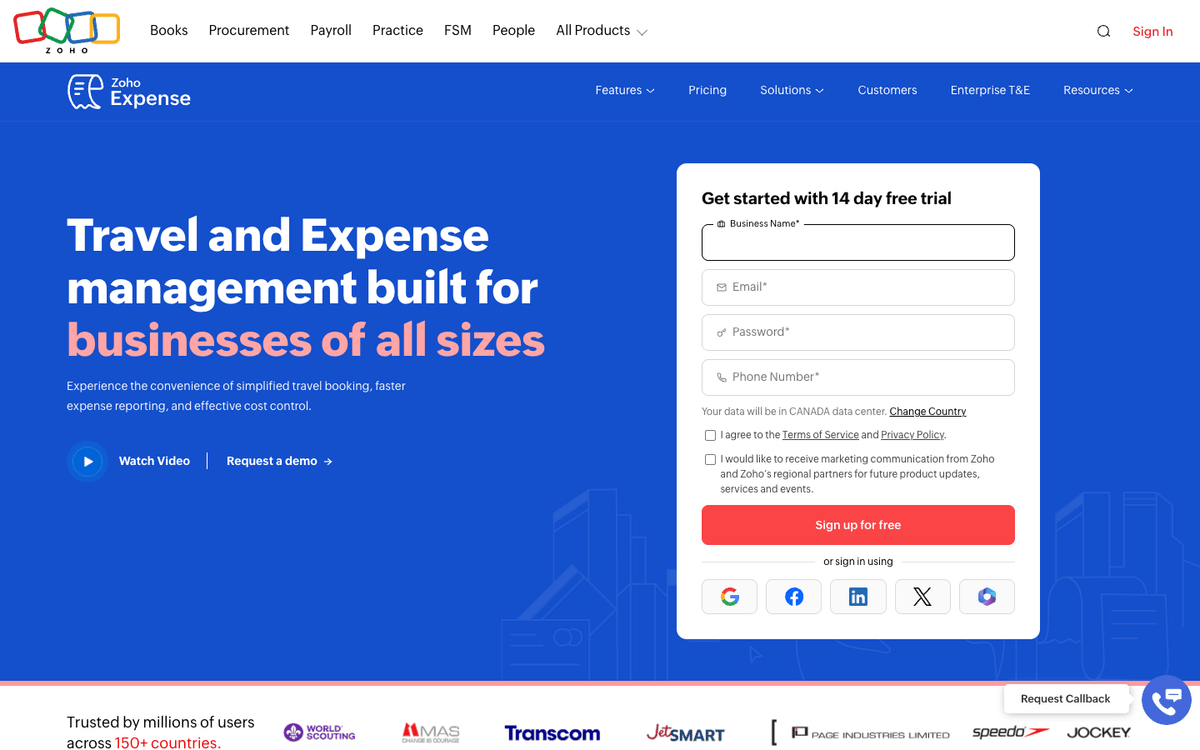
Zoho Expense competes on price, and it only pays off when the rest of the back office already runs on Zoho apps.
- The free tier stops at 3 users, with 20 receipt autoscans per user a month and 5 GB of receipt storage, which makes it a pilot rather than a rollout.
- Multi-entity is a Premium feature. Multi-entity and multi-country expense management, plus GSA-compliant automated per diem, only arrive on the top tier.
- So is policy depth. Advanced approval management and policy customization sit on Premium too, so the cheaper tier cannot enforce rules that change by site.
Price: Free at $0, Standard at $4 per user per month and Premium at $6 per user per month on annual billing, with monthly plans listed at $43 and $65. (source: Zoho Expense pricing page)
What to weigh Zoho organizes spend around departments, projects, and customers rather than restaurant locations. Restaurant-level tagging may require added setup or customization.
5. Navan - the travel and expense pick when booking is the real job
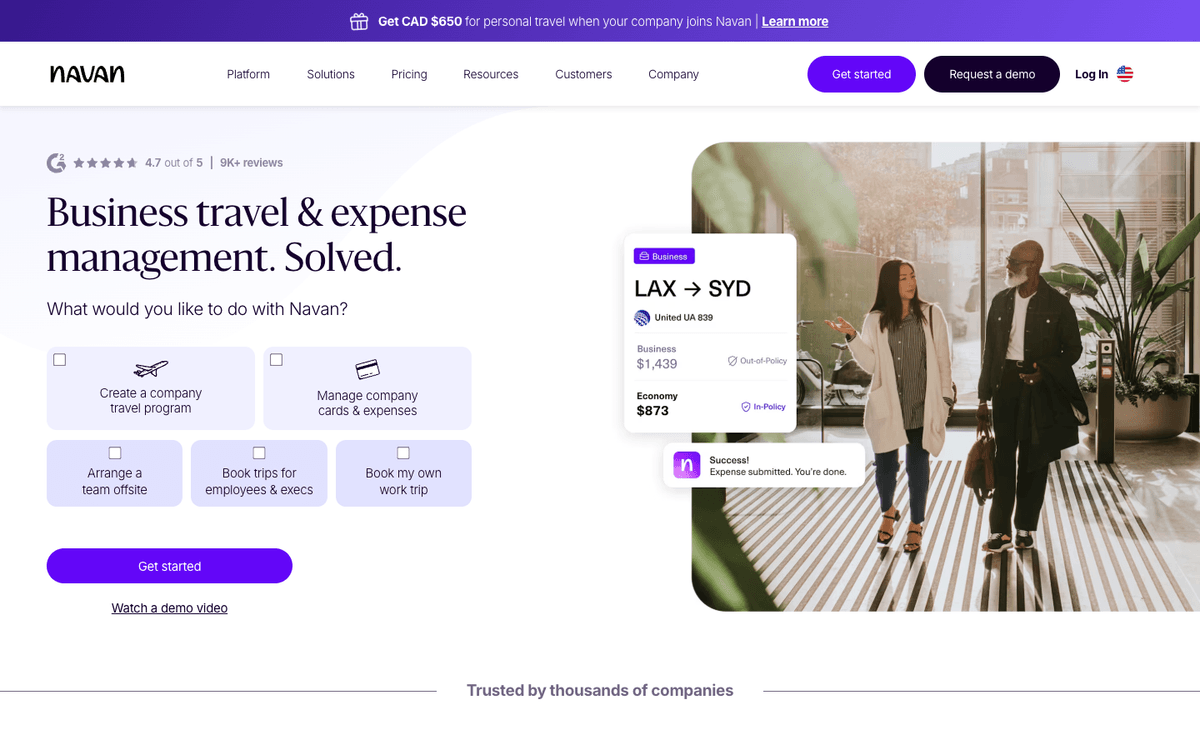
If the honest answer is that your team is leaving Concur mostly over travel, Navan is the strongest option here and the restaurant-first argument does not apply to you.
- Booking is free because travel providers pay for it. Navan says the platform is funded by travel-provider commission fees, and under the employee threshold there is no cap on how many trips get booked.
- The free expense tier has a hard edge. Past the first few monthly expensing users every submitter is billed, and above the employee threshold pricing goes custom.
- Controls are travel-shaped. Policy enforcement centers on trips, hotels, and flights, not on which manager bought produce at which store.
Price: Navan Business is free for companies up to 300 employees, Navan Expense is free for the first 5 users and then $15 per user per month, and Enterprise is on quote.
What to weigh Navan's strongest value is travel booking and policy. A group with little business travel may pay for features it rarely uses.
6. Emburse Expense - the mature travel and expense suite for larger finance teams
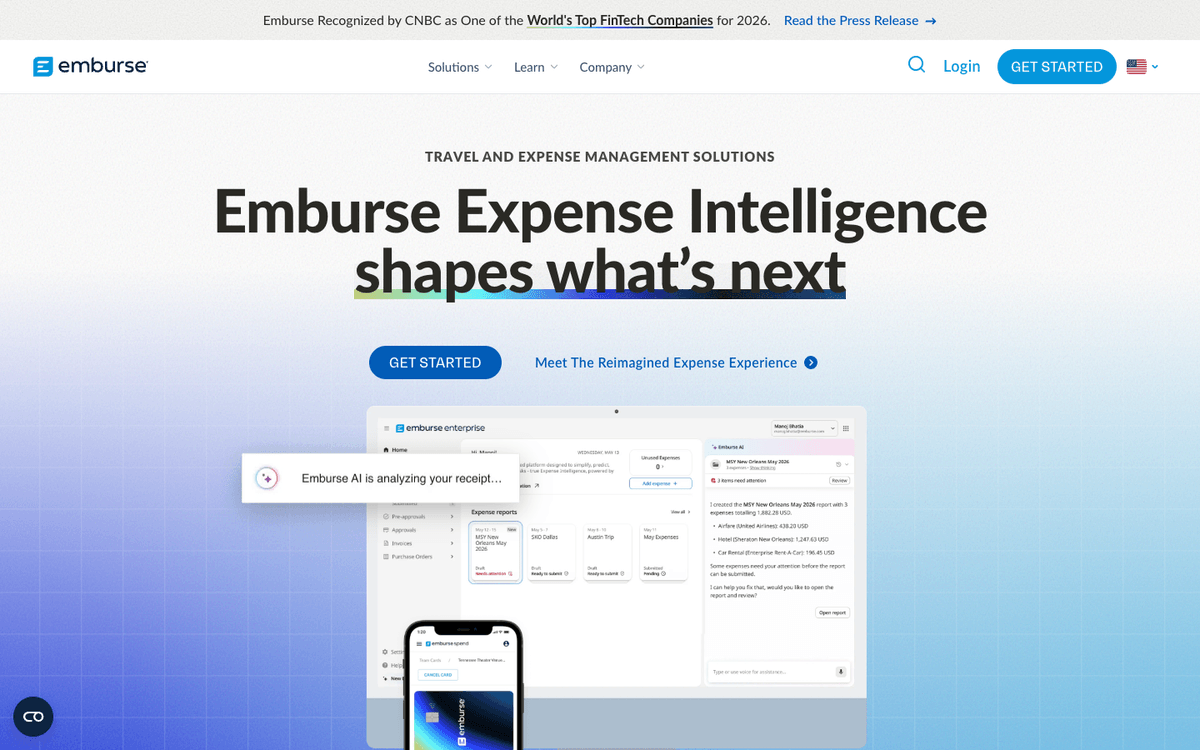
Emburse is the enterprise-shaped choice, the one to shortlist when a controller wants the closest thing to Concur without being Concur.
- The product splits in two. Emburse Expense Professional was Certify and Emburse Expense Enterprise was Chrome River, so review pages, quotes, and feature lists are not interchangeable between them.
- Professional is aimed at small to mid-size organizations, with mobile receipt capture, automated approval routing, detailed expense categorization, and accounting-system integration.
- Implementation is sold, not self-served. Emburse offers three implementation packages rather than a signup flow, which tells you what the first month looks like.
Price: Emburse Expense Professional starts at $3,000 per year, billed annually, per its G2 pricing profile.
What to weigh Emburse's annual-contract entry point may be a heavier starting point for a two-location group planning to expand gradually.
7. Airbase by Paylocity - the procure-to-pay pick inside Paylocity, not a standalone buy
Airbase brings purchase requests, AP automation, cards, and expenses together, which earns its keep for groups with a real procurement process.
- It is closer to procure-to-pay than to a card program. Purchase requests, payables, cards, and expenses run as one approval workflow with guided procurement on top.
- It now sits inside Paylocity's finance suite after the 2024 acquisition, so legacy review pages still list it under the old name.
- The product assumes an approval chain, longer than "the owner said yes," which is the shape of a company with a procurement function rather than a district manager.
Price: Quote only, with no public price list, so a comparison starts with a demo rather than a number.
What to weigh Airbase combines several finance modules. When payroll already lives elsewhere, the group may adopt a full suite while using only part of it.
8. Payhawk - the multi-entity and international pick, heavier than most US groups need
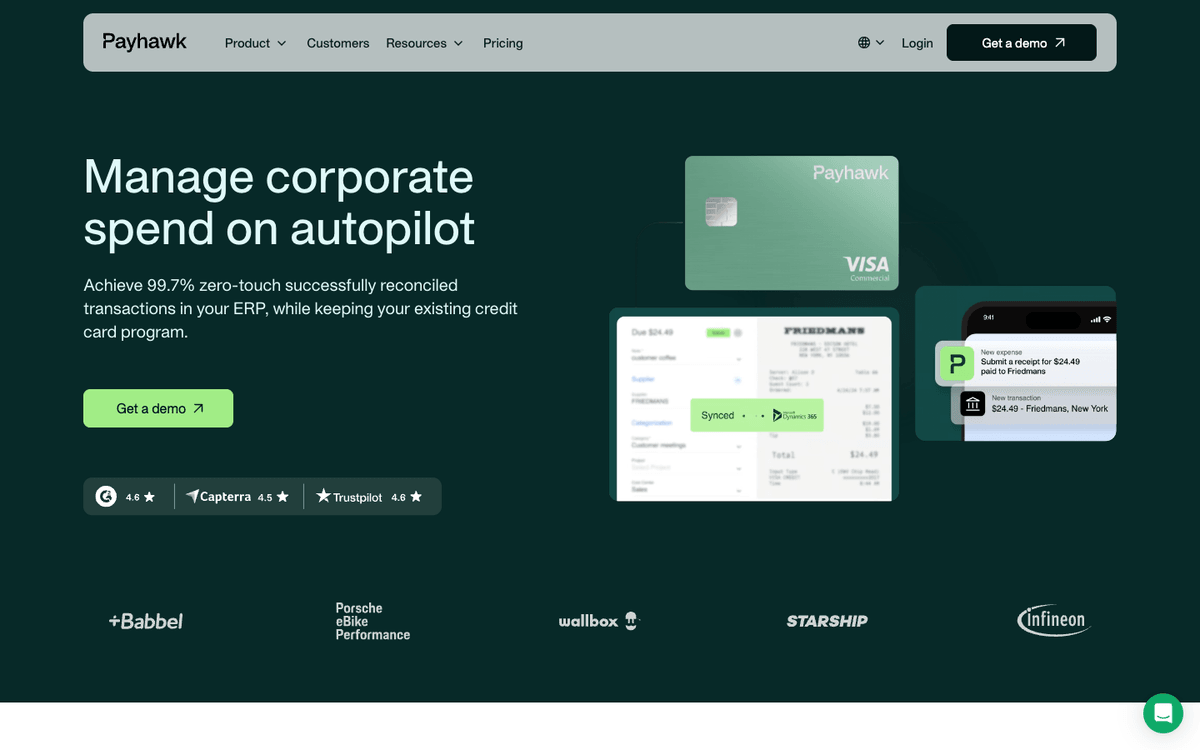
Payhawk is the answer when the entity list crosses borders and currencies, not just state lines.
- Employee seats, card transactions, and document processing are unlimited, along with projects, cost centres, and custom labels, so headcount growth does not move the bill.
- The cross-border engine is the actual product, covering payments in 115 currencies across 150 countries with dedicated bank accounts in EUR, GBP, USD, CHF, DKK and PLN.
- It is sold by module, with Travel, Cards & Expenses, Accounts Payable, and Procurement bought separately, so two groups the same size can land on very different quotes.
Price: Not published by module. The only figure on the pricing page is a £149 per month Growth program limited to single-entity UK and EEA businesses under 20 employees, so a US restaurant group starts with a sales conversation. (source: Payhawk pricing page)
What to weigh Payhawk is built for multi-country entity and currency work. Groups operating in one country may use only a small share of that capability.
9. Rydoo - the globally distributed expense pick, weak on restaurant workflows
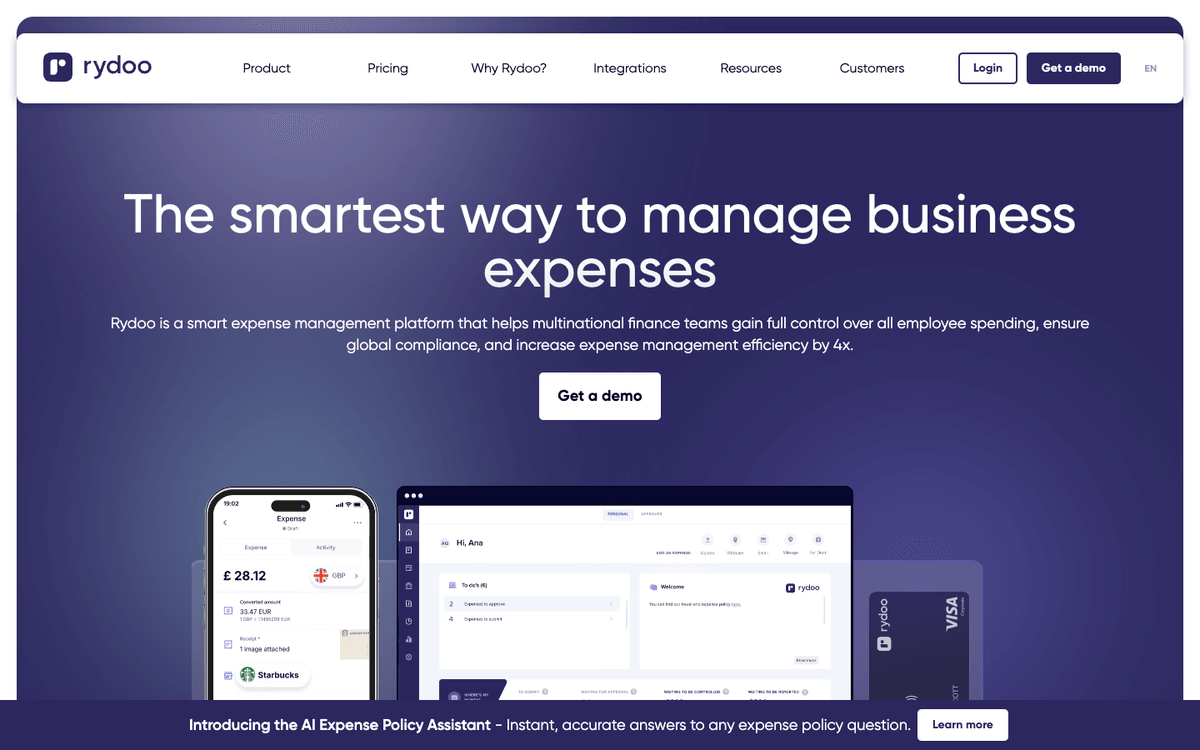
Rydoo is built for distributed teams filing expenses across countries, with per diem and mileage handled properly.
- Per diems are not in the entry tier. Essentials covers receipt scanning, mileage, and a single approval flow, while per diems, accounting integrations, automated card reconciliation, and two-level approvals all start on Pro.
- The upper tiers carry user floors. Business needs 30 active users and Enterprise needs 50, with an active user defined as someone who takes at least one action that month.
- Local tax and per diem data spans 80+ countries, which is both the reason to buy it and the reason it feels heavy for a group in one metro.
Price: Essentials is $9 per user per month billed annually and Pro is $11, both starting at 5 users. Business and Enterprise are custom. (source: Rydoo pricing page)
What to weigh Rydoo's minimums are geared to larger, distributed teams. A ten-manager group in one metro may use less of its travel and per-diem depth; the travel and expense software guide covers the wider field.
Questions restaurant operators ask before switching
Yes, unless you replace it with a travel-first tool. Navan books travel natively, Emburse and Rydoo handle travel and per diem for larger and more distributed teams, and the restaurant-first tools here do not book flights at all.
It depends on the issuer. Tab states that no credit checks are required for Tab Cards, while BILL issues its card to qualifying businesses after a credit application.
Ask each vendor directly, because this is the question that quietly kills a rollout after the demo.
That depends on how coded spend leaves the platform and lands in the ledger, which decides whether anyone touches the same transaction twice. The walkthrough of GL coding, exports, and close workflow is in bookkeeping software for restaurants.

James writes from Tab's work with restaurant groups choosing cards, collecting receipts, tracking spend by restaurant, and getting clean purchase data into accounting. Tab gives restaurant groups cards, accounts, receipt automation, and Andy AI for vendor pricing and rebates.


