


Your POS runs orders and payments at the counter. Tab handles what managers buy away from it, including card limits, receipts, restaurant coding, and the accounting handoff.
Two things sink more operators than any missing feature: who gets to process your cards, and what the terminal does when the connection dies.
Contents
The twelve compared
Processing terms move more money than any feature gap. The deeper breakdown of restaurant payment processing fees covers rate structures, house-processor lock-in, contract length, early termination, and dual pricing.
| POS | Best for | Price model | Keep your own processor? | Offline behavior |
|---|---|---|---|---|
| TabUse it with your POS for cards, receipts, and spending away from the till |
Your POS handles sales, menus, and the floor. Tab handles manager and vendor purchases away from the till, collecting the receipt and coding each charge to the right restaurant. Get started free |
|||
| Toast | Full service, fast casual | Pay as you go plus hardware | No | Stated on the pricing page |
| Square for Restaurants | Cafes, trucks, counter service | Published tiers | No | Not stated publicly |
| Lightspeed Restaurant | Multi-location, inventory depth | Published tiers | Ask before signing | Not stated publicly |
| SpotOn Restaurant | Bundled tools, own hardware | Published, two plans | No | Not stated publicly |
| TouchBistro | iPad table service | Quote only, a la carte | Ask before signing | Not stated publicly |
| Clover Dining | Counter service, hybrid | Via resellers | No, stated | Not stated publicly |
| SkyTab POS | Value buyers who want hardware | Bundled into processing | No | Not stated publicly |
| Revel Systems | Enterprise, custom data | Quote only | Ask before signing | Not stated publicly |
| Oracle MICROS Simphony | Enterprise, hotels, venues | Contact sales | Ask before signing | Not stated publicly |
| NCR Aloha | Quick service | Contact sales | Ask before signing | Stated in product docs |
| HungerRush | Pizza, delivery-heavy | Quote only | Ask before signing | Not stated publicly |
| CAKE by Mad Mobile | No monthly software bill | Bundled into processing | No | Not stated publicly |
Six of the twelve pick your processor for you. The other six will not answer in public. That silence is its own answer. Run your current food numbers through the restaurant food cost calculator first. It shows what a one-point food-cost change is worth, so processor fees and kitchen margin stay two separate decisions.
Tab Commerce - use it with the POS you keep

Your POS tracks money coming in at the register. Tab tracks manager purchases made away from it.
- Control card spend by manager and restaurant before the purchase happens.
- Text for the receipt and location after the swipe so finance is not cleaning up a mystery charge later.
- Send the coded purchase to accounting. QuickBooks Online connects directly; other ledgers can use a customizable CSV.
"We looked at other expense systems but it just didn't compare to the technology that Tab has."
Teresa, Accounting Specialist, Rock Strategic (75+ units)
Price: Base is free. Pro is $150 per location per month and adds Andy AI. Groups with 5+ locations get custom pricing.
The 12 best POS systems for restaurants
1. Toast - the deepest full-service and fast-casual platform, locked to Toast payments

The workflows match how a full-service or fast-casual restaurant actually runs a shift, from coursing to handhelds on the floor.
- Offline behavior is written down. The pricing page describes what happens when the connection drops, which almost no other vendor in this category states in public.
- Handhelds are first-party, so a server fires a course from table 14 instead of walking to a station and re-keying it, and the fire time is the tap.
- The back office extends without a second contract, through online ordering, loyalty, and xtraCHEF invoice and food-cost tools sold as Toast modules.
- There is still no general ledger in the stack, so the books close in QuickBooks Online, Restaurant365, or Sage no matter how many Toast modules you turn on.
Price: Starter is sold pay as you go and Toast hardware is required, so the quote turns on how many terminals and handhelds you order. The pricing page was last updated July 8, 2026.
What to weigh Toast routes card processing through Toast. The cost of leaving an existing processing agreement becomes part of the comparison.
If Toast is already your system, the Toast POS alternatives breakdown compares replacements by concept and by what you give up in the move.
2. Square for Restaurants - the fastest setup for cafes and food trucks, with tiers you outgrow

The one system in this category where an owner reads the software price and the card rate on the same page, decides, and is taking orders the same week. No sales call, no quote.
- Card-present rates fall as the plan rises, from 2.6% + $0.15 to 2.4% + $0.15, so the plan fee and the rate have to be modeled together rather than separately. (Square restaurant pricing)
- Online orders price differently, at 3.3% + $0.30 falling to 2.9% + $0.30, which is the line that matters for a cafe pushing pickup through its own site.
- KDS and kiosk are separate add-ons, so a counter-service build with a kitchen screen costs more than the headline plan price suggests.
- Plus is the realistic starting tier for anything past a single counter, because the free plan runs out of reporting and menu depth in the first month or two.
Price: Free at $0, Plus at $49 per location per month, Premium at $149 per location per month. (Square restaurant pricing)
What to weigh Square's published processing rate applies as listed. A lower negotiated rate elsewhere changes the total-cost comparison.
3. Lightspeed Restaurant - the multi-location pick with real inventory depth, priced per location
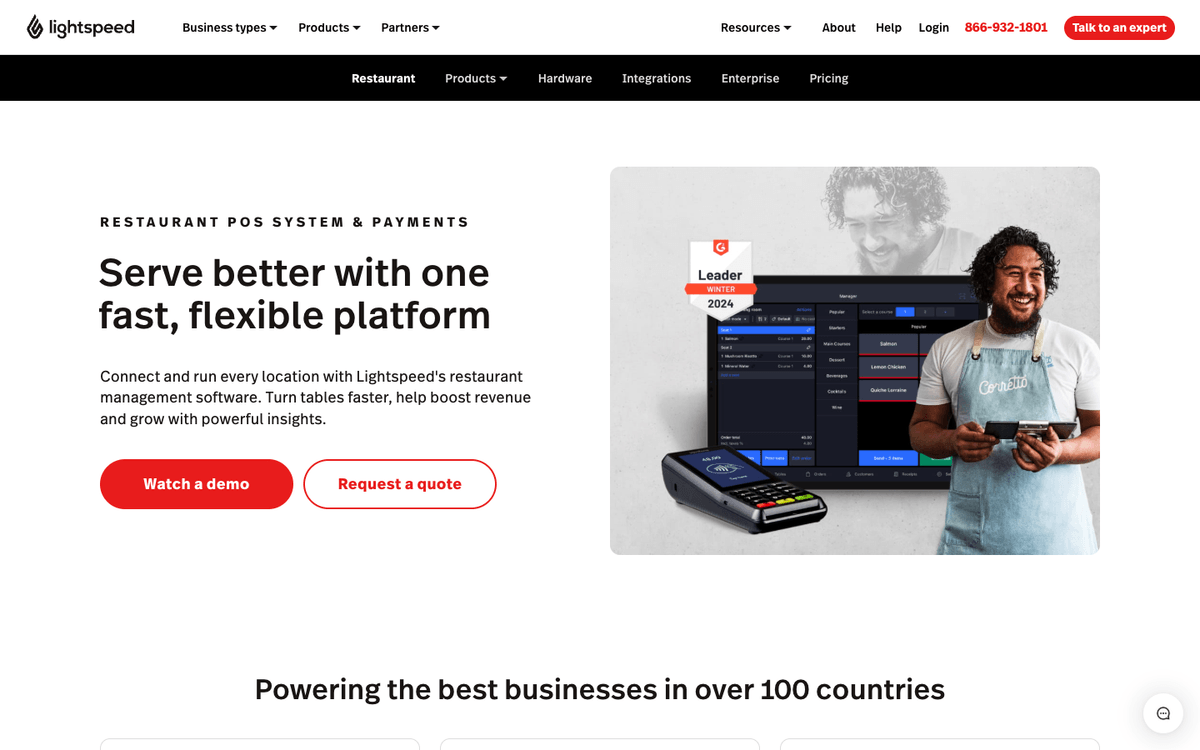
The pick when the leak is in the walk-in rather than at the till.
- The plan ladder is public. Three USD tiers sit on the pricing page, so a five-unit group can model the software line before a sales call.
- Inventory tracks at the ingredient level, not the menu-item level, which is what turns a count into a variance number instead of a guess.
- Multi-location management and real-time reporting are first-party, so a two-concept group reads both sites under one login rather than exporting each one.
- Labor, accounting, and AP arrive through integrations, which keeps the POS light and leaves you picking those vendors yourself.
Price: Starter is $69 per month, Essential is $189, and Premium is $399 in USD. (Lightspeed restaurant pricing)
What to weigh Kitchen display screens cost $30 each per month. Six locations running two screens each add $360 a month, so screen count materially changes the budget.
4. SpotOn Restaurant - the bundled-tools pick on proprietary hardware

SpotOn sells the whole kit and publishes two ways to pay for it.
- Amex is priced separately at 3.19% + $0.15, which matters for higher-check and hotel-adjacent concepts where Amex share runs high. (SpotOn pricing)
- Terminals, compact stations, and handhelds are priced individually on the hardware page, so the station count drives the real quote.
- Online ordering and marketing tools come from SpotOn directly, which keeps the vendor count at one and the integration work at zero.
Price: All-In is $0 per station with processing at 2.79% + $0.20. Essentials is $55 per station with processing at 2.45% + $0.15. (SpotOn pricing)
What to weigh At roughly $16,000 a month in card sales per station, the rate difference can cost more than the paid station fee. Actual processing volume determines which plan costs less.
5. TouchBistro - the table-service iPad POS, with pricing you have to ask for

Built around dining rooms rather than counters.
- You buy only the modules you turn on. The product guide prices the POS a la carte, so a small dining room is not paying for kiosks and loyalty it will never use.
- The hardware is an iPad, so a replacement comes from any Apple reseller on a Saturday instead of an RMA ticket and a week of downtime.
- Reservations, online ordering, and loyalty each carry their own line, which means a "full" quote and a "core POS" quote can differ by more than the POS itself.
Price: Quoted, not published. The product guide prices the POS and each add-on separately.
What to weigh TouchBistro does not publish pricing. Operators closing a budget on a deadline will need a sales quote before comparing it.
6. Clover Dining - the counter-service pick you cannot take to another processor
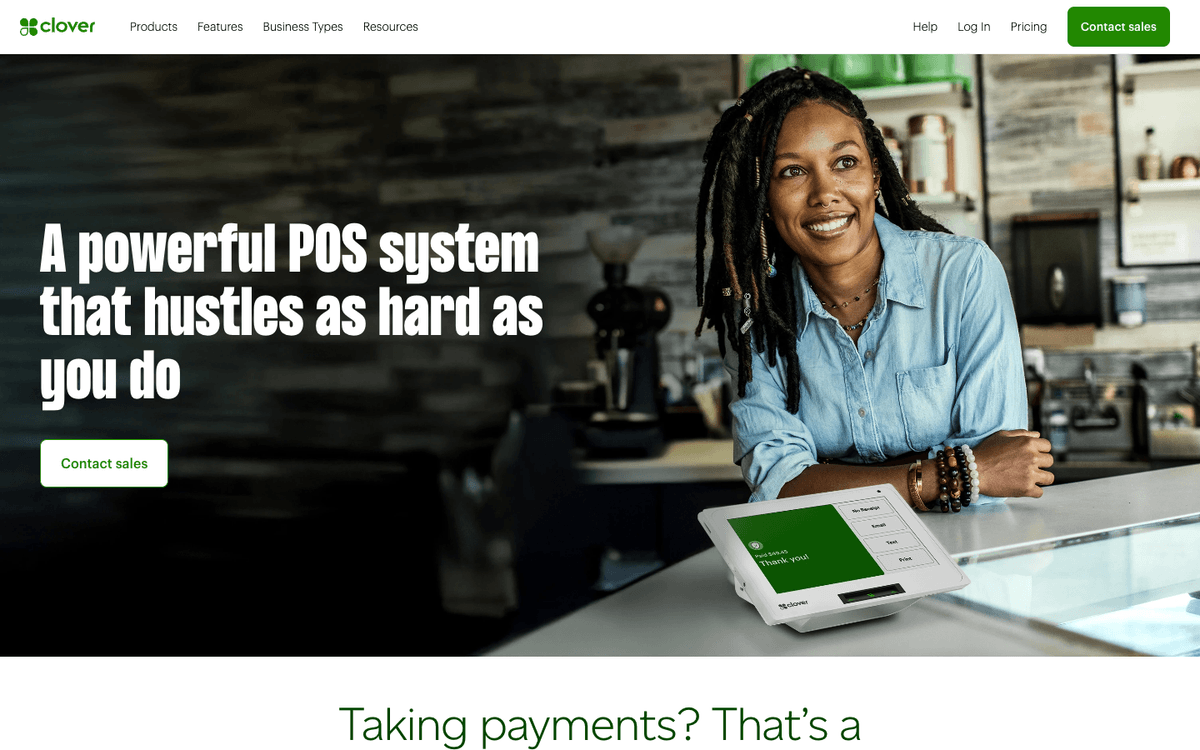
Clover is everywhere because it is sold everywhere, through banks, ISOs, and local resellers. That distribution is also the catch.
- Local support is the real strength. The reseller who sells it also installs and supports it, which matters in markets national vendors are slow to reach.
- Two restaurants can pay different prices for the same terminal, because the reseller sets the deal, so always get a second quote before signing the first one.
- The device lineup covers the counter and the floor, from full stations to handhelds, sold as hardware you own outright rather than lease.
Price: Set by the reseller you buy from rather than published as one national price. (Clover pricing)
What to weigh Clover says its devices cannot be used with other processors. That hardware lock-in matters if the group may shop processors later.
7. SkyTab POS - the included-hardware pick, paid for through your processing agreement
Shift4 puts the terminals in the restaurant with nothing due up front.
- One vendor owns terminal and processing, so support never bounces between a POS company and an acquirer at 8pm on a Friday.
- Shift4 owns SkyTab and Revel both, which means two entries on this list ultimately answer to the same parent company.
- Nothing is due on hardware at install, which is why SkyTab keeps showing up in new-unit budgets where the build-out already ate the cash.
Price: $0 upfront, with the cost carried inside the processing agreement. (SkyTab checkout)
What to weigh SkyTab's free-hardware offer requires a service agreement. Its term length and exit terms are part of the real cost.
8. Revel Systems - the multi-location and enterprise pick with real data export
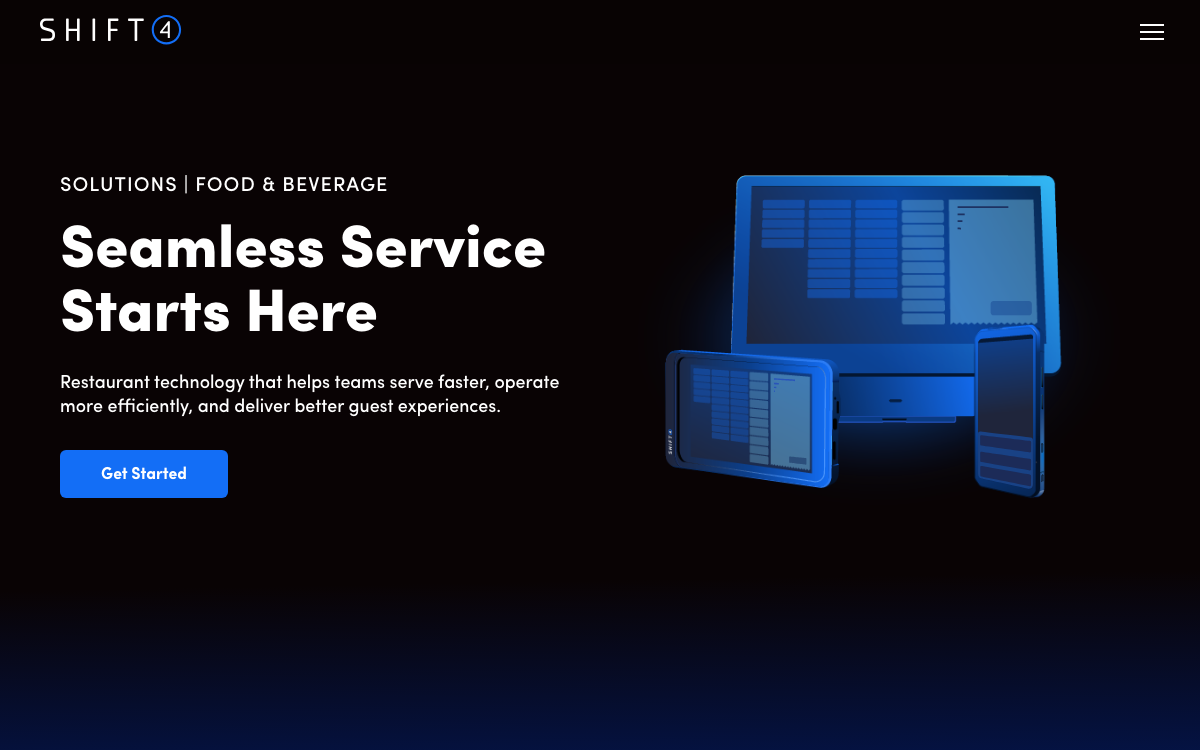
What a group buys when the POS has to feed other systems rather than just print checks.
- The API is public and documented, so a data team pulls transactions out instead of screenshotting reports. (Revel developer docs)
- Central control is proven at scale. Revel's Focus Brands case study describes managing menus and pricing centrally across a large franchise estate.
- Shift4 now owns Revel, so the POS vendor and the payment processor can end up being the same company. Ask how that affects your rate before you sign.
- Ask about the roadmap before you commit. Shift4 completed the $250 million acquisition in 2024 and has said it would move Revel's best capabilities into SkyTab, the Shift4 POS listed above. revelsystems.com now redirects to Shift4's site.
Price: Quoted. Revel does not publish standard pricing.
What to weigh Revel's API and central controls create more value as menus and prices are pushed across many units. A single location may use less of that depth.
9. Oracle MICROS Simphony - the enterprise and multi-venue backbone, overkill for independents

The system that runs a hotel with four outlets, a stadium, or a chain with a corporate IT function behind it.
- Payment processing is documented as part of the platform, not as a bolt-on, which is how enterprise buyers expect it to be sold. (Oracle payment processing)
- Multi-venue is the design center. One property with four outlets, each with its own menu and revenue center, is a configuration rather than four separate installs.
- Integrations are sold as an enterprise program, not an app marketplace, which suits an IT department and frustrates an owner who wanted to click one button.
Price: Contact sales. Oracle does not publish restaurant POS pricing.
What to weigh Simphony requires ongoing configuration ownership. That workload remains with one- or two-location operators without IT support.
10. NCR Aloha - the quick-service workhorse sold in two different versions
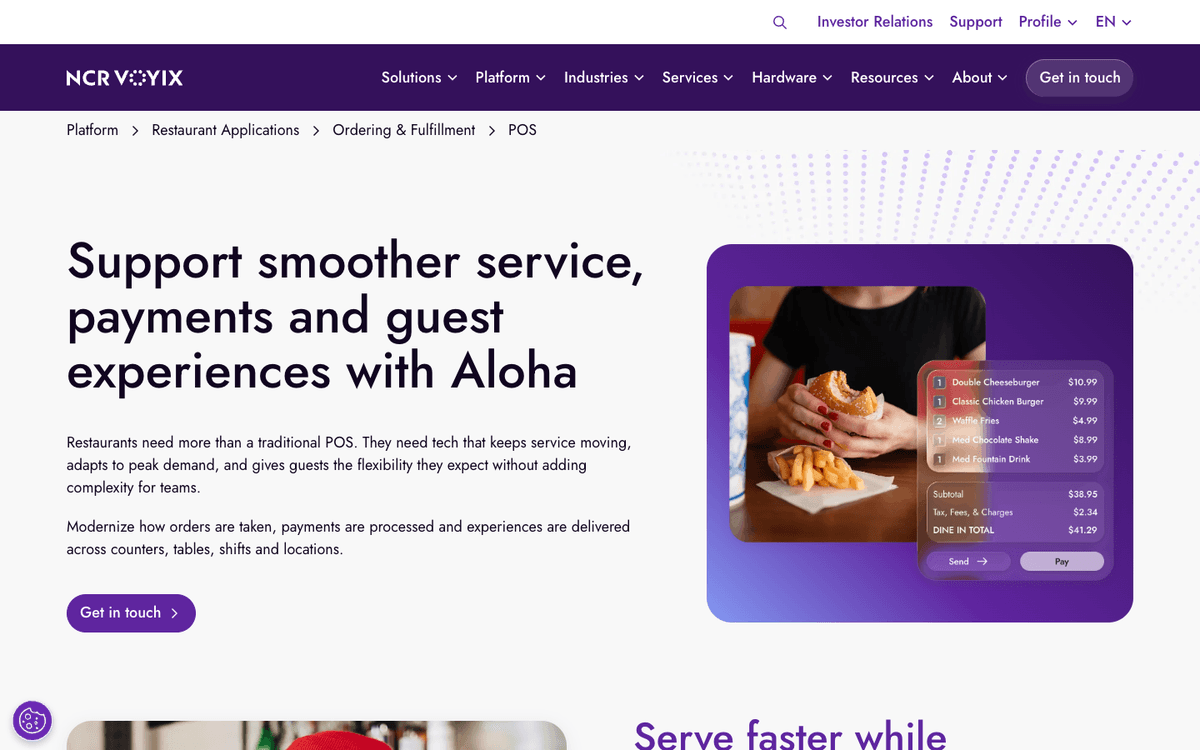
Decades old in quick-service kitchens, with a current lineup covering fixed terminals and mobile devices.
- Offline payments are in the docs. NCR's product documentation describes payment handling when the connection is down, which is rare public detail in this category.
- Fixed terminals and mobile devices run the same system, so a drive-thru line buster and the front counter share one menu and one set of rules.
- The integrations reference is published rather than marketed, so you can check whether your loyalty or delivery vendor is supported before a sales call. (NCR integrations)
Price: Contact sales. NCR does not publish restaurant POS pricing.
What to weigh Aloha's cloud and older on-premise products differ in hardware, support, and upgrades. The quoted version changes the comparison.
11. HungerRush - the pizza and delivery-heavy pick, narrow outside that concept
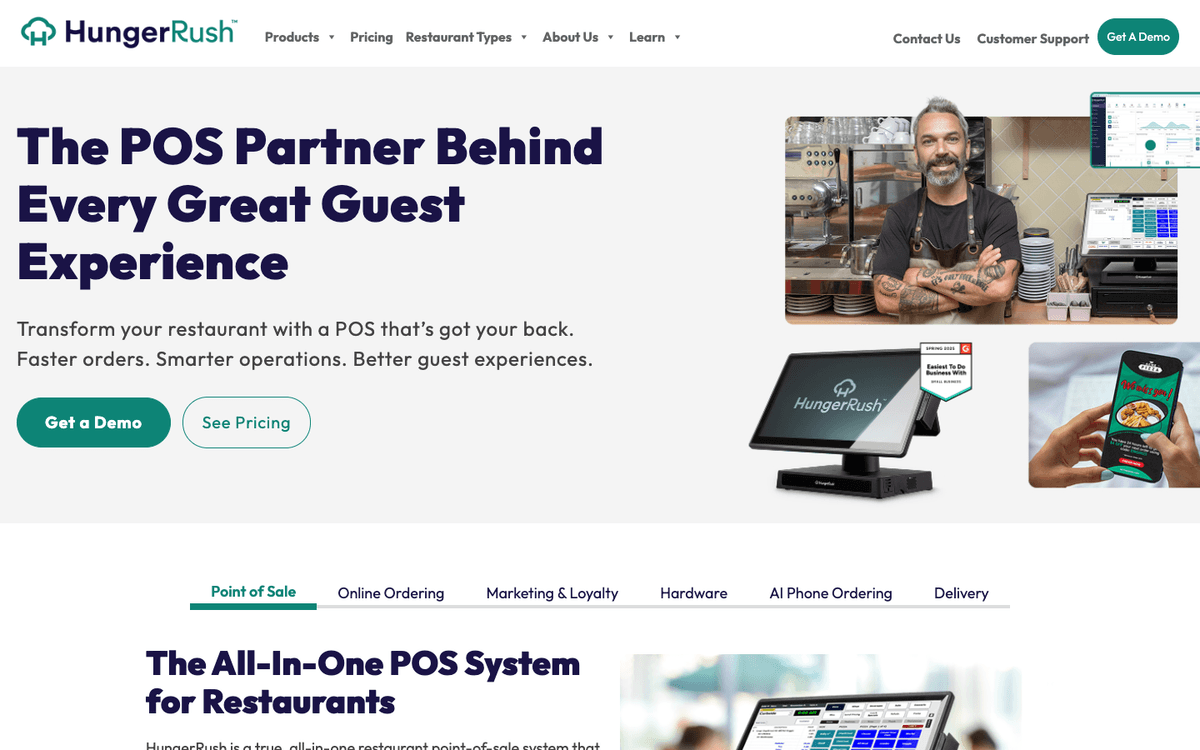
Built around the order shapes that break generic systems: half-and-half pizzas, deep modifier trees, a board full of drivers.
- Delivery is native, not bolted on. Online ordering, delivery, and driver tracking come from the same vendor as the POS. (HungerRush)
- There is a pizza-specific product, not a pizza mode, which is what handles fractional toppings and per-half pricing without a workaround. (HungerRush pizza POS)
- Loyalty and inventory sit in the same platform, so a delivery-heavy shop is not stitching a marketing tool to an ordering tool to a POS.
Price: Quoted. HungerRush does not publish standard pricing.
What to weigh HungerRush includes tools for restaurants running their own drivers. Groups without that workflow may pay for delivery features they do not use.
12. CAKE by Mad Mobile - the no-monthly-bill pick, paid through processing
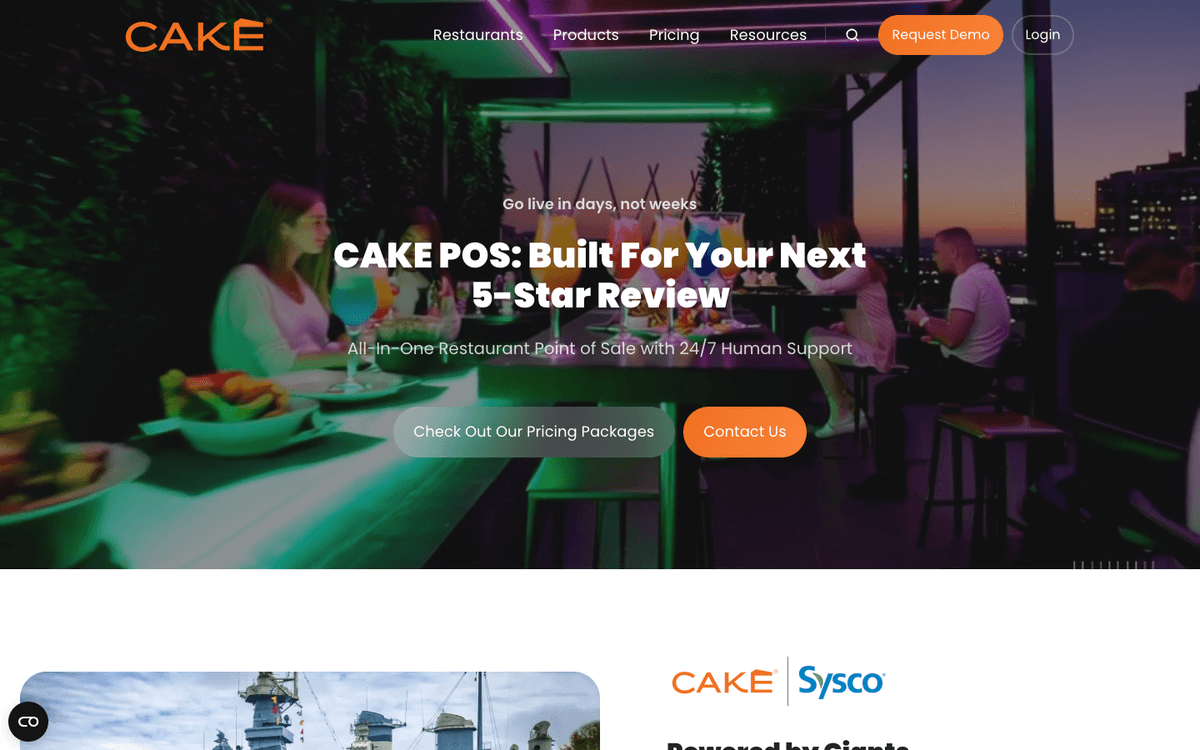
The simplest sentence in the category: no software invoice, ever. The cost still has to live somewhere, and it lives in the card rate.
- The full kit is included, with kitchen display, online ordering, and reporting bundled rather than sold as tiers. (CAKE POS)
- There is no upgrade path to price later, because support and reporting come with the bundle instead of sitting behind a higher plan.
- Integrations are listed on the product page, so the accounting and delivery connections can be checked before you commit to the processing side.
Price: "$0 down. No bill. Ever." is the current published offer, paid for through the processing agreement. (CAKE pricing)
What to weigh CAKE's total cost depends heavily on processing rates, not only the monthly software price. Expected sales volume determines the real difference.
Which POS should you choose?
if you run full service or fast casual and you will move your processing to get the deepest restaurant workflow.
Choose ToastUse Tab with Toast for manager cards, receipts, and spend that happens away from the till.
if you want to be live this week and would rather read a price than wait for a quote.
Choose Square for RestaurantsAdd Tab when the team needs controlled cards; the free Base plan keeps startup cost down.
if you run several locations and inventory, not order speed, is where the margin goes.
Choose Lightspeed RestaurantUse Tab to keep card receipts and restaurant coding separate from the POS and inventory decision.
if you want one bundled kit and you have run your own volume against its two published rates.
Choose SpotOnUse Tab for card controls and receipt capture outside the bundled POS and processing contract.
if you never want a software invoice and you are comfortable paying for that inside the card rate.
Choose CAKEUse Tab for restaurant cards and coded receipts, so the zero-software-fee POS does not decide your back-office workflow.
Three stacks that come up constantly:
- Single location, counter service. Use Square on the counter. Use Tab for card controls, receipts, and restaurant coding, so switching POS later does not move that work.
- Multi-location full service. Lightspeed or Revel on the floor, with spend split by entity. A management LLC and six location LLCs each need their own restaurant corporate cards with location and entity controls, plus virtual accounts for POS deposits and vendor debits to keep each entity's cash apart.
- Pizza or QSR with heavy delivery. HungerRush for the drivers. If you are not ready to move cards, link existing bank accounts and cards and get the reporting without changing anything on the floor.
If the POS is one line on a longer software list, the best restaurant management software roundup covers the tools that sit around it.
Common questions
Sometimes, and hardware is where cheap software gets paid for. Toast's pricing page requires Toast hardware, while Clover, SpotOn, and SkyTab sell their own devices. Price terminals, handhelds, and kitchen screens per unit first, because the software line is rarely the biggest number.
A cloud POS keeps your menu, sales, and reporting on the vendor's servers, so updates arrive on their schedule and you can pull reports from home. An on-premise system keeps that data on a server inside the restaurant, so you control upgrade timing and you also own the maintenance. Most systems sold to independents today are cloud based.
Four things, in writing: the term length, the early-termination fee, who owns the hardware if you leave, and whether the rate can be repriced mid-term. Those four answers move more money than any feature comparison.

James writes from Tab's work with restaurant groups choosing cards, fixing missing receipts, coding spend, and closing the books. Tab brings cards, accounts, receipt automation, and Andy AI into one restaurant back office.


