


Contents
If xtraCHEF is the problem, decide whether the pain is invoices, counts, Toast lock-in, or manager card spend. Those are separate jobs, and one larger platform will not automatically fix all four. Operators weighing the wider field should read the best restaurant management software roundup.
The eight alternatives at a glance
| Tool | Best for | Toast dependency | Public pricing |
|---|---|---|---|
| Tab Use it alone or with food-cost software |
Tab can run the payment side by itself or alongside xtraCHEF. Use Tab Cards for card-accepting vendor and manager purchases, limits, receipts, and restaurant coding. Keep xtraCHEF or another food-cost tool when you also need invoice capture, counts, recipes, and food-cost reporting. Get Started Free |
||
| 1. MarginEdge | Restaurant inventory and invoices | Toast API fee to connect | Published |
| 2. Restaurant365 | Accounting, labor and payroll in one | None | Quote only |
| 3. Ottimate | AP and invoice automation | None | Quote only |
| 4. Craftable | Food and beverage cost control | None | Quote only |
| 5. MarketMan | Inventory and recipe costing | None | Published |
| 6. WISK | Beverage inventory | Toast Partner Connect fee | Published |
| 7. Crunchtime | Enterprise multi-unit operations | None | Quote only |
| 8. Backbar | Lightweight bar inventory | None | Published |
Where xtraCHEF falls short according to users online
Customer service is the lowest-scoring part of the product on Capterra, at 3.4 out of 5 against a 4.3 overall. That sits on only 7 reviews, so read the pattern rather than the average. (Capterra)
- New vendors slip through the capture. A restaurant CFO writes that adding a vendor "is always a headache where the first invoice or two is missed." A manager at a second company reports invoices not being read correctly. (Capterra reviews)
- It stalls on load. One owner says it "can be a bit slow at times to load data." Another describes staff "watching a spinning wheel as it struggles to load information." (Capterra reviews)
There is also no standalone version to leave to. xtraCHEF is quoted, implemented, and supported through Toast, so the food-cost tool renews with the POS contract rather than on its own terms.
Choose by the job you need done
One line item to budget before anything else: if you stay on Toast POS, connecting an outside tool carries a Toast-side subscription. MarginEdge's pricing page puts it at $50 per location per month for Toast's Restaurant Management Suite, and WISK's own setup documentation says a separate Toast fee gates Partner Connect access.
The restaurant food cost calculator shows whether the current food-cost gap is bigger than that connection fee and the work of switching systems.
| Tool | Invoice capture and coding | Inventory and recipes | AP and payments | Cards and spend controls | Accounting handoff |
|---|---|---|---|---|---|
| Tab Commerce | Receipt capture, GL and location coding | Not covered | Not covered | Cards with limits per employee and location | Full QuickBooks Online integration, custom CSV |
| MarginEdge | Line-item invoice capture | Counts, recipes, daily food cost | US bill payment | Its own card program | Accounting sync |
| Restaurant365 | Invoice capture and AP automation | Counts, recipes, purchasing | AP inside the ledger | Not a core function | Native, restaurant-specific |
| Ottimate | Header to line item | Not covered | Virtual card, ACH and check | Not a core function | Writes bills into your ledger |
| Craftable | Photo, email or file upload | Counts, recipes, variance | AP module | Not a core function | Consolidated cost reporting |
| MarketMan | Capped on Starter, open on Growth | Recipe costing, automatic COGS | Purchase orders only | Not covered | Accounting integrations included |
| WISK | Included, capped by outlet band | Beverage and food counts | Not covered | Not covered | No public detail |
| Crunchtime | Invoice processing | Counts, labor, task execution | Not covered | Not covered | No public detail |
| Backbar | Paid tiers only | Bar counts and drink costing | Not covered | Not covered | Limited reporting on free tier |
The 8 best xtraCHEF alternatives
Tab Commerce - run restaurant purchasing with or without a food-cost tool

Use xtraCHEF or another food-cost tool for invoice capture, counts, recipes, and food-cost reporting when you need those jobs. Use Tab for card-accepting purchases, limits, receipts, restaurant coding, and vendor-price checks.
- Pay card-accepting suppliers and manager purchases with controlled cards, then earn unlimited 1% cash back.
- Text for the receipt and restaurant after the swipe instead of chasing both at month end.
- Send clean spend to accounting. QuickBooks Online connects directly, other ledgers can use a customizable CSV, and Andy AI can check vendor prices and rebates.
"We looked at other expense systems but it just didn't compare to the technology that Tab has."
Teresa, Accounting Specialist, Rock Strategic (75+ units)
Price: Base is free. Pro is $150 per location per month and adds Andy AI. Groups with 5+ locations get custom pricing.
1. MarginEdge - restaurant inventory and invoices in one system, at $350 per location

- It covers the whole food-cost job. Line-item invoice capture, counts, recipes, and daily food cost run in one system, so nothing needs a second subscription behind it.
- The base price is genuinely all-in. Unlimited invoices processed, unlimited US bill payments, unlimited email support, and 1:1 software training are included, with no contract on monthly billing. (source: MarginEdge pricing page)
- It now sells its own card too, billing on a seven-day statement cycle rather than a monthly one, which is a different cash-flow shape from the card you carry today.
- Reviewers rate it 4.7 on Capterra but consistently flag the up-front recipe build as the real cost of getting there. (Capterra reviews)
Price: $350 per location per month, or $500 per location bundled with Freepour, with 10% off annual billing worth $420 a year on the base plan. (source: MarginEdge pricing page)
What to weigh For the six-location example above, MarginEdge plus the Toast fee totals $28,800 a year. That per-location cost and the migration work belong in the comparison.
2. Restaurant365 - the full accounting and operations suite, if you can absorb the implementation

- It retires the general ledger too. Restaurant-specific accounting, inventory and purchasing, scheduling, and payroll run in one platform, so a group can drop a separate accounting package and a separate scheduler. Its homepage claims 50,000+ restaurants.
- Implementation is a project, not a setting. Restaurant365 describes it as taking "a few weeks to several months depending on system complexity," and one Capterra reviewer reported still using only basic functions two years in. (Capterra)
- Support is the weakest sub-rating, at 3.8 against a 4.1 overall across 71 Capterra reviews, with reviewers citing slow follow-up and unresolved tickets. (Capterra)
Price: Not published. The pricing page asks you to request a custom quote, so the comparison starts with a scoping call. (source: Restaurant365 pricing page)
What to weigh Restaurant365 is the heaviest implementation here. It fits best when someone on payroll owns the books and can lead the rollout.
3. Ottimate - the AP and invoice automation pick for heavy invoice volume
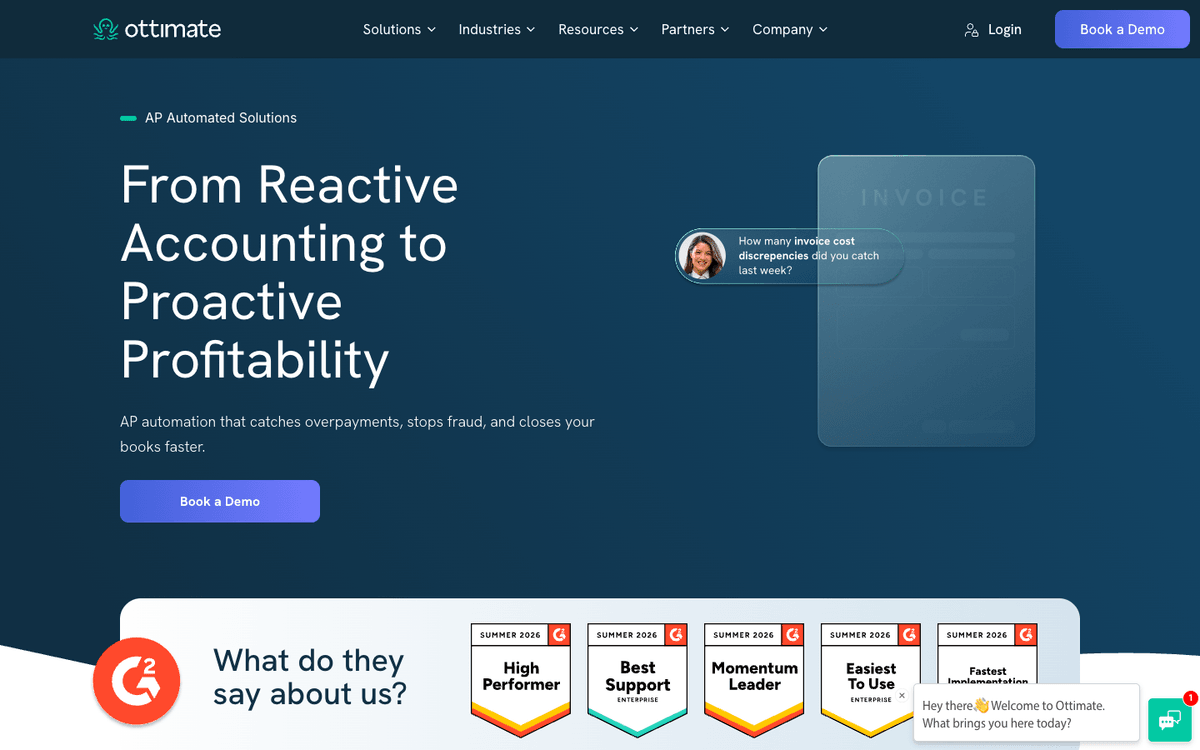
- It is built for volume. Ottimate says it processes 120,000+ invoice pages a day and more than 40 million invoices a year, reading line-item detail at 98% accuracy including handwritten documents.
- The write-back goes wider than most restaurant tools. Coded invoices arrive as bills in Acumatica and Microsoft Dynamics as well as the three ledgers this category usually stops at.
- Approval routing is the actual product. Ottimate claims users recover 1,000 hours a year on average once automated routing replaces manual chasing. (source: Ottimate site)
- It was Plate IQ until the rebrand, so older comparison pages and review profiles still carry the previous name.
Price: Not published. The site routes every pricing question to a booked demo.
What to weigh Ottimate covers AP and invoice automation, but not counts, recipes, or menu analysis. If food cost is the main reason for switching, another tool would still be needed.
4. Craftable - the food and beverage cost-control pick for bar-heavy menus

- Bar and kitchen sit in one system. Beverage and food cost control run together, which matters for a concept where pour cost moves margin more than food does.
- Invoices get checked, not just captured. Three-way matching compares each invoice against the purchase order and the delivery receipt line by line, flags price discrepancies and unauthorized charges, and blocks payment on unmatched items.
- Coding is rule-driven. Machine learning suggests GL codes on invoice lines, and rules can be set by department, location, or concept before anything exports. Craftable claims 9 minutes saved per invoice. (source: Craftable AP automation page)
- Reviewers rate it 4.5 across 123 Capterra reviews, while Software Advice reviewers describe real effort in recipe mapping before the numbers get trustworthy. (Capterra)
Price: Not published. Quotes follow a demo, and reference figures on directories are quoted per user rather than per location.
What to weigh Craftable does not publish pricing, so comparing it with MarginEdge or MarketMan requires a sales quote. Its reporting strength may not solve an ordering bottleneck; the restaurant procurement software comparison covers purchasing workflows.
5. MarketMan - the inventory and recipe-costing pick with public tiers

- Starter already covers the daily loop. Purchase orders and receiving, price-change alerts when a vendor bumps a case price, live inventory, and POS integrations with Square, Toast, Lightspeed, and Clover all sit in the entry tier.
- It connects to the distributors you already buy from. Sysco, US Foods, Gordon Food Service, GolBon, and Frosty Acres are named vendor integrations, so catalog prices update without anyone retyping an order guide.
- Growth is where COGS goes automatic, adding vendor management, waste tracking, real-time recipe costing, and automatic COGS on top of Starter.
- Reviewers rate it highest in this group, at 4.7 across 112 Capterra reviews. (Capterra)
Price: Starter is $199 per month and Growth is $249 per month, with Enterprise quoted. Free setup, a $1,500 value, was running in July 2026. (source: MarketMan pricing page)
What to weigh Starter includes 50 invoice scans a month. A kitchen receiving daily from six vendors could reach that limit in about two weeks, making Growth the more realistic tier.
6. WISK - the beverage inventory pick, thin outside the bar

- Plans are capped, not open-ended. A single venue gets 1,000 SKUs, 75 AI invoice scans a month, and 5 users. Multi-outlet properties move up to 2,500 to 5,000 SKUs, 200 to 600 scans, and 10 to 30 users, and only Enterprise is uncapped.
- Implementation is a separate invoice. Setup starts at $750 for a single venue on one module and $1,250 for the food and beverage bundle, rising to $3,500 and $4,500 at 8 to 10 outlets. Annual plans at 4 outlets and above include implementation at no extra cost.
- The Toast connection is not free either, because Partner Connect access is gated behind a Toast-side fee on top of both bills.
Price: $249 per month for beverage only or food only at a single venue and $399 for the bundle. Multi-outlet bands run $499 to $1,250 per module and $799 to $1,999 bundled. (source: WISK pricing page)
What to weigh WISK focuses on beverage and food counts. It does not replace accounting, so groups using it still need a ledger beside it; the bar inventory software guide compares its pour-cost and par workflows with Backbar.
7. Crunchtime - the enterprise multi-unit suite, overkill under 20 locations

- It runs estates, not restaurants. Crunchtime says it powers 150,000+ locations across 850+ brands as of July 2026.
- The module list is genuinely wide, covering inventory, labor and scheduling, operations execution, kitchen management, operational intelligence, and learning from one contract.
- The public review trail is thin for a system that size. Its G2 profile carried 52 reviews on the same date, which is not much evidence for a multi-year commitment.
- Cards, receipts, and spend control are not in that module list, so that work stays in a spreadsheet or a bank portal whichever modules you buy.
Price: Not published. Crunchtime quotes at the enterprise level.
What to weigh Crunchtime's standardization tools are designed for larger groups. A five-unit operator may use only part of that depth; the Crunchtime alternatives breakdown compares options by unit count.
8. Backbar - the lightweight bar inventory pick for single-site operators
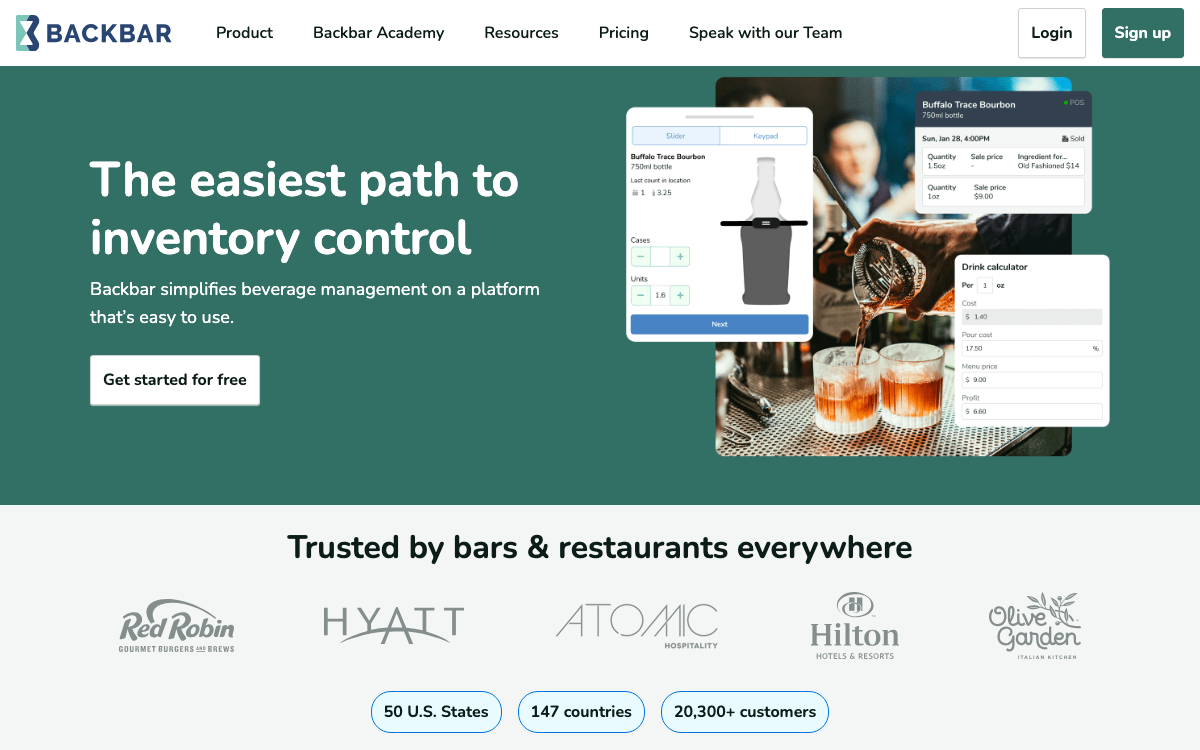
- The free tier is genuinely usable. Basic covers one location with unlimited users, email support, and six months of report history, which is enough to get counts honest before spending anything.
- What the free tier leaves out is the costing. Recipe builder, drink costing and pricing, purchasing tools, advanced reporting, and user permission controls all sit behind a paid plan.
- POS integrations start on Essential, which is where real-time depletions and perpetual inventory begin, and the location cap and report-history limit both disappear on the paid tiers.
Price: Basic is free. Essential is $79 and Professional is $129, both per location per month. (source: Backbar pricing page)
What to weigh Automatic invoice entry is included only on Professional. On the free plan, vendor bill entry remains manual.
Common questions
Toast does not publish a standard price for it. The product page routes to a demo request, so the number arrives through a sales conversation. Third-party directories still carry an older starting figure that Toast's own pages do not confirm.
Implementation and contract terms, mostly. MarginEdge bills monthly with no contract, but its annual option locks a 12-month term and cancelling mid-year still owes the balance. Quote-only vendors bury configuration and training in a one-time implementation line that never appears on a comparison page.
Yes. Use Tab on its own when the job is paying card-accepting vendors, controlling manager purchases, collecting receipts, and coding spend by restaurant. Use Tab with xtraCHEF or another food-cost tool when you also need invoice capture, inventory counts, recipes, or food-cost reporting.

James writes from Tab's work with restaurant groups choosing cards, collecting receipts, tracking spend by restaurant, and getting clean purchase data into accounting. Tab gives restaurant groups cards, accounts, receipt automation, and Andy AI for vendor pricing and rebates.


