


Contents
Changing banks will not fix every money problem. This guide separates deposit accounts from the card, receipt, and restaurant-coding work around them, then compares 7 options by the job each one handles.
Mercury alternatives at a glance
Seven options, side by side, sorted by how well each one fits the way a restaurant actually spends and banks.
| # | Platform | What it is | Best for | Pricing | Key caveat |
|---|---|---|---|---|---|
| 01 |  Tab Best for restaurantsRestaurant finance platform
|
Restaurant finance platform | Operators who want spend controls, receipts, and accounting handled | Base is free; Pro $150/month/location | Not a bank; built for restaurant financial flows |
| 02 |  RelayOnline business banking
|
Online business banking (fintech) | Small businesses that budget with multiple no-fee checking accounts | Free; Grow $30/month; Scale $90/month | Bill pay sits on paid plans |
| 03 |  BluevineOnline business banking
|
Online business banking (fintech) | Owners who want yield on everyday operating cash | Free; Plus $30/month; Premier $95/month | APY carries monthly activity requirements |
| 04 |  RhoBanking + corporate card
|
Banking + corporate card platform | Companies that want banking, cards, and AP in one stack | No platform, subscription, or per-card fees | Daily auto-debit repayment by default |
| 05 |  RampSpend management platform
|
Spend management platform | Finance teams layering controls on top of existing banking | Free; Plus $15/user/month + platform fee | Not a bank; bill-pay fees from June 2026 |
| 06 |  BrexCorporate card + banking
|
Corporate card + banking platform | Venture-backed and global teams | Essentials $0/user/month; Premium $12/user/month | Underwriting favors funded companies |
| 07 |  Chase Business BankingTraditional bank
|
Traditional bank | Operators who need branches and cash deposits | $15/month, waivable | Branch-era fees and lighter software |
Pricing verified June 2026 on each provider's published pricing, with neutral review sources where pages are not public. Plans change; confirm terms before you commit.
Where Mercury falls short according to users online
Credit where it is due: Mercury's free business banking is genuinely free. There are no account minimums, overdraft fees, monthly fees, or account opening fees, USD wires cost $0, and deposits carry up to $5M in FDIC insurance through its partner banks' use of sweep networks (verified on Mercury's pricing and business banking pages, June 2026).
But the product is aimed at a specific kind of company, and it is not a restaurant. Pull the public feedback from Trustpilot, G2, and Reddit's small-business communities, set it next to Mercury's own pricing and eligibility pages, and the same themes come up for operators:
- Nothing in the workflow knows what a location is. Mercury pitches startups, ecommerce brands, agencies, and VC funds on its own pages. There is no location tagging, no vendor-assigned cards, and no receipt chasing built for hourly teams. (source: Mercury business banking and product pages)
- Cash deposits are unavailable. Mercury does not accept cash deposits, which is a nightly problem for any restaurant that still banks cash. (NerdWallet's Mercury review)
- Eligibility and account-access anxiety. Mercury requires a company formed and registered in the US or a US territory, and reviewers describe sudden account restrictions or closures with explanations they found thin. (sources: Mercury business banking page; Trustpilot reviews; Reddit small-business threads)
- Support is email-first. NerdWallet notes Mercury relies primarily on email for customer support, and reviewers report slow responses at the worst moments, like a flagged payment the week of payroll. (sources: NerdWallet's Mercury review; Trustpilot and G2 reviews)
- ACH timing can drag. Some reviews flag transfers that take a business day or more, plus multi-day holds on direct debits, which stings when a distributor auto-debit hits Thursday and the weekend's deposit lands Monday. (sources: G2 and Trustpilot reviews)
- The expense layer is light for ops-heavy teams. Free-plan reimbursements cap at 5 active users a month, and richer accounting automation climbs into the $29.90/month Plus and $299/month Pro tiers. (source: Mercury pricing page)
None of this makes Mercury a bad product. It makes it a startup bank account, and a restaurant group runs on different rails.
The restaurant finance fit test
Before comparing alternatives to Mercury Bank feature by feature, get honest about which problem is actually yours. Searches in this aisle usually trace back to one of three problems: a banking problem, a spend-control problem, or a restaurant back-office problem.
| If your real issue is... | Options to compare | Why |
|---|---|---|
| Generic checking and savings with low fees | Mercury, Relay, or Bluevine | Free online business banking with multiple accounts and competitive yield. |
| Startup banking with treasury on idle cash | Mercury, Brex, or Rho | Built for venture-shaped balance sheets and larger idle balances. |
| Restaurant card controls and receipt capture | Tab | Cards assigned to employees, locations, and vendors, with receipt prompts after every swipe. |
| Location, entity, and bank-account mapping for clean books | Tab | Transactions tagged or split across locations and entities, with a full QuickBooks Online integration or customizable exports for other ledgers. |
| AP and bill pay across general business vendors | Ramp, Rho, or Brex | Spend platforms with approval workflows and bill pay built in. |
| Branch access and nightly cash deposits | Chase or another traditional bank | Online-only fintechs do not take cash; a branch network does. |
The rows are not exclusive: many groups keep a bank for deposits and run spending through a restaurant layer on top.
What to weigh
If the bank is staying but the ledger is not settled, compare the daily work in this restaurant bookkeeping software guide.
Two notes on reading the table. The rows are not exclusive: plenty of restaurant groups keep a banking-first account for deposits and run spending through a restaurant layer on top. And lighter banking names like Novo appear in startup-focused Mercury comparisons, but they thin out fast once payroll, distributors, and multiple entities enter the picture.
If the card-control rows are where you landed, the primer on modern corporate and purchasing cards for restaurants explains why restaurant card programs behave differently from bank-issued cards.
The 7 Mercury Alternatives, Ranked
Tab
Best for restaurantsBest for restaurant operators whose real pain is spend control, receipts, cash visibility, and accounting cleanup, not the bank account itself.
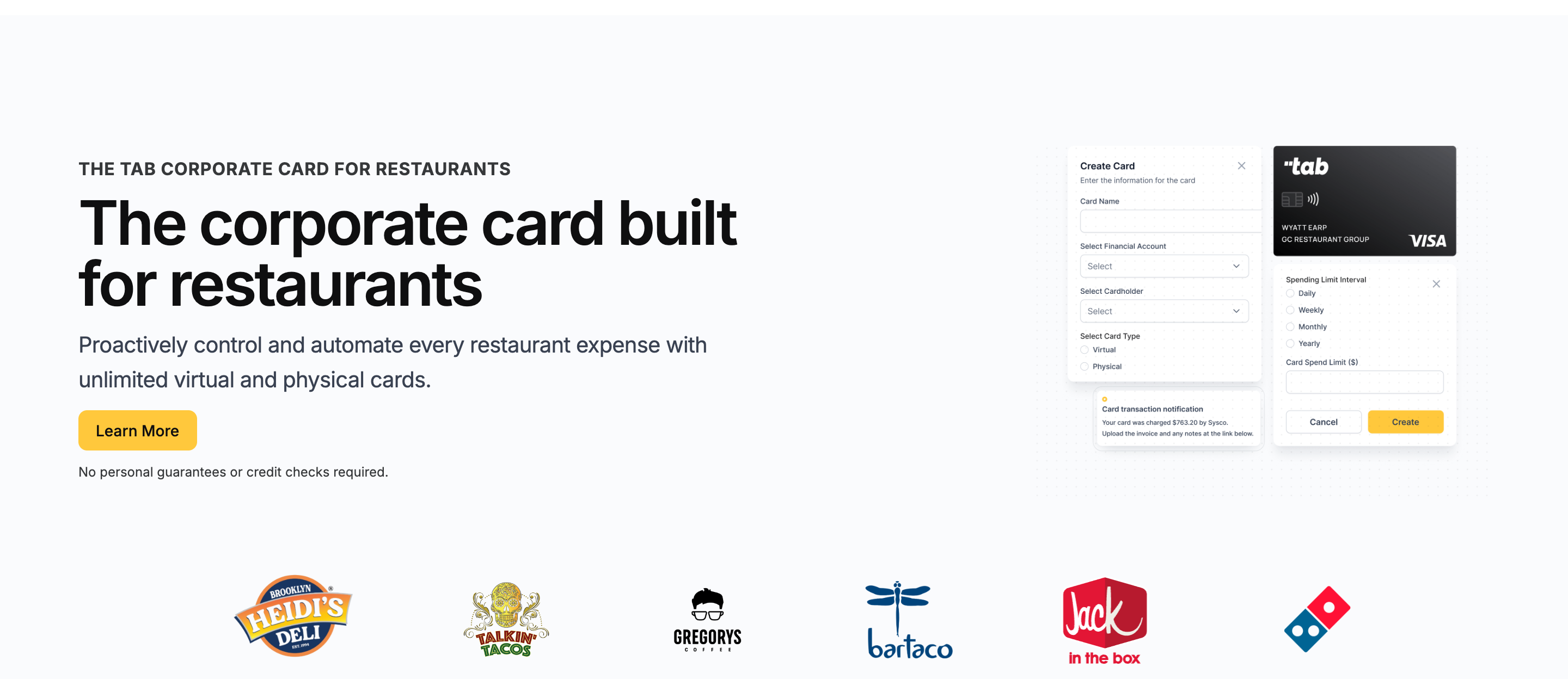
Tab starts with the restaurant spend workflow rather than the checking account. It combines a restaurant corporate card with receipt capture, location coding, and cash tools for groups with multiple locations, LLCs, and bank accounts.
That means unlimited virtual and physical Visa cards, virtual accounts, and automation that handles the receipt and coding work cards usually create.
- Not a bank, by design. Tab does not pretend to be your deposit account. Tab Connect links the bank accounts and eligible cards you already have, so Tab runs spending and receipts while Mercury, Chase, or anyone else keeps holding the deposits.
- The control model is restaurant-shaped. Every card carries custom limits and gets assigned to an employee, one or more locations, and even specific vendors. A repairs-and-maintenance card can stay tied to approved vendors and locations.
- The books arrive already coded. After each swipe, Tab prompts for the receipt, note, and location tag. Multi-store purchases can be split across locations, then sent through the full QuickBooks Online integration.
- Multi-entity workflows stay mapped. For groups with separate LLCs and bank accounts, Tab supports location and entity mapping, plus repayment workflows that reduce sweep work.
- Accounting handoffs stay clear. Tab has a full QuickBooks Online integration and works with operators on customizable export files for Restaurant365 and other ledgers.
Cash visibility gets restaurant treatment too:
- Cash back stays simple. Tab's Base plan includes unlimited cash back, while the real value is restaurant-specific spend control and accounting context.
- Restaurant operators avoid an owner credit check. Tab requires no credit check, and account-specific repayment details should be verified with Tab.
- Virtual accounts separate location cash. Tab Accounts opens unlimited virtual accounts with their own account and routing numbers: one per location for POS deposits, one ring-fenced for vendor auto-debits, with real-time internal transfers at no cost and currently 2% APY on cash balances (variable and subject to change).
Operators who compared expense systems landed here. Rock Strategic runs 75+ units on Tab and Heidi's Brooklyn Deli runs 8+ locations. The quote above comes from Tab's card launch announcement.
- Best forOperators with spend, receipt, and coding pain
- PricingBase free; Pro $150/mo/location
- Cash backunlimited cash back on Base
- Built forRestaurant financial flows
What you get on the free plan:
- Unlimited virtual and physical cards with custom limits by employee, location, and vendor
- Automated receipt capture by text and email, with location tags and splits
- Full QuickBooks Online integration included
- Unlimited virtual accounts for POS deposits and vendor debits
- Unlimited cash back, no annual fee
- Live US-based human support
Pricing: Tab's Base plan is free and includes the cards, receipt capture, the full QuickBooks Online integration, virtual accounts, and live US-based human support.
Pro and Andy AI: Pro is $150/month/location and adds Andy AI, Tab's purchasing analyst for distributor invoice intelligence, price checks, rebates, and contract visibility, plus a dedicated Account Manager; groups with 5+ locations get custom pricing.
Where Mercury may fit better: pure banking. Free USD wires, a polished interface, and Treasury yield (currently up to 3.60%, with a $250K minimum, per Mercury's pricing page, June 2026) can suit a startup-style deposit account, and Tab does not replace those functions.
That is the clean line: Mercury can stay the deposit account, while Tab handles the restaurant spend workflow.
Best for: independent and multi-location restaurant groups where managers spend, receipts vanish, and month-end coding eats days, whether they keep Mercury for banking or not.
Relay
Best for small operators who manage money in buckets and want banking that plays along.
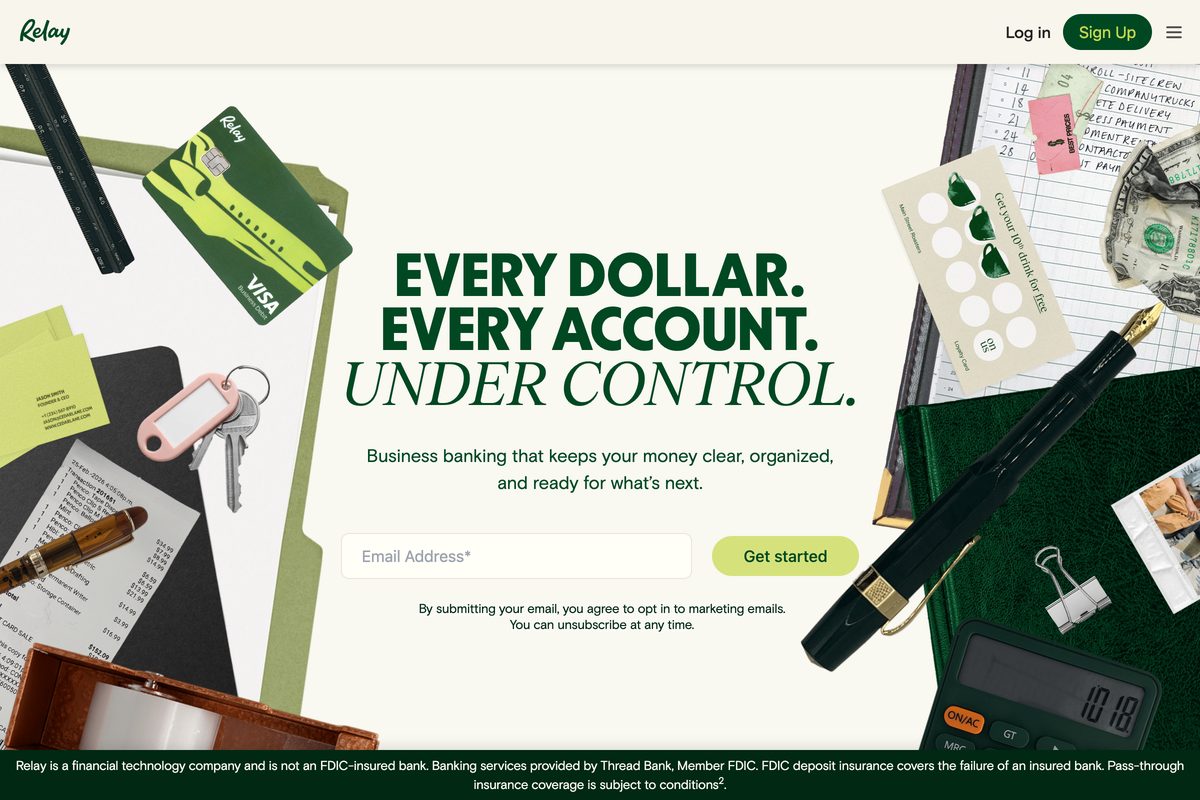
Relay is the closest experience to Mercury here, rebuilt for small-business cash discipline. The free Starter plan includes up to 20 checking accounts per business and up to 50 debit and credit cards, so every store, tax reserve, and payroll bucket can get its own account. The draw for restaurants running envelope-style budgeting is real, but the workflow stops at banking.
- Best forBucket-style budgeting that still banks cash
- PricingFree; Grow $30/mo; Scale $90/mo
- YieldCurrently 1.11% to 3.00% APY by plan
- What to weighBill pay is not on the free plan
Where it wins
- More accounts than Mercury. Up to 20 checking accounts and 50 cards per business, so every store and reserve gets its own balance.
- Cash deposits are supported. Deposits work free at Allpoint+ ATMs and for $4.95 per deposit at Green Dot retailers.
- Auto-split deposits. Relay advertises auto-transfers that split every deposit across buckets, the Profit First pattern, with yield currently 1.11% to 3.00% APY by plan.
Where it falls short
- Bill pay is not free. Paying distributors from Relay means the $30/month Grow tier or higher.
- Same-day ACH is paid too. The $90/month Scale plan includes 10 per month.
- No restaurant workflow. Buckets are not a location P&L; receipts and GL coding stay manual.
Pricing: Starter free; Grow $30/month; Scale $90/month, with FDIC coverage up to $3M via Thread Bank, Member FDIC (verified on Relay's pricing page and NerdWallet's Relay review, June 2026).
Relay (This Section)
Starter free; Grow $30/month; Scale $90/month
Mercury
Banking free; Plus $29.90/month; Pro $299/month
Tab (for reference)
Base free; Pro $150/month/location
What to weigh
- Bill pay and same-day ACH live on paid plans, FDIC sweep coverage runs up to $3M against Mercury's up to $5M, and nothing in Relay knows a location, so receipts and GL coding stay manual.
Bluevine
Best for owners who want their operating cash earning yield without a treasury minimum.

Bluevine's pitch is the interest rate on money you were holding anyway. Standard business checking is free and currently pays 1.3% APY on balances up to $250K, with a monthly activity requirement: spend $500 on the Bluevine debit card or receive $2,500 in payments. Where Mercury parks meaningful yield behind a $250K Treasury minimum, Bluevine pays on normal restaurant balances.
- Best forYield on everyday operating cash
- PricingFree; Plus $30/mo; Premier $95/mo
- YieldCurrently 1.3% to 3.0% APY by plan
- What to weighAPY has monthly activity homework
Where it wins
- Yield at normal balances. A taqueria holding $80K of working cash earns nothing at Mercury and real interest at Bluevine.
- Paid tiers push further. Plus at $30/month currently pays 1.75% and Premier at $95/month pays 3.0%, both fees waivable on balance and spend conditions.
- Cash deposits are supported. Retail cash deposits work through Green Dot and Allpoint+, with up to $3M in FDIC insurance via Coastal Community Bank, Member FDIC.
Where it falls short
- The APY has homework. Miss the monthly debit-spend or incoming-payment threshold on the free plan and the rate does not apply.
- Cash deposits cost money. $4.95 at Green Dot retailers, or $1 plus 0.5% of the amount at Allpoint+ ATMs, which adds up for a cash-heavy counter-service spot.
- No spend program. Employee cards with limits, receipt capture, and location coding are not what Bluevine is for.
Pricing: Standard free; Plus $30/month; Premier $95/month, both fees waivable on balance and spend conditions (verified on Bluevine's business checking page and NerdWallet's Bluevine review, June 2026).
Bluevine (This Section)
Standard free; Plus $30/month; Premier $95/month
Mercury
Banking free; Plus $29.90/month; Pro $299/month
Tab (for reference)
Base free; Pro $150/month/location
What to weigh
- The headline APY requires hitting a monthly debit-spend or incoming-payment threshold, cash deposits carry a per-deposit fee every time, and there is no employee-card or receipt-capture program.
Rho
Best for teams that want banking, treasury, corporate cards, and AP under one roof.
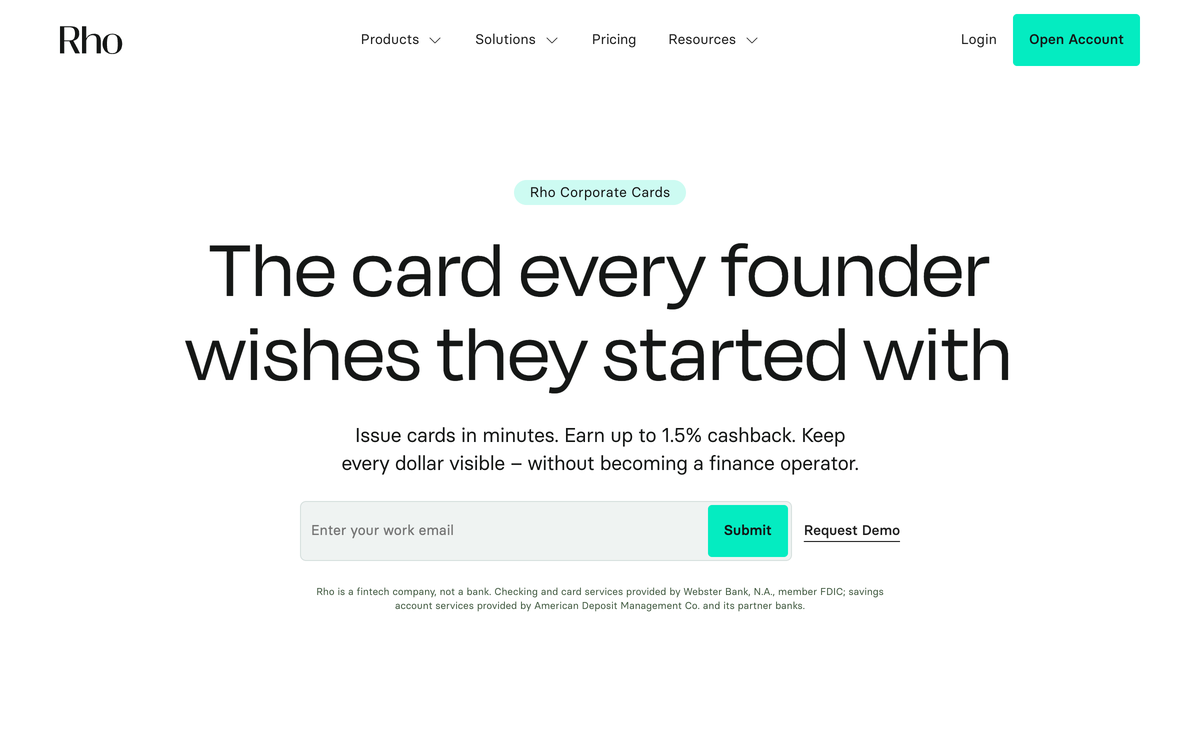
Rho bundles what Mercury spreads across tiers: business checking, treasury, AP and bill pay, plus a full corporate card program, with no platform, subscription, or per-card fees. The cards are the standout for anyone comparing Mercury's IO card, but nothing in the product knows restaurants.
- Best forBanking, cards, and AP in one vendor
- PricingNo platform, subscription, or card fees
- Cash backUp to 1.5% on all spend
- What to weighDaily auto-debit repayment by default
Where it wins
- A complete spend program. Cards earn up to 1.5% cash back with real-time controls and accounting sync, where Mercury offers a card attached to a bank account.
- No personal credit pull. Rho says qualification does not require a personal credit pull.
- Honest fees. A deeper finance stack at the same $0 software price as Mercury banking.
Where it falls short
- You bank where you card. Repayment auto-debits daily from Rho checking by default, with monthly terms only on application, so operating cash effectively needs to live at Rho.
- A 3% late fee applies to delinquent balances.
- Still startup-flavored. Cards run on Mastercard via Webster Bank, and nothing in it knows locations, house accounts, or distributor cadence.
Pricing: No platform, subscription, or per-card fees (verified on Rho's corporate cards page, June 2026).
Rho (This Section)
No platform, subscription, or per-card fees
Mercury
Banking free; Plus $29.90/month; Pro $299/month
Tab (for reference)
Base free; Pro $150/month/location
What to weigh
- Repayment is a daily auto-debit from Rho checking by default with monthly terms on application, a 3% late fee applies to delinquent balances, and cards run on Mastercard via Webster Bank, worth checking against Visa-specific vendor arrangements.
Ramp
Best for finance teams adding spend controls and AP on top of banking that already works.
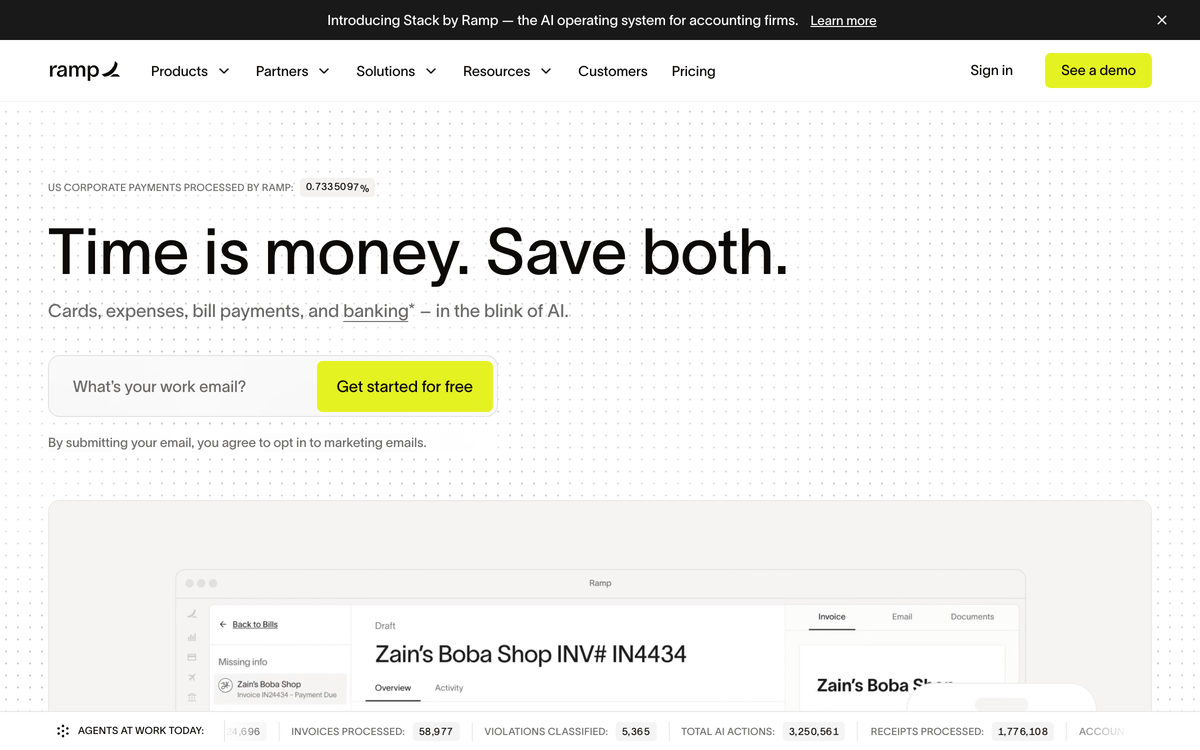
Ramp answers a different question than Mercury. It is not a bank account at all: it is a spend management platform with corporate cards, expense automation, bill pay, and procurement that sits on top of whatever bank you keep. That makes it the structural cousin of Tab on this list: leave the deposits where they are, fix the spending.
- Best forDesk-style finance teams
- PricingFree; Plus $15/user/mo + platform fee
- RewardsCash back on card spend
- What to weighPer-user pricing; no restaurant logic
Where it wins
- Deeper controls than Mercury. Far stronger approval workflows and policy enforcement than Mercury's expense features.
- A genuinely free base tier. Unlimited employee cards with limits, receipt collection by SMS, and QuickBooks Online and Xero sync at $0.
- Leaves your bank alone. Like Tab, it fixes spending without moving your deposits.
Where it falls short
- Generic by design. No location tagging at the swipe and no vendor-assigned cards; NetSuite and Sage Intacct land in Ramp Plus at $15 per user per month billed annually, plus a platform fee.
- Per-user pricing compounds. The cost stacks up when every shift lead needs a card.
- Generic company assumptions. Workflows are built for office-based teams, not distributed restaurant operators.
Pricing: Free base tier; Plus is $15/user/month billed annually plus a platform fee based on team size (verified via Capterra's Ramp pricing, June 2026).
Ramp (This Section)
Base free; Plus $15/user/month billed annually + platform fee
Mercury
Banking free; Plus $29.90/month; Pro $299/month
Tab (for reference)
Base free; Pro $150/month/location
What to weigh
- Bill pay stopped being free: effective June 1, 2026, standard ACH costs $0.59, same-day ACH $10, domestic wires $15, and checks $1.99, waived when paying from a Ramp account. The Plus platform fee also depends on team size, so the sticker price is not the invoice.
Brex
Best for venture-backed groups with global spend and a treasury to manage.
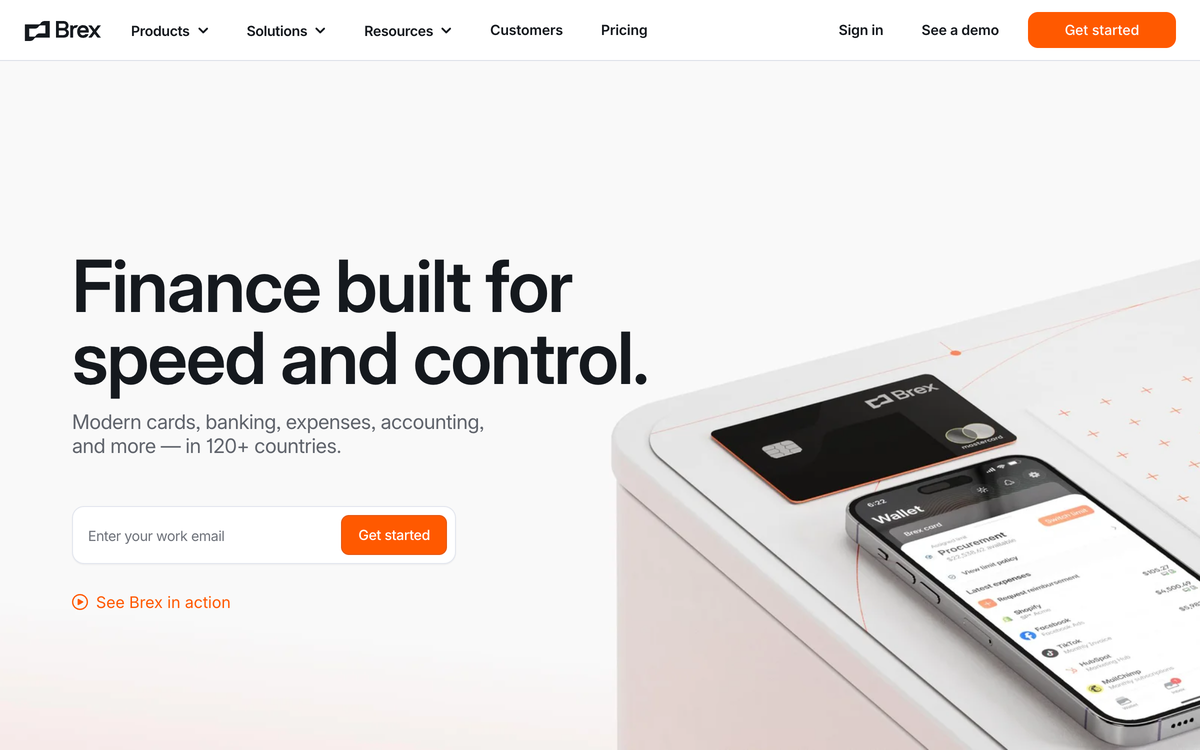
Brex competes in Mercury's home league: venture-backed companies that want banking, cards, and spend software in one place, with global reach Mercury does not match. Multi-currency support and international entities make it the realistic pick for hospitality groups operating beyond the US, if you clear its underwriting.
- Best forFunded, global hospitality groups
- PricingEssentials $0; Premium $12/user/mo
- RewardsPoints, no public flat cash-back rate
- What to weighUnderwriting favors funded companies
Where it wins
- Stronger spend management than Mercury. Premium at $12 per user per month adds live budgets and deeper policy tooling.
- Global coverage. Multi-currency support and international entities for hospitality groups operating beyond the US.
- $0 Essentials tier covering cards, banking, and expense basics to start.
Where it falls short
- Underwriting favors funded companies. Built for cash-rich, venture-backed balance sheets, not the typical restaurant.
- Points, not flat cash. No public flat cash-back rate, and converting points into value is one more job an operator has no time for.
- Nothing restaurant-native. No location tagging, no vendor cards, no POS-aware cash structure.
Pricing: Essentials $0/user/month; Premium $12/user/month; Enterprise is custom (verified on Brex's pricing page, June 2026).
Brex (This Section)
Essentials $0/user/month; Premium $12/user/month; Enterprise custom
Mercury
Banking free; Plus $29.90/month; Pro $299/month
Tab (for reference)
Base free; Pro $150/month/location
What to weigh
- Underwriting favors funded, cash-rich companies, which is not the typical restaurant balance sheet; rewards are points with no public flat cash-back rate; and nothing in the product is restaurant-native.
Chase Business Banking
Best for operators whose week still includes a bank run.
Chase is the anti-Mercury, and for plenty of restaurants that is exactly the point. Business Complete Banking costs $15 per month, waived with a $2,000 minimum daily balance among other paths, and comes with around 5,000 branches (full details on NerdWallet). The restaurant case is physical.
- Best forBranches and nightly cash deposits
- Pricing$15/month, waivable
- CashFirst $5,000/cycle fee-free
- What to weighBranch-era fees and lighter software
Where it wins
- Branch cash deposits are supported. The first $5,000 in cash deposits per statement cycle is fee-free, then $2.50 per $1,000, per MyBankTracker's review.
- A branch network. Around 5,000 locations plus a banker who knows your name for lending, leases, and problems fixed across a desk.
- Built-in card acceptance. QuickAccept processing rounds out the case Mercury cannot match physically.
Where it falls short
- The fee waiver is a treadmill. Drop under the $2,000 daily balance without another qualifying activity and the $15 monthly fee returns.
- Paper has limits. 20 fee-free teller and check transactions per month on Business Complete Banking.
- Bank-grade, not platform-grade. Employee debit cards exist, but receipt capture and location coding stay manual.
Pricing: Business Complete Banking is $15/month, waived with a $2,000 minimum daily balance among other paths (verified via NerdWallet's Chase review, June 2026).
Chase (This Section)
Business Complete Banking $15/month, waivable
Mercury
Banking free; Plus $29.90/month; Pro $299/month
Tab (for reference)
Base free; Pro $150/month/location
What to weigh
The $15 monthly fee returns the moment balances dip below $2,000 without another qualifying activity, paper transactions cap at 20 fee-free per month, and spend tooling is bank-grade. For ovens, refrigeration, or a build-out, this restaurant equipment financing guide compares loan, lease, and card options.
Verified on vendor pages and neutral reviews, June 2026The verdict
Decision rules
- Your bank is fine but spending creates cleanup: Tab may fit. It sets card limits by employee, restaurant, and vendor, texts for receipts, uses a direct QuickBooks Online integration, and supports customizable exports for other accounting tools.
- You want Mercury-style banking that takes cash and sorts money into buckets: choose Relay.
- You want your operating balance earning yield today: choose Bluevine, and mind the monthly activity requirements.
- You want banking, cards, and AP consolidated with one vendor: choose Rho, or Brex if you are funded and global.
- You want spend controls without touching your banking: choose Ramp for broad corporate teams, or Tab when spend happens across locations, vendors, repairs, and back-office workflows.
- You still bank cash nightly: choose Chase and keep the branch.
For most restaurant operators reading a Mercury alternatives list, the honest diagnosis is the third row of the fit test. The bank account was never the problem. The receipts, the location coding, and the month-end cleanup are.
FAQ
Tab fits restaurant operators whose bank works but whose card spend still creates receipt and coding work. It adds card limits, receipt prompts, restaurant tags, cash visibility, and a direct QuickBooks Online integration while the existing bank stays in place. If the need is generic business checking, compare Relay, Bluevine, Rho, and Chase.
No. Tab is a financial technology platform built for restaurants, not a bank. Tab partners with Stripe Payments Company for money transmission, customer funds are held at Fifth Third Bank, Member FDIC, and Tab Visa cards are issued by Celtic Bank and Cross River Bank, Member FDIC. In practice that means Tab can replace your card and back-office workflow while running beside whichever bank you keep.
Mercury works as a free online deposit account for a restaurant company, and its fee structure is hard to argue with. But it cannot take cash deposits, support is email-first, and nothing in the product handles locations, receipts, or vendor spend. Most restaurants on Mercury end up pairing it with manual bookkeeping or a dedicated restaurant finance tool.
If Mercury's banking works for you, adding a layer is usually the cheaper, lower-risk move: Tab links your existing bank accounts and eligible cards through Tab Connect, so deposits stay put while cards, receipts, and accounting move to restaurant-native rails. Replace Mercury outright only when you need what a fintech account cannot offer, like branch access or nightly cash deposits.
Chase is the only option on this list with a branch network, around 5,000 locations, plus the first $5,000 in cash deposits fee-free per statement cycle. Relay and Bluevine accept cash through Allpoint+ ATMs and Green Dot retailers with per-deposit fees. Mercury does not accept cash deposits, and spend platforms like Tab, Ramp, and Brex are not built for cash handling.
Only partially. Mercury's IO card earns 1.5% unlimited cash back and the free plan includes reimbursements for up to 5 active users a month, which suits small small office teams. Restaurants juggling manager purchases across locations usually need dedicated spend tooling: vendor-assigned cards, receipt prompts at the swipe, location splits, and a clean QuickBooks Online feed, which is the job Tab was built for.
The bottom line
Mercury earned its reputation with startups, and nothing here argues otherwise. But restaurant money does not behave like startup money, and the right alternative is the one built for how your spend actually happens.
If employees spend across locations, invoices arrive from distributors, and the books still have to close, put Tab Card on restaurant duty: spend controls, receipt capture, and location-level books on a free Base plan. Setup takes about one week and is ready for the first billing cycle, with no credit check to clear.

James writes from Tab's work with restaurant groups choosing cards, receipt workflows, accounting handoffs, and support. Tab builds the AI-powered finance platform for restaurants: cards, accounts, payments, automation, and intelligence in one back office.


