

Contents
Restaurant groups usually leave Ramp because the workflow or the paid tier no longer fits. We compared 7 direct alternatives on restaurant card controls, receipt follow-up, accounting handoff, and the work the team would have to rebuild.
Where Ramp falls short according to users online
Ramp is fast to issue cards and capture receipts, which is why its ratings are high. Public reviews and Ramp's pricing pages point to 6 tradeoffs worth weighing before a restaurant switches.
- The Plus quote depends on your headcount. Ramp's free tier is real, but Plus runs $15 per user per month billed annually plus a platform fee based on team size, and that fee only becomes concrete in a quote. Forty cardholders across 6 locations is per-user math worth doing before you commit. (sources: Ramp pricing page; Capterra pricing listing, June 2026)
- The deeper workflows live in paid tiers. QuickBooks Online and Xero sync on the free plan, but NetSuite and Sage Intacct integrations sit in Plus, alongside advanced approvals and procurement. (source: Ramp pricing page, June 2026)
- Bill pay now carries per-payment fees. Effective June 1, 2026, standard ACH payments cost $0.59, same-day ACH $10, domestic wires $15, SWIFT USD wires $20, and standard checks $1.99, waived when paying from a Ramp business account. High-volume vendor payers should run that math. (source: Ramp pricing overview, Ramp help center, June 2026)
- Reporting hits a customization ceiling. Capterra reviewers note that reporting options beyond the basics "cannot be customized sufficiently," which matters when you need location-level cuts of spend. (source: Capterra reviews)
- Support is responsive, not instant. Reviewers describe email-first support that usually answers within 24 hours, with a live human harder to reach, and several flag account permissions as a confusing part of setup. (source: Capterra reviews)
- None of it is restaurant-native. There is no location tagging at the moment of swipe, no vendor-assigned cards, and no POS-aware cash workflow. That gap grows when restaurants need high-volume reconciliation by location, LLC, bank account, and vendor. (source: Ramp product positioning, June 2026)
None of these make Ramp a bad product. They define who it is for: finance teams with enough cash cushion, ERP depth, and centralized workflows to use Ramp on its own terms.
How we chose the best Ramp alternatives
A restaurant card program is judged after the swipe: who spent, at which location, where the receipt went, and how clean the books are on the 1st. So we scored each alternative against that work, not the demo.
- Restaurant fit. Location tagging, vendor-level card assignment, and cash workflows that understand POS deposits. The primer on modern corporate and purchasing cards for restaurants explains why generic programs leak here.
- Pricing transparency. Public numbers beat quote-gated platform fees. We flag every fee that requires a sales call.
- Card controls managers actually use. Custom limits, instant issuing, and controls that work for field spenders, repairs teams, office staff, and operators.
- Receipt and accounting automation. Restaurants collectively spend over 250 million hours a year reconciling expenses. The program should chase receipts and code transactions instead of handing your back office the cleanup.
- Multi-location, multi-LLC, and multi-bank support. A transaction should land on the right store's P&L and reconcile to the right entity and bank account.
- Switching effort. How much workflow your team has to relearn, and whether you must move banking to get full value.
Every alternative below gets measured against Ramp on those terms, with a three-way pricing comparison so you always see the section's tool, Ramp, and Tab in one glance.
The Ramp replacement reason matrix
Before comparing logos, name the job Ramp is failing at for you. Someone leaving over a platform fee needs a different answer than someone whose cardholders will not return receipts.
| If you are leaving Ramp because... | Shortlist | Why |
|---|---|---|
| Managers need cards, receipts, and location tags handled for them | Tab | Restaurant-native controls, receipt prompts by text, and a full QuickBooks Online integration on a free plan |
| You need procurement depth, ERP automation, strong cash balances, or global entities | Ramp or Airbase | Ramp fits ERP-heavy finance teams; Airbase adds AP depth with payroll adjacency |
| You are funded or global and want a Ramp-style platform | Brex | Points-based cards, global acceptance, and multi-currency operations |
| You mainly want a new bank account with simple cards | Mercury | Banking-first platform with the card as a secondary tool |
| Bill pay or AP connection is mandatory | BILL Spend & Expense | BILL is AP-first, with spend cards attached |
| Travel is your biggest controllable spend | Navan | Travel-first platform with free booking tools and integrated expense |
| You want to keep your existing cards and fix expense capture | Expensify, or Tab Connect | Software layers over the cards and bank accounts you already have |
The ranking below starts from the restaurant case, because that is the switching trigger generic alternatives lists ignore.
Ramp alternatives at a glance
| # | Alternative | Best for | Pricing | Review signal | Key caveat |
|---|---|---|---|---|---|
| 01 |  Tab Best for restaurantsRestaurant-native card + finance workflow
|
Restaurant owners and multi-location groups replacing generic spend tools | Base free; Pro $150/month/location | 1,000+ restaurants on the platform | Built for restaurant financial flows |
| 02 |  BrexStartup-grade cards and banking
|
Funded or global teams that want a Ramp-style platform | Essentials $0/user/month; Premium $12/user/month | 4.8 on G2 | Points, not flat cash back; startup-leaning underwriting |
| 03 |  BILL Spend & ExpenseAP-first card workflow (Divvy)
|
Teams that need AP and card spend in one BILL workflow | Free software with the BILL Divvy Card | 4.5 on G2 (2,000+ reviews) | Card workflows can get harder across locations |
| 04 |  NavanTravel-first spend platform
|
Teams whose controllable spend is mostly travel | Expense free for first 5 users, then $15/user/month | 4.6 on Capterra | Travel-first; no restaurant workflows |
| 05 |  Airbase (Paylocity for Finance)Spend management beside payroll
|
Mid-market teams pairing spend control with payroll | Custom quote only | Standalone G2 listing retired after acquisition | No public pricing |
| 06 |  ExpensifyExpense layer over your cards
|
Keeping existing cards while fixing expense capture | Collect $5/member/month; Control $9 to $36/member/month | 4.5 on Capterra (1,300+ reviews) | Software layer, not a card program |
| 07 |  MercuryBanking-first, card on the side
|
Banking-first operators with simple card needs | Free banking; Plus $29.90/month; Pro $299/month | 4.7 on G2 | Light expense and location tooling |
Pricing verified June 2026 on each provider's published pricing or billing documentation; ratings read from G2 and Capterra listings in June 2026.
The 7 best Ramp alternatives, ranked
Tab
Best for restaurantsBest Ramp alternative for restaurants that want cards, receipts, locations, entities, and accounting handled by one system.
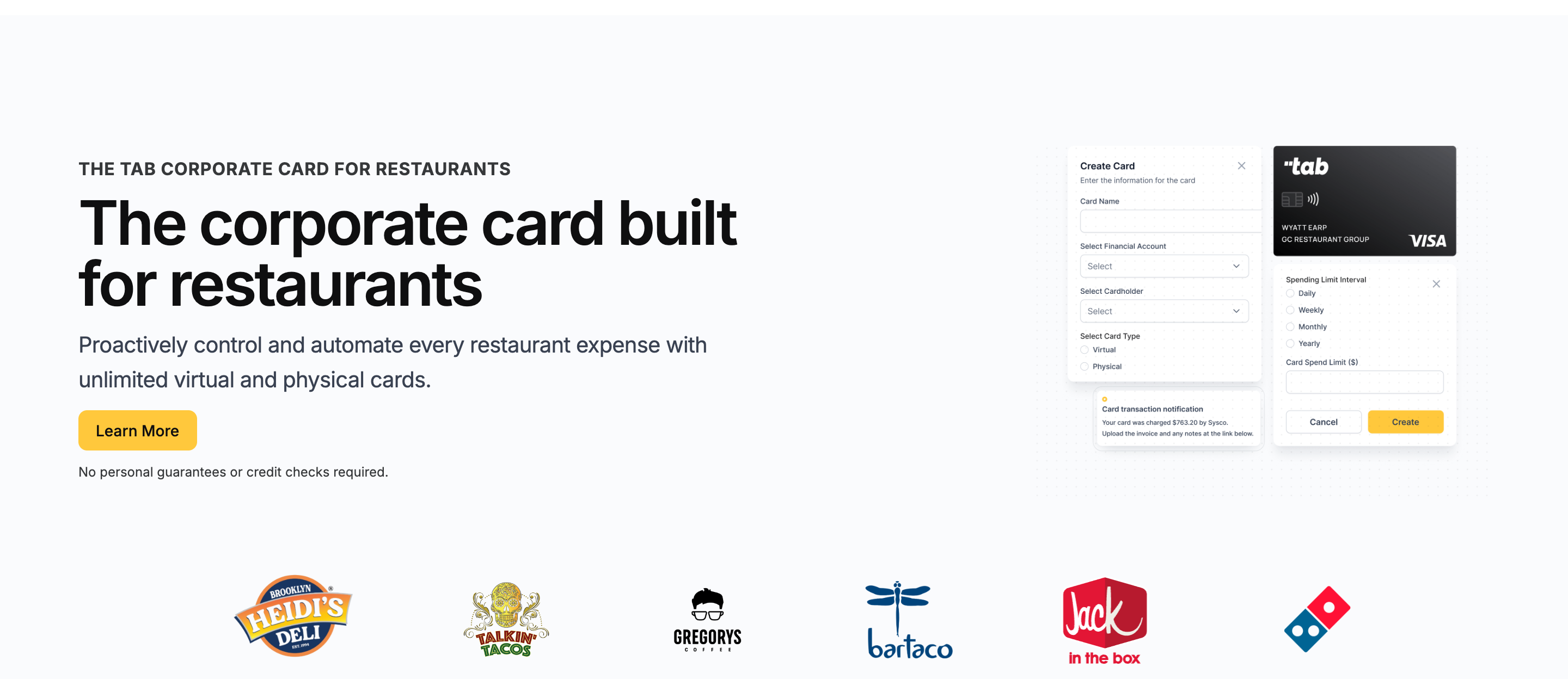
Tab is what a corporate card program looks like when it is built for restaurants: multiple locations, LLCs, bank accounts, and accounting flows.
It pairs a restaurant corporate card with receipt automation, spend controls, virtual accounts, and restaurant-aware support. 1,000+ restaurants use Tab.
Against Ramp
Ramp automates generic policy for broad finance teams. Tab automates the restaurant version: the swipe, the receipt prompt by text, the location/entity tag, and the accounting entry, with no per-user fee attached to any of it.
The controls map to restaurant reality:
- Cards scoped to the job. Cards are assigned to an employee, one or more locations, and even specific vendors, each with custom limits. A maintenance lead gets a card that works for approved repair vendors and nothing else.
- Rogue spending stops at issuance. Limits are set before the card is used, so overspending is prevented rather than surfaced at month-end.
- Receipts chase themselves. After each swipe, the cardholder gets a text and email prompt to snap the receipt, add a note, and tag the location, including splitting one purchase across stores.
For multi-entity groups, that context matters after the charge clears. Tab supports multi-bank and multi-LLC workflows so finance can map spend to the right location, entity, and repayment source instead of cleaning it up through month-end sweeps.
Tab's location tagging for card transactions asks which restaurant owns the purchase while it is still fresh. Transactions can then be reviewed and sent through the full QuickBooks Online integration on the free plan.
For Restaurant365 and other ledgers, Tab creates customizable exports so finance gets the fields its restaurant accounting workflow needs instead of a generic card file.
The Teresa quote comes from Tab's card launch announcement. Tab's Base plan includes unlimited cash back, with no credit check required. The bigger difference is operational: receipt capture, location tagging, bank-account workflows, accounting exports, and support built around restaurant spend. Cash held in Tab Accounts currently earns 2% APY.
- Best forIndependent and multi-location restaurant operators
- PricingBase free; Pro $150/mo/location
- Rewardsunlimited cash back on Base
- Built forRestaurant financial flows
What you get on the free plan:
- Unlimited virtual and physical cards
- Custom limits by employee, location, and vendor
- Automated receipt capture by text and email
- Full QuickBooks Online integration included
- Customizable exports for Restaurant365 and other ledgers
- Unlimited cash back, no annual fee
- Live US-based human support
Pricing: Tab's pricing page is public. Base is free and includes cards, receipt capture, the full QuickBooks Online integration, accounts, unlimited cash back, and live US-based support. Pro is $150/month/location and adds Andy AI for invoice intelligence, price checks, rebates, and contract visibility.
Best for: Restaurant operators who want the card program to handle receipts, restaurants, LLCs, bank workflows, and accounting exports.
Ramp may fit better when spend is mostly software subscriptions, procurement approvals, ERP administration, and global entities. For a line-by-line breakdown, the Tab vs Ramp comparison goes deeper than this summary.
Brex
Best for funded or global teams that want a Ramp-style platform with international reach.
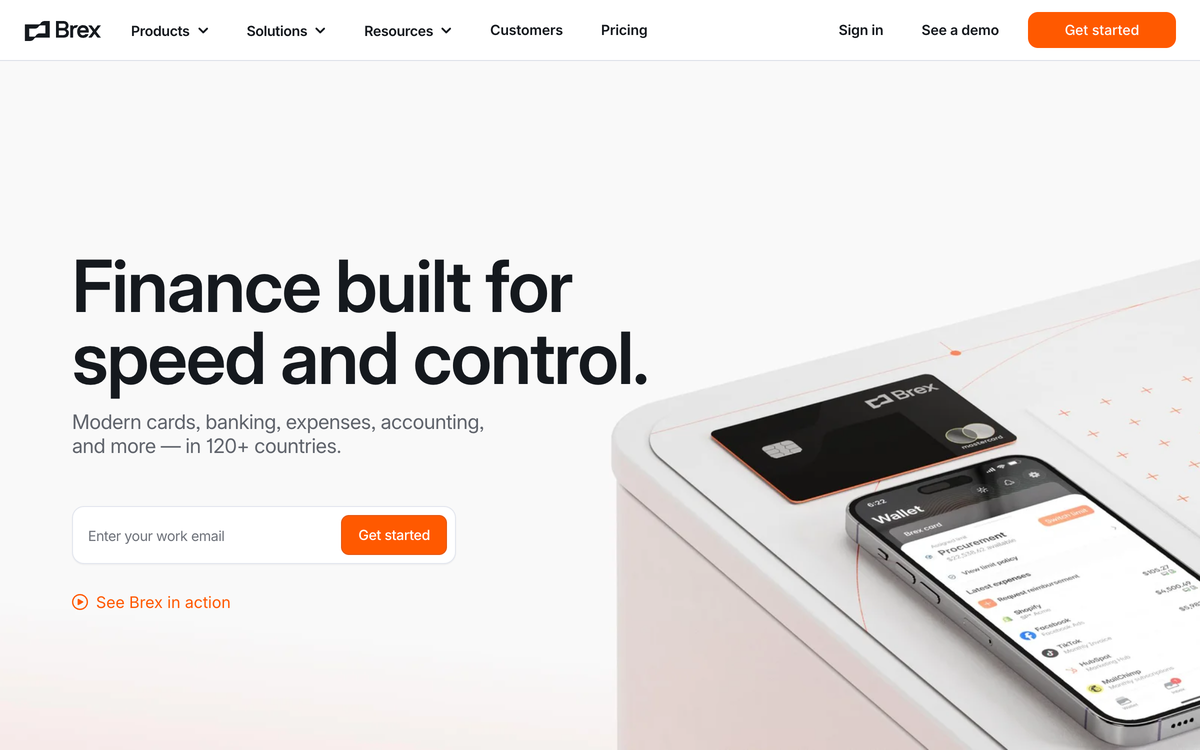
Brex is the closest thing on this list to a like-for-like Ramp swap: corporate cards, expense management, banking, bill pay, and travel with serious automation. It rates 4.8 on G2, and the two platforms compete for many of the same finance teams.
Against Ramp
Brex differentiates on global operations. Cards work across currencies and entities, the Essentials tier is $0 per user per month, and Premium at $12 per user per month undercuts Ramp Plus's $15 list price before Ramp's platform fee enters the quote. Where it gives that back: rewards are points-based with no public flat cash-back rate, and underwriting leans toward venture-funded and cash-rich companies, which is not the typical restaurant balance sheet.
- Best forFunded, global hospitality groups
- PricingEssentials $0; Premium $12/user/mo
- RewardsPoints, not flat cash back
- What to weighStartup-shaped underwriting
What to weigh
- Points need a manager. Rewards are Membership-style points rather than flat cash back, with no public flat rate to bank on.
- The deeper tooling is per-user paid. Live budgets and advanced expense features sit in Premium at $12/user/month.
- No restaurant workflows. Location tagging, vendor-assigned cards, and POS-aware cash management do not exist; you are adapting a startup tool.
Best for: Funded, multi-entity, or international hospitality groups that clear startup-style underwriting comfortably.
BILL Spend & Expense
Best if bill pay and AP connection matter more than restaurant card workflows. Formerly Divvy.
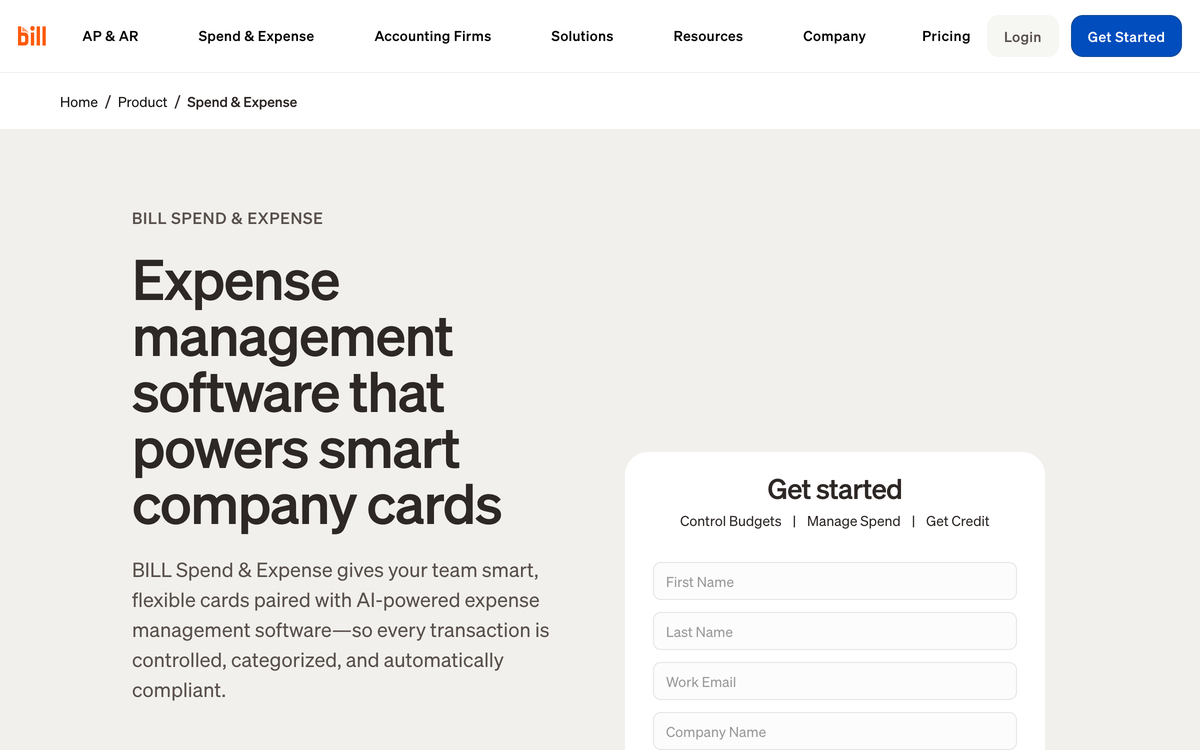
BILL Spend & Expense belongs in the conversation when the buyer already wants BILL's AP and bill-pay ecosystem. The BILL Divvy Card can enforce budgets, but the larger fit is AP-first: payments, bills, and card spend in the same vendor family. It rates 4.5 on G2 across 2,000+ reviews.
Against Ramp
Ramp is a spend-management platform with bill pay included. BILL is a bill-pay and AP platform with a spend card attached. Choose it when that AP connection is mandatory. The trade is workflow: budget setup can be a retraining exercise, credit deployment can get awkward across locations, and rewards scale with payoff cadence.
- Best forAP-first teams using BILL
- PricingFree software with the Divvy Card
- RewardsScale with payoff frequency
- What to weighCredit lines not guaranteed
What to weigh
- Rewards depend on payoff cadence. Faster payoff cycles earn more, which takes explaining to whoever owns cash flow.
- Credit lines are not promises. The $1K to $5M range is advertised as "not guaranteed" and set at application approval.
- Multi-location rollout can be clunky. Deploying cards and budgets from one credit account across restaurant locations may take more manual setup than expected.
- Approval and sync complaints recur. G2 reviewers flag approval workflow and accounting-sync hiccups as the most common friction. The Tab vs Divvy comparison shows how that AP-first card setup differs from a restaurant card workflow.
Best for: Operators whose non-negotiable need is bill pay tied to the card. If the main pain is location coding, receipt capture, or restaurant reconciliation, Tab is the cleaner comparison.
Navan
Best travel-first Ramp alternative for teams whose controllable spend is mostly travel.
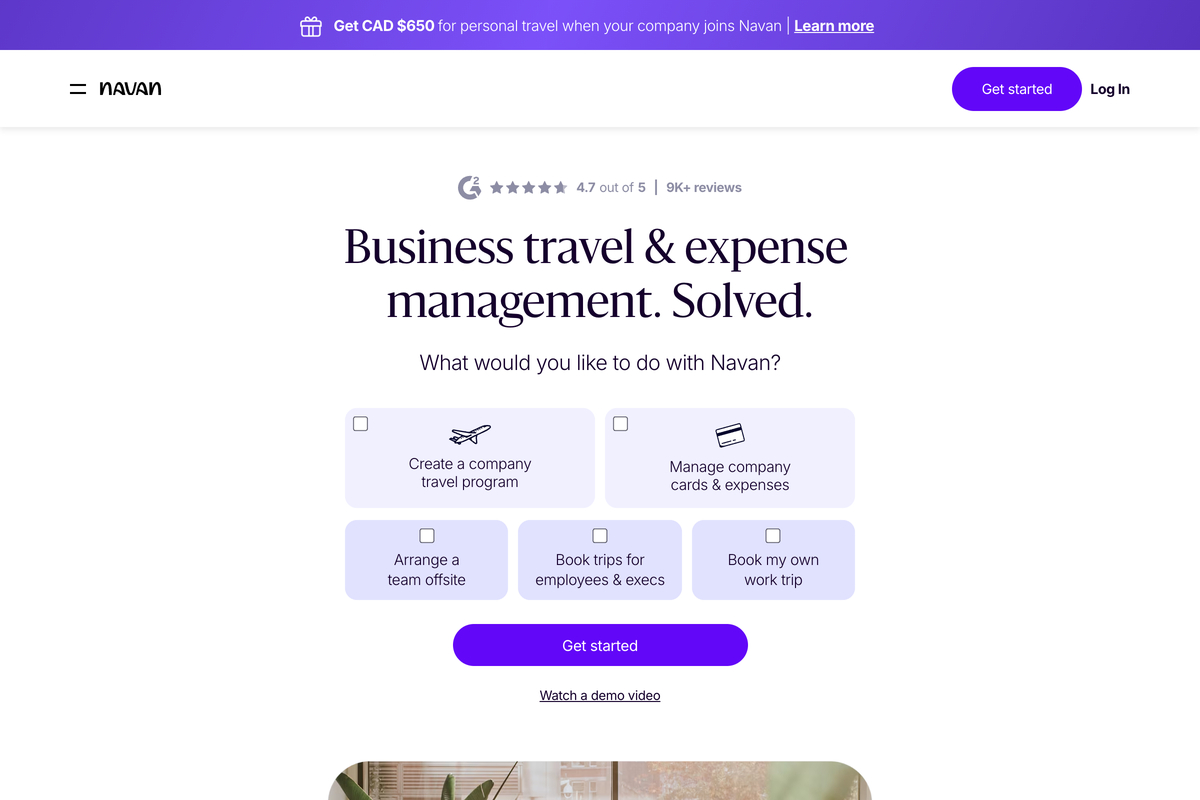
Navan is the only name here that leads with travel. Flights, hotels, and rental cars get booked inside the platform, expenses follow automatically so travel and expense live in one workflow, and Navan Travel itself is free because Navan earns travel-supplier commissions. It holds 4.6 on Capterra across 211 reviews.
Against Ramp
Ramp added travel to a spend platform; Navan added spend to a travel platform. If franchise development, site visits, or a traveling ops team is your real controllable spend, Navan's inventory and trip support run deeper than Ramp's. For restaurant operations themselves, it is the wrong tool: nothing in the workflow knows what a location or a vendor account is.
- Best forTravel-heavy teams and franchisors
- PricingTravel free; Expense free for 5, then $15/user/mo
- RewardsUp to 1.5% back; no annual card fee
- What to weighNo restaurant workflows
What to weigh
- Per-user fees arrive fast. Past 5 monthly expensing users, every additional user is $15/month, the same list price as Ramp Plus.
- Booking fees draw complaints. Capterra reviewers describe booking fees as on the expensive side and flag refund disputes as slow to resolve.
- Travel-first design. Expense exists to serve trips; restaurant purchasing patterns have no native home.
Best for: Restaurant groups and franchisors whose biggest controllable spend is genuinely travel, not food, supplies, or repairs.
Airbase
Paylocity for FinanceBest for mid-market teams that want spend management tied into payroll and HR.
Airbase is now "Airbase, a Paylocity Company," sold as Paylocity for Finance, and the acquisition tells you who it serves: mid-market companies that want spend management, AP, and corporate cards living next to payroll and HCM.
Against Ramp
Airbase competes on depth of AP and procure-to-pay workflows plus the payroll adjacency Ramp does not have. If your controller already lives in Paylocity, one vendor for people and spend is a real consolidation story. If this is your profile, you are probably not leaving Ramp for restaurant reasons, and you will not get pricing without a sales cycle.
- Best forMid-market teams on Paylocity
- PricingCustom quote; no public pricing
- RewardsNot the headline; AP depth is
- What to weighPlatform in transition; thin review signal
What to weigh
- Quote-only pricing. No public numbers anywhere; budget for a sales process before you see a figure.
- Platform in transition. The product is being folded into Paylocity's suite, and its standalone review listings have been retired, which makes independent diligence harder.
- Mid-market center of gravity. Implementation and workflow depth assume a finance department, not a lean restaurant back office. If ordering and receiving are the real problem, compare the tools in this restaurant procurement software guide.
Best for: Multi-entity restaurant or hospitality companies already on Paylocity that want finance and payroll under one vendor.
Expensify
Best if you want to keep your existing cards and just fix expense capture.
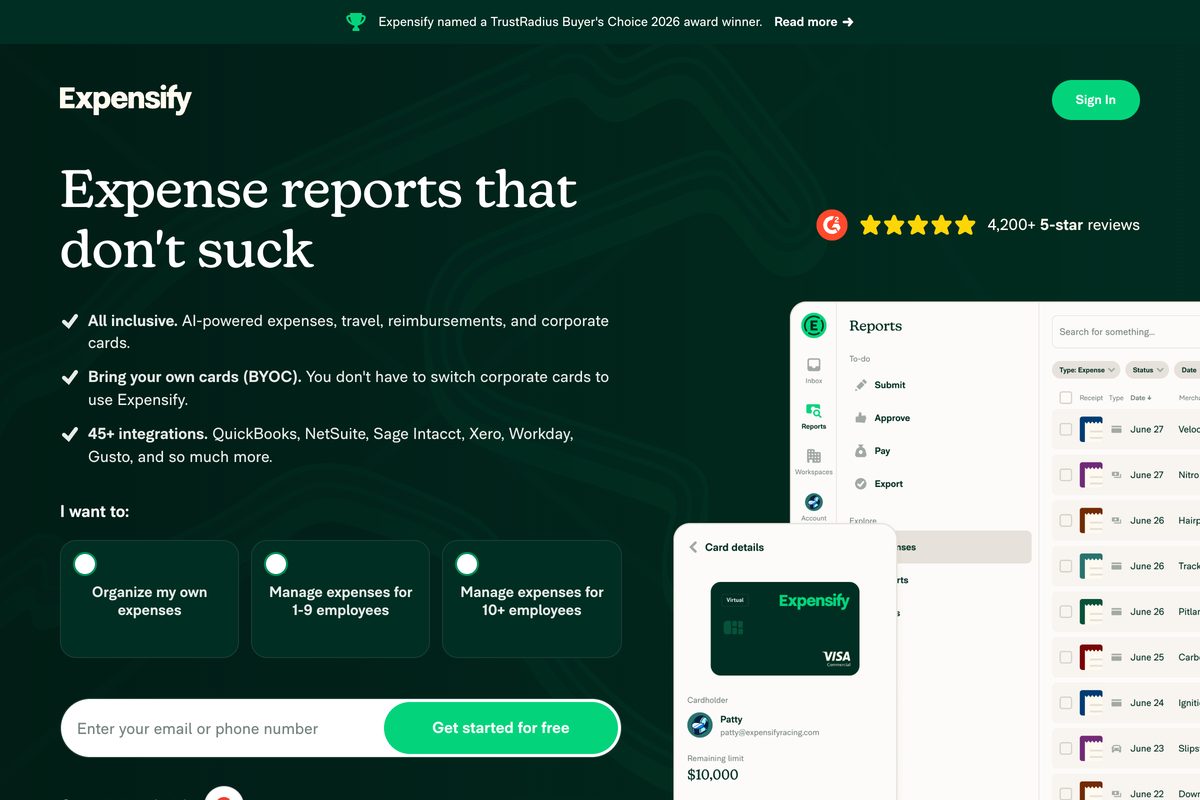
Expensify is not trying to replace your cards at all. It is an expense software layer: receipt scanning, expense reports, reimbursements, and card feeds over whatever bank and cards you already use, rated 4.5 on Capterra across 1,300+ reviews.
Against Ramp
Ramp's economics and automation center on issuing Ramp cards. Expensify inverts that: keep the Amex you like, keep the bank you trust, and bolt expense capture on top for $5 per member per month on Collect. If keeping existing cards is the goal but your business is a restaurant, Tab Connect does the restaurant version: link existing bank accounts and eligible Mastercard or Visa cards, then assign them to people and locations with real-time receipt capture.
- Best forKeeping existing cards, fixing capture
- PricingCollect $5/member/mo; Control $9 to $36
- RewardsUp to 2% on the Expensify Card
- What to weighSoftware layer, not a card program
What to weigh
- Pricing shifts with card adoption. The $9 Control rate requires an annual subscription and 50%+ of US spend on the Expensify Card; skip the card and the rate doubles.
- It is software, not a card program. Credit, underwriting, and spend controls stay with whatever issuer you keep, so prevention-style controls are limited.
- Receipt chasing still depends on people. Employees must submit; there is no restaurant-style location or vendor logic to catch what they forget.
Best for: Teams attached to existing card relationships who need expense reports handled, not spend controlled.
Mercury
Best banking-first alternative for operators whose card needs are simple.
Mercury is a bank account your team will actually enjoy using, with a card program on the side. Free checking and savings with $0 maintenance and $0 USD wires, the IO card with 1.5% unlimited cash back and no annual fee, and no credit check. It rates 4.7 on G2.
Against Ramp
Mercury wins when the bank is the pain. Ramp layers on top of your existing bank; Mercury replaces it, and Treasury offers up to 3.60% yield for balances over $250K. Expense tooling is the side dish: reimbursements cap at 5 users per month on the free plan, and there is no location tagging or receipt-chasing workflow built for hourly teams.
- Best forBanking-first operators, simple cards
- PricingBanking free; Plus $29.90/mo; Pro $299/mo
- RewardsIO card 1.5% unlimited; no annual fee
- What to weighLight expense and location tooling
What to weigh
- Expense features are gated and capped. Free-tier reimbursements stop at 5 users monthly, and deeper automations live in Plus and Pro.
- Card controls are basic. Limits exist, but there is no restaurant-aware coding, tagging, or vendor assignment.
- Treasury has a high floor. The advertised yield of up to 3.60% applies to balances over $250K.
Best for: Owners whose real complaint is their bank, and whose card program can stay simple while the books get handled elsewhere.
The verdict: which Ramp alternative should restaurants choose?
All 7 alternatives beat Ramp at something. The question is which something is your switching trigger.
Decision rules
- You run restaurants: Tab is worth considering for card limits, receipt texts, restaurant and entity details, a full QuickBooks Online integration, and customizable exports.
- Your real job is procurement, ERP automation, high cash balances, or global SaaS spend: Ramp may still fit, while Airbase may suit teams already using Paylocity.
- You are funded or global: Brex is the Ramp-twin with international reach and points.
- Bill pay or AP is mandatory: BILL Spend & Expense keeps card spend near that workflow.
- Banking quality is the actual pain: Mercury is the banking-first option.
- Travel dominates: Navan focuses on trips. If the cards stay, compare Expensify's reports with Tab Connect's restaurant and receipt workflow.
One honest filter before you migrate anything: count the people who hold a card and the locations they buy for. If the answer is "just me, one store," several of these work. The moment managers spend across stores, the after-the-swipe workflow decides whether month-end close takes hours or days, and that is the work Tab was built to absorb.
FAQ
Tab is a direct Ramp alternative to consider when restaurants need manager cards with limits, receipt prompts by text, location tagging, and a full QuickBooks Online integration. Its Base plan is free and does not require a credit check. Ramp may fit procurement-heavy and ERP-heavy corporate teams better.
Ramp is a capable generic spend platform, especially for tech-style finance teams with ERP-heavy workflows and stronger ending cash balances. Restaurants can run on it, but location coding, support, cash-flow fit, and high-volume reconciliation often stay harder than they should.
Ramp's base plan is free, including cards and core expense management. Plus costs $15 per user per month billed annually plus a platform fee based on team size, and bill pay carries per-payment fees effective June 1, 2026, such as $0.59 per standard ACH, waived when paying from a Ramp account. The free tier is real; the total cost depends on which tier and payment rails you actually need.
Several alternatives to Ramp start at $0 with no per-user pricing: Tab's Base plan is free with restaurant workflows included, BILL Spend & Expense is free software with the BILL Divvy Card, and Mercury's banking is free. The comparison that matters is what the paid tier you would actually need costs; that is where Ramp's per-user and platform fees add up.
Tab includes a full QuickBooks Online integration on its free plan, alongside customizable CSV and Restaurant365 export support. BILL, Expensify, and Mercury also integrate with QuickBooks at varying depths. The difference is what arrives: Tab sends transactions already matched with receipts, categories, and location tags, so accounting gets clean data instead of a cleanup queue.
Tab is worth comparing when restaurant teams are chasing receipts, assigning purchases to locations or entities, or cleaning up card spend at month end. Ramp may fit better when procurement workflows, ERP depth, or global entities are the main job. Most groups would choose one card program after comparing those needs.
The bottom line
Most Ramp alternatives lists are written for the company Ramp was built for. If that is you, half the list above will serve you well, and staying put might serve you better.
If you run restaurants, the useful comparison is whether the program catches the receipt, tags the store, supports the right accounting handoff, and helps your team when something breaks. See how Tab Card handles restaurant spend, receipts, and location-level controls. The Base plan is free, and no credit check is required.

James writes from Tab's work with restaurant groups choosing cards, receipt workflows, accounting handoffs, and support. Tab builds the AI-powered finance platform for restaurants: cards, accounts, payments, automation, and intelligence in one back office.


