


Contents
Pick the card by the work after the swipe. We compared 7 programs on manager limits, receipt follow-up, coding by restaurant, accounting handoff, rewards, and qualification.
How we chose the best cards for restaurant owners
A restaurant card has a harder job than a typical business card. It may be used by owners, directors of operations, controllers, VPs of finance, maintenance staff, office teams, and C-suite leaders, often across separate entities and bank accounts.
So instead of ranking by points categories, we scored each option against the work the card has to do before and after the transaction:
- Spend controls. Can you issue cards to the right employees, assign limits, and prevent uncontrolled charges before they happen?
- Receipt and accounting automation. Does the program chase receipts, capture categories and notes, and send clean data through a full QuickBooks Online integration or an export your team can actually use?
- Multi-location, multi-LLC support. Can a transaction map to the correct location, entity, and bank account, or does everything collapse into one statement that creates treasury work later?
- Statement repayment workflow. Can each location pay its portion from the corresponding bank account, or does the finance team have to pay from one account and sweep funds manually afterward?
- Support and implementation. Will a human help your restaurant set up better spending practices, or are you left with a generic software help center?
- Qualification and fees. Does the underwriting model fit restaurant cash flow, or does it favor tech companies with high ending cash balances?
We scored every card on each criterion as Strong, Good, Limited, or Not built for this.
The restaurant card fit score
| Card / Program | Spend controls | Receipt + accounting | Multi-location / LLC | R365 / QuickBooks fit | Support fit | Qualification + fees |
|---|---|---|---|---|---|---|
Tab |
Strong | Strong | Strong | Strong | Strong | Strong |
Ramp |
Strong | Strong | Limited | Good | Limited | Good |
BILL Spend & Expense |
Good | Good | Limited | Limited | Limited | Good |
Brex |
Strong | Good | Limited | Good | Limited | Limited |
Mercury IO |
Limited | Limited | Limited | Limited | Limited | Strong |
Chase Ink Business Premier |
Limited | Not built for this | Not built for this | Not built for this | Limited | Limited |
Amex Business Gold |
Limited | Not built for this | Not built for this | Not built for this | Limited | Limited |
StrongGoodLimitedNot built for this
The important distinction: most modern corporate card programs can issue employee cards, set limits, and collect receipts in some form.
The real separation for restaurants is whether the workflow is easy for operators to use, reconciles across locations and entities, exports cleanly into Restaurant365 or QuickBooks, and comes with support that helps the team build better practices.
A note on honesty: the two traditional issuer cards at the bottom of this table are not bad cards. They are excellent rewards products, not restaurant operations tools.
If rewards are genuinely all you need, skip to Chase and Amex below.
Business credit card comparison for restaurant owners
| # | Card / Program | Best for | Pricing | Rewards / terms | Key caveat |
|---|---|---|---|---|---|
| 01 |  Tab Best for restaurantsRestaurant-native card + finance workflow
|
Restaurants that need cards, receipts, support, multiple LLCs, multiple bank accounts, and clean accounting exports | Base is free; Pro $150/month/location | Unlimited cash back | Built for restaurant financial flows, not generic corporate spend |
| 02 |  RampGeneral-purpose spend management
|
Tech-style finance teams and businesses with strong ending cash balances | Free; Plus $15/user/month + platform fee | Cash back on card spend; bill-pay fees from June 2026 | Underwriting and workflows fit tech companies better than restaurants |
| 03 |  BILL Spend & ExpenseAP-first card program (Divvy)
|
Teams that need card spend attached to BILL's bill-pay/AP workflow | Free software with the BILL Divvy Card | Rewards scale with payoff frequency; lines $1K-$5M, not guaranteed | AP-first product; card workflow can break down across locations |
| 04 |  BrexStartup-grade cards and banking
|
Enterprise or international hospitality groups with global travel and large finance teams | Essentials $0/user/month; Premium $12/user/month | Points-based rewards | Enterprise/global fit, not a natural local restaurant fit |
| 05 |  Mercury IOBanking-first, card on the side
|
Operators who want banking first and a simple card second | Free banking; paid plans from $29.90/month | 1.5% cash back; no annual fee | Light expense and location tooling |
| 06 |  Chase Ink Business PremierTraditional issuer, flat cash back
|
Owners optimizing flat cash back on big purchases | $195 annual fee | 2.5% on purchases of $5,000+; 2% on everything else | No back-office tooling; owner credit check |
| 07 |  Amex Business GoldCategory points maximizer
|
Points maximizers with concentrated category spend | $375 annual fee | 4X points on top 2 eligible categories, up to $150K/year | Fee math only works if you use the credits |
Pricing and rewards verified June 2026 on each provider's published pricing. Card offers change; confirm terms before applying.
The Best Restaurant Owner Cards, Ranked
Tab
Best for restaurantsBest for restaurants that want the card, support, receipts, controls, multiple bank accounts, and accounting exports to work as one system.
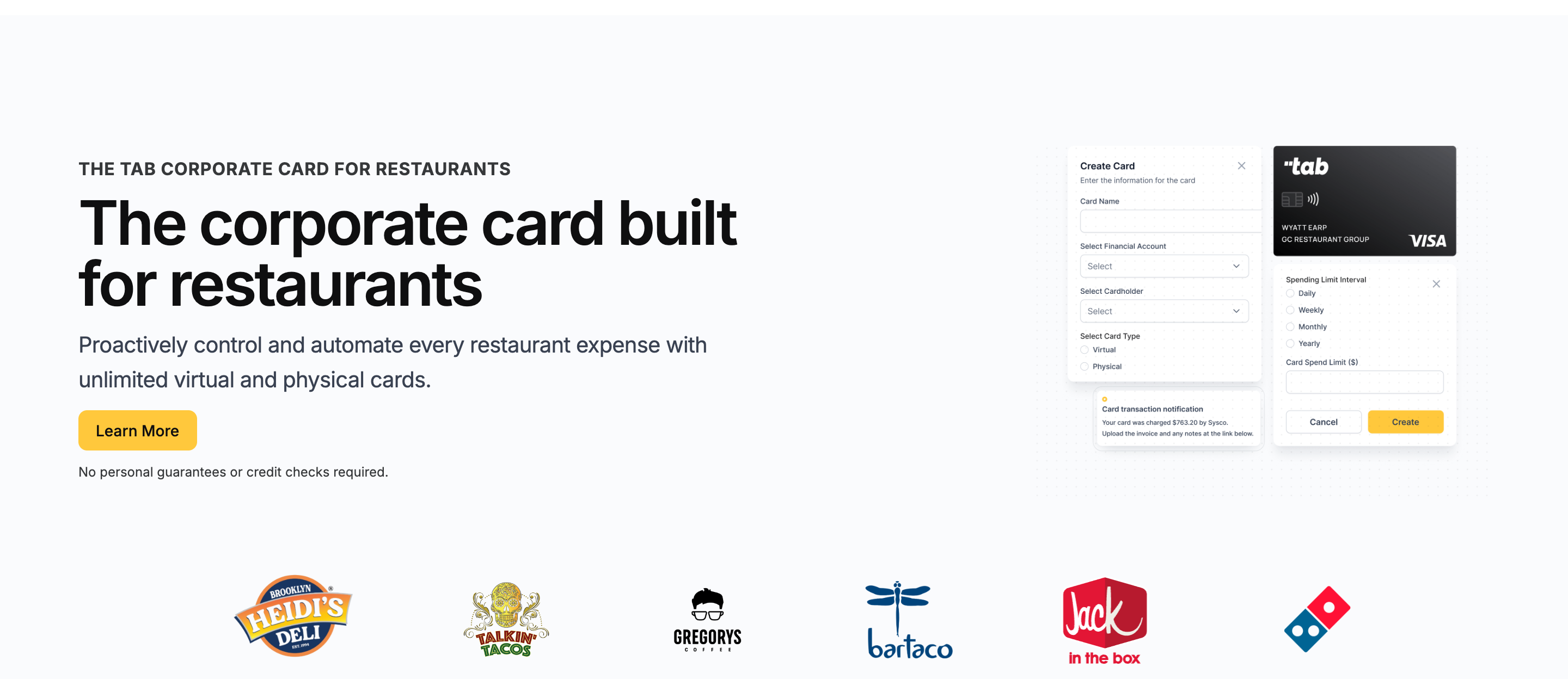
Tab is designed around restaurant financial flows: multiple locations, LLCs, bank accounts, employees, vendors, and month-end accounting. A five-location group may have five bank accounts and five LLCs, and Tab keeps that context attached to the spend.
Here is what that means in practice:
- Cards match the way the restaurant works. Give a director of operations a repairs card, a maintenance lead a facilities card, and an office manager a vendor card. Each can have its own limit, location, and rules.
- Receipts get handled while the purchase is fresh. If maintenance buys emergency parts at 9 p.m., Tab texts them for the receipt, note, and location tag right away. Accounting is not chasing a photo three weeks later.
- Locations stay separated. A charge for the Brooklyn store can stay tied to the Brooklyn LLC, bank account, and P&L. It does not disappear into one company-wide card statement.
- Repayment can follow the store that spent. If three locations share one statement, each location can pay its own portion from its own bank account. That reduces manual reimbursements between LLCs.
- Restaurant365 and QuickBooks get cleaner data. Tab sends reviewed transactions through its full QuickBooks Online integration or a customizable export formatted for Restaurant365 and other ledgers.
- Andy looks past the receipt. On Pro, Andy AI can digitize distributor invoices, read line items, and flag a location-level price spike, missed rebate, or contract issue that a card statement would miss.
- Support helps with setup, not just tickets. Tab helps decide limits, budgets, receipt habits, and accounting workflows. That matters for operators who do not want to roll out a generic finance tool alone.
- Underwriting fits restaurant cash flow. Restaurants can have different cash patterns than software companies. Tab is built around that reality, so the buyer is not stuck with a limit that looks good on paper but is not usable.
Cash back and terms are simple: Tab's Base plan includes unlimited cash back. The practical reason to consider it is the work around the card: limits, receipt follow-up, restaurant coding, support, and accounting.
Operators run real scale on it: Rock Strategic runs 75+ units on Tab, and Heidi's Brooklyn Deli runs 8+ locations. The quote above comes from Tab's card launch announcement.
- Best forIndependent and multi-location restaurant operators
- PricingBase free; Pro $150/mo/location
- RewardsUnlimited cash back
- Built forRestaurant financial flows
What you get on the free plan:
- Unlimited virtual and physical cards
- Custom limits by employee, location, and vendor
- Automated receipt capture by text and email
- Full QuickBooks Online integration included
- Unlimited cash back, no annual fee
- Live US-based human support
Pricing: Tab's Base plan is free and includes the cards, receipt capture, the full QuickBooks Online integration, accounts, unlimited cash back, and live US-based support.
Pro: $150/month/location and adds Andy AI, Tab's purchasing analyst for invoice intelligence, price checks, rebates, and contract visibility, plus a dedicated Account Manager. Groups with 5+ locations get custom pricing.
Ramp
Best for tech-style finance teams, ERP-heavy companies, and businesses with strong ending cash balances.
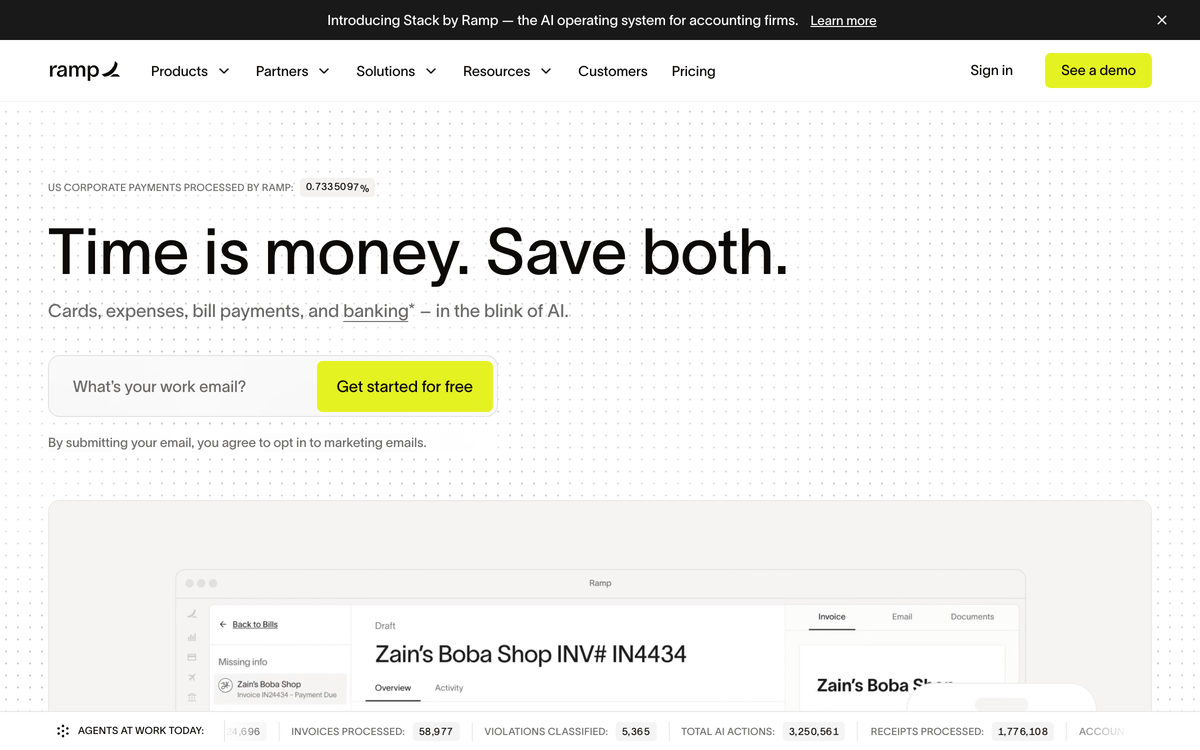
Ramp is a powerful general-purpose spend management platform: cards, expense management, bill pay, procurement, travel, and ERP workflows in one system.
It can work well for technology businesses and finance teams that have the cash profile, software comfort, and internal admin capacity to manage it.
For restaurants, the fit is more complicated.
- Best forTech-style finance teams
- PricingFree; Plus $15/user/mo + platform fee
- RewardsCash back on card spend
- What to weighPer-user pricing, generic workflows
Where it wins
- Strong general finance tooling. Ramp offers corporate cards, expense management, bill pay, procurement, and travel in one platform.
- Useful ERP and accounting workflows. QuickBooks and Xero are available on the free tier; NetSuite and Sage Intacct sit on Plus.
- A genuinely free base tier. Unlimited employee cards with limits at $0.
Where it falls short
- Underwriting favors high balances. That can fit a cash-rich tech company better than a restaurant paying payroll, rent, and vendors every week.
- Cash commitments can strain the business. Holding funds upfront is harder when restaurant cash turns quickly.
- Reconciliation is not restaurant-specific. Finance may still have to sort charges by restaurant, employee, vendor, and entity.
- Support is not restaurant-specific. Teams that want help setting limits and receipt habits may need a more hands-on rollout.
Pricing: Free base tier; Plus is $15/user/month billed annually plus a platform fee (verified on Ramp's pricing overview, June 2026).
What to weigh
- Bill-pay transaction fees take effect June 1, 2026: standard ACH $0.59 and standard check $1.99, waived when paying from a Ramp account (verified on Ramp's pricing overview).
- The Plus platform fee scales with team size and is not published, so model it before committing a large cardholder base.
- Restaurants should evaluate whether the underwriting model, onboarding help, and generic reconciliation workflow fit their operators before committing.
BILL Spend & Expense
Best for teams that need card spend attached to BILL's bill-pay and AP workflow. Formerly Divvy.
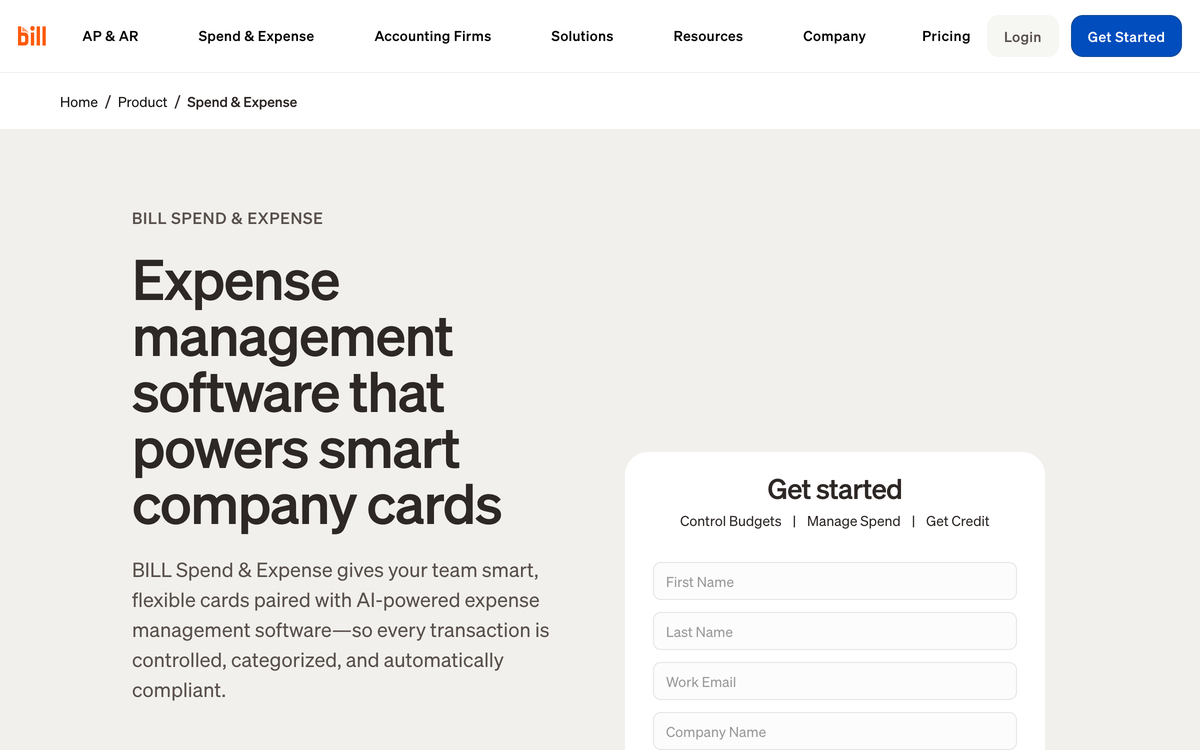
BILL Spend & Expense pairs expense management with the BILL Divvy Card. The biggest reason to use it is not that it is the perfect restaurant card. It is that your team already wants BILL's bill pay and AP workflows, and you want the card connected to that system.
- Best forBILL AP workflow users
- PricingFree software with the Divvy Card
- RewardsScale with payoff frequency
- What to weighCredit lines not guaranteed
Where it wins
- Bill pay is the center of gravity. If your finance team wants AP, vendor payments, and card spend in the same ecosystem, BILL can make sense.
- Free software with the card. The card/software bundle can look attractive for teams already evaluating BILL.
- Credit lines from $1K to $5M advertised, sized at application.
Where it falls short
- The card is not the core product. BILL is AP-first. For many restaurant operators, the card can feel like an add-on rather than the main reason to choose it.
- Credit deployment can get messy across locations. Multi-location restaurants may need multiple cards, multiple managers, and clean location-level allocation from one credit account. That can be harder than it sounds.
- The workflow can be harder to use. If managers and operators need a simple card-and-receipt workflow, BILL's structure can feel heavier than necessary.
- Rewards are not the reason to choose it. If the goal is a restaurant card program, BILL's rewards system is not a major advantage.
Pricing: Free software with the BILL Divvy Card; no annual fee (verified on BILL's product pages, June 2026).
What to weigh
- BILL states credit lines "are not guaranteed and will be determined upon application approval," so do not budget around the advertised ceiling.
- Reward earn rates shift with how often you pay off the balance, which makes the effective cash-back rate harder to predict than a flat card. The Tab vs Divvy comparison shows how that AP-first setup differs from a restaurant card workflow.
Best for: Teams that absolutely need their card program tied to BILL's bill-pay workflow.
If you are mainly shopping for restaurant cards, look closely at whether the card workflow itself is strong enough. BILL can make sense when bill pay is mandatory; it is harder to justify when the main job is card control, receipts, and location-level reconciliation.
If restaurant cards are the immediate need, Tab can handle that work while BILL remains the AP system. Tab's bill-pay and AP features are still rolling out through Andy AI and Tab Pro, so current availability should be confirmed during evaluation.
Brex
Best for enterprise or international hospitality groups with global spend and corporate travel.
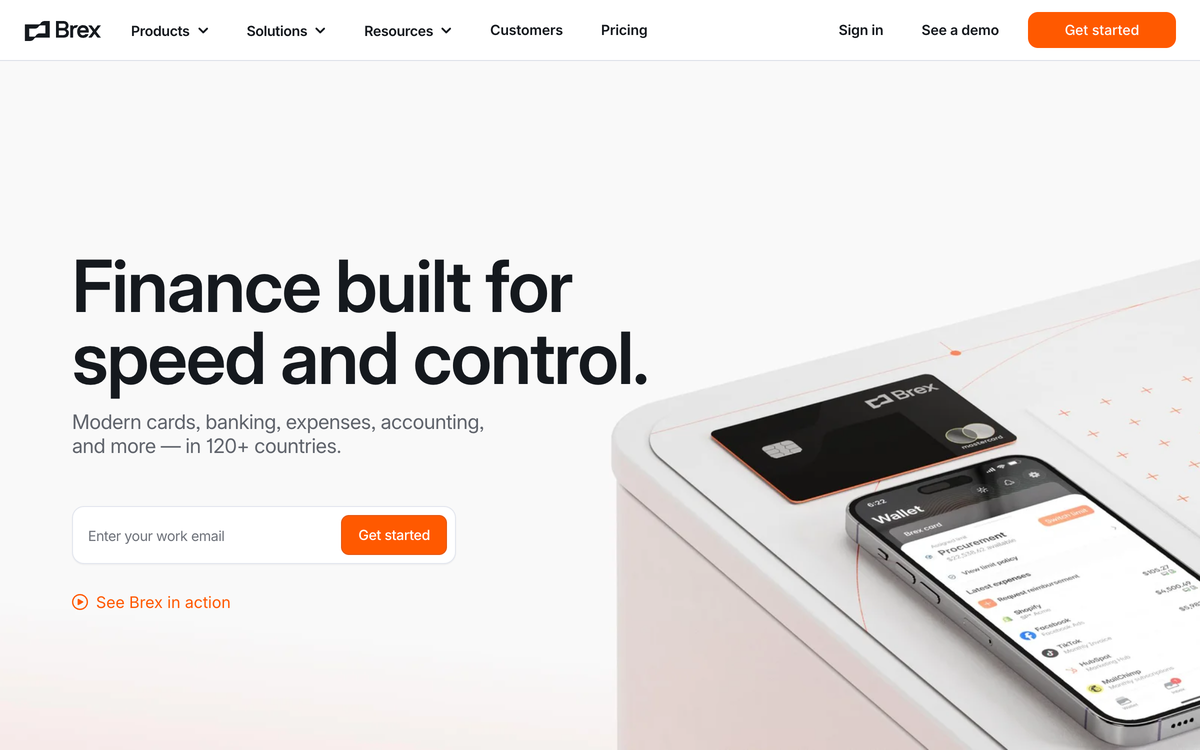
Brex is the corporate card heavyweight for large, venture-backed, global, and enterprise finance teams. It can fit hospitality companies with international presence, large corporate teams, and serious travel needs.
It is less natural for a local restaurant group that just needs better cards, receipts, controls, and accounting workflows.
- Best forEnterprise hospitality groups
- PricingEssentials $0; Premium $12/user/mo
- RewardsPoints, not flat cash back
- What to weighStartup-shaped underwriting
Where it wins
- Enterprise-grade controls. Brex has serious policy, approval, and expense-management tooling for larger teams.
- Global reach. Multi-currency support and worldwide acceptance can matter for international hospitality groups or corporate teams traveling across markets.
- Travel and corporate finance depth. Brex is closer to an Amex-plus-Concur style workflow than a small restaurant card program.
Where it falls short
- It is built for large enterprises, startups, and global teams. That can fit a large hospitality group with international travel, while a local restaurant operator may not need that scope.
- Points are less straightforward than cash. Restaurants that want simple economics may prefer cash back to a points ecosystem.
- Underwriting can be unfriendly to restaurant cash flow. Restaurant balance sheets do not always look like the companies Brex is built around.
- Support and implementation are not restaurant-specific. The more your team needs help setting up restaurant spending practices, the more this matters.
Pricing: Essentials $0/user/month; Premium $12/user/month; Enterprise is custom (verified on Brex's pricing page, June 2026).
What to weigh
- Brex's published customer profiles skew to venture-backed, enterprise, and cash-rich companies; a localized restaurant operator may not fit its underwriting model.
Mercury IO
Best for operators who want excellent free banking and a simple card on the side.
Mercury is a banking platform first, with the IO credit card attached. If your real frustration is your bank account provider, Mercury may be the right product to evaluate. If your real frustration is restaurant expense management, location-level reconciliation, or manager card workflows, Mercury is light.
- Best forBanking-first operators
- PricingFree banking; paid from $29.90/mo
- Rewards1.5% cash back, no annual fee
- What to weighLight expense and location tooling
Where it wins
- Outstanding free business banking. $0 maintenance fees, $0 USD wires, and a genuinely clean interface.
- A simple attached card. IO earns 1.5% unlimited cash back with no annual fee and no credit check.
- Treasury up to 3.60% yield on balances over $250K.
Where it falls short
- The card is secondary to banking. Mercury is not trying to be a restaurant operating card.
- Expense tooling is thin. Reimbursements cap at 5 users monthly on the free plan, with no receipt-chasing workflow built for restaurant teams.
- Accounting automations cost extra. Paid plans start at $29.90/month; NetSuite-grade automation needs the $299/month Pro tier.
- No restaurant entity workflow. Multiple locations, LLCs, and bank-account repayment flows are not the product's center.
Pricing: Banking is free; Mercury Plus is $29.90/month and Pro is $299/month (verified on Mercury's pricing page, June 2026).
What to weigh
- Expense reimbursements are limited to 5 active users monthly on the free plan, and NetSuite automations require the $299/month Pro tier.
Chase Ink Business Premier
Best for owners who put big invoices on a card and want maximum flat cash back.

Chase Ink Business Premier is the strongest traditional issuer card here for restaurant-sized purchases: 2.5% back on every purchase of $5,000 or more, unlimited 2% on the rest, $195 a year.
It is a rewards card, not an operations program, and it does not pretend otherwise (full card details on NerdWallet).
- Best forBig-ticket flat cash back
- Pricing$195 annual fee
- Rewards2.5% on $5,000+; 2% on the rest
- What to weighOwner credit check, zero back office
Where it wins
- 2.5% on purchases of $5,000+. Built for exactly the five-figure equipment, renovation, and bulk orders restaurants make.
- Unlimited flat 2% on everything else, no categories to track.
- $1,000 welcome bonus after $10,000 in spend in the first 3 months.
Where it falls short
- Zero back-office tooling. No receipt capture, GL coding, location tagging, or meaningful employee controls; your bookkeeper does it all by hand.
- Owner credit check through standard issuer underwriting.
- Primarily pay-in-full. Only the Flex for Business balance carries, at 17.74% to 28.49% variable APR.
Pricing: $195 annual fee (verified on Chase's card page, June 2026).
What to weigh
The card is primarily pay-in-full; only the Flex for Business portion can carry a balance, at 17.74% to 28.49% variable APR. For equipment that needs a loan, lease, or SBA financing instead, compare the options in this restaurant equipment financing guide.
Verified on Chase's card page, June 2026American Express Business Gold
Best for points maximizers whose spend concentrates in Amex's bonus categories.

The Amex Business Gold is the category-rewards play: 4X Membership Rewards points on your top 2 eligible categories each billing cycle, up to $150,000 in combined purchases per calendar year, for a $375 annual fee.
The math works when your spend concentrates where Amex pays.
- Best forCategory points maximizers
- Pricing$375 annual fee
- Rewards4X on top 2 categories, to $150K/yr
- What to weighFee math needs the credits
Where it wins
- 4X on your top 2 categories. Operators often spend heavily in two eligible ones, US advertising and US gas stations, and 4X on $150K of the right spend is real money.
- Credits claw back the fee. Up to $240 a year at FedEx, Grubhub, and office supply stores, if you actually use them.
- Issuer-grade protections and the Membership Rewards ecosystem.
Where it falls short
- $375 is real money. The fee math only works with active credit management.
- Points need a strategy to beat plain cash back.
- No expense-management workflow. No receipt workflow, no location coding, no multi-LLC allocation, and no controls built around restaurant operations. Expect an owner credit check.
Pricing: $375 annual fee (verified via NerdWallet, June 2026).
What to weigh
- 4X earning applies only to your top 2 eligible categories each billing cycle and caps at $150,000 in combined purchases per calendar year, then drops to 1X.
Which restaurant card should you choose?
Decision rules
- You run multiple locations, LLCs, or bank accounts: Tab is worth considering for restaurant-level limits, receipt follow-up, and entity details.
- You want help setting up the card program: Tab includes hands-on support for limits, controls, receipt habits, and accounting exports.
- You use Restaurant365 or QuickBooks Online: Tab provides customizable exports for Restaurant365 workflows and a full QuickBooks Online integration.
- You want to know whether food costs or card rewards matter more: use the restaurant food cost calculator to see what a one-point food-cost change is worth before comparing cash back.
- You have overspending or credit-limit problems: compare how each option sets limits and supports rollout, not only the advertised credit line.
- You are a technology company or cash-rich finance team: Ramp or Brex may fit those corporate workflows better.
- You need bill pay tied to the card: BILL Spend & Expense keeps cards close to its AP workflow.
- You mainly want a banking provider: Mercury puts banking first.
- You mainly want rewards or travel perks: Chase Ink Business Premier or Amex Business Gold may fit, with receipt and location work handled separately.
One more honest filter: count the locations, LLCs, and bank accounts involved in your card spend.
The moment your card statement has to be split across entities and locations, the after-the-swipe workflow decides whether month-end close takes hours or days. That is the problem modern corporate and purchasing cards for restaurants were built to solve.
FAQ
For restaurant operations, Tab is the strongest option: restaurant-specific spend controls, automated receipt capture, location tagging, multi-LLC workflows, Restaurant365 exports, QuickBooks Online support, and human implementation help.
If you only want rewards and will manage receipts and coding elsewhere, Chase Ink Business Premier or Amex Business Gold are the best traditional issuer cards.
A business credit card from a bank usually checks the owner's credit and gives you rewards but few controls. A corporate card program like Tab, Ramp, BILL, or Brex underwrites the business, issues employee cards with custom limits, and automates parts of receipt and accounting work.
Most restaurants giving cards to employees are better served by a corporate card program. The difference is that Tab is built specifically around restaurant entities, locations, bank accounts, accounting exports, and support.
The deciding feature is not just location tagging. It is whether the card workflow can handle multiple locations, multiple LLCs, multiple bank accounts, split transactions, and location-level repayment.
Tab built location tagging for card transactions directly into its receipt prompts, supports multiple entities under one login, and is designed to reduce the treasury work that happens when every location owes a different share of the statement.
Tab is a strong fit if your restaurant group uses Restaurant365. Tab works with operators to create customized export files with the restaurant, entity, receipt, note, and GL details finance needs instead of handing over a generic card export.
Tab includes a full QuickBooks Online integration on its free plan, alongside customizable CSV exports. Ramp, BILL, Brex, and Mercury also integrate with QuickBooks in different ways.
The difference is what arrives in QuickBooks: Tab focuses on sending transactions already matched with receipts, notes, categories, and location tags.
Yes, with a corporate card program. Tab includes unlimited virtual and physical employee cards with custom limits on its free plan, and cards can be assigned to a person, location, and vendor.
Ramp, BILL, and Brex also issue employee cards with limits; traditional issuer cards like Chase and Amex offer employee cards but with far thinner operating controls.
Restaurants are not technology companies. Many operators do not want to implement a generic SaaS workflow alone, and problems do not wait for typical software support hours.
Support matters because the card program changes real behavior: who can spend, how receipts are captured, how locations are tagged, and how accounting closes the month.
The question is not only "does support exist?" It is whether the team understands restaurant operations well enough to implement the system correctly.
No. "Restaurant rewards credit cards" are consumer cards that earn points when you dine out.
Cards for restaurant owners are business or corporate cards used to run the restaurant: vendor purchases, supplies, repairs, and employee spending. If an article is ranking dining points, it is ranking the wrong side of the table for an operator.
The bottom line
The right card is the one that fits your restaurant's operating reality, not simply the one with the prettiest rewards page. A small rewards difference can disappear quickly if your team spends hours chasing receipts, splitting statements, and cleaning exports.
If your restaurant has multiple locations, LLCs, bank accounts, managers, vendors, and accounting workflows to control, see how Tab Card handles restaurant spend, receipts, support, and location-level controls.
The Base plan is free, includes unlimited cash back, and is built around the financial flows restaurants actually have to manage.

James writes from Tab's work with restaurant groups choosing cards, receipt workflows, accounting handoffs, and support. Tab builds the AI-powered finance platform for restaurants: cards, accounts, payments, automation, and intelligence in one back office.


