


Contents
BILL is strong at invoice AP. Restaurant groups look elsewhere when per-user costs climb or daily card purchases still reach finance without receipts and the right restaurant attached.
The 7 best BILL alternatives at a glance
| # | Platform | Best for | Pricing | Payment fees / rewards | Key caveat |
|---|---|---|---|---|---|
| 01 |  Tab Best for restaurantsCard spend, receipts, location coding
|
Card spend, receipts, and location coding alongside QuickBooks or Restaurant365 | Base free; Pro $150/month/location | unlimited cash back on Base | Not a full AP/AR suite; restaurant-specific finance workflows |
| 02 |  RampCards plus AP in one system
|
Replacing BILL with cards and AP in one system | Free; Plus $15/user/month + platform fee | ACH $0.59, check $1.99 from June 2026 (waived from a Ramp account) | Per-user Plus pricing; desk-first workflows |
| 03 |  TipaltiGlobal suppliers and multi-entity AP
|
Global suppliers and multi-entity AP | From $99/month + transaction pricing | Transaction pricing per invoice and payment | Sized for global payment volume |
| 04 |  StampliInvoice-first AP on your ERP
|
Invoice-first AP control on your existing ERP | Custom quote | Quoted by module | No public pricing; invoice AP only |
| 05 |  MelioLightweight vendor bill pay
|
Lightweight vendor bill pay | Go free; paid $25 to $80/month | ACH $0.50 past free allotment; card 2.9% | Thin controls; no expense management |
| 06 |  AirbasePaylocity for Finance
|
Procurement-to-pay plus payroll under one vendor | Custom quote | Not published | Sold as part of Paylocity's suite |
| 07 |  Restaurant365Restaurant-native accounting
|
Restaurant-native accounting replacing QuickBooks | Custom quote | Not published | A full accounting migration, not a bolt-on |
Pricing verified June 2026 on each vendor's published pricing. "Custom quote" means the vendor publishes no price.
Where BILL falls short according to users online
BILL is strong at invoices, approvals, and vendor payments. Public reviews point to 6 repeat tradeoffs restaurants should weigh before changing the AP workflow.
- Support moves slower than your money. Reviewers describe long waits and difficulty reaching a human while a payment sits in limbo, and bookkeepers on Reddit echo the confusion when funds are in transit. A stuck Sysco payment is not a ticket-queue problem. (Capterra reviews, Reddit r/Bookkeeping)
- Per-user pricing punishes approval chains. Plans run $49 to $89 per user per month, and every owner, approver, and accountant in the approval flow can consume a seat. BILL advertises approver-only discounts on its Corporate plan, which tells you approvers otherwise cost full price. (BILL pricing page, Capterra reviews)
- Payment fees stack on top of the subscription. $0.59 per standard ACH, $1.99 per mailed check, $11.99 for Pay Faster ACH, and 2.9% to pay by card. Restaurants paying dozens of vendor bills feel it monthly. (BILL pricing page)
- Accounting sync needs babysitting. Reviewers report small QuickBooks Online sync errors that surface as manual corrections, plus reporting mismatches such as checks auto-voiding after 90 days. (Capterra reviews)
- Virtual card and vendor network friction. BILL steers payments toward virtual cards that vendors do not always accept, and reviewers describe the vendor network matching payments to the wrong vendor account. (Capterra reviews)
- Multi-location is an Enterprise conversation. Multi-entity and multi-location capabilities sit on BILL's custom-priced Enterprise plan, and no plan has a restaurant-style workflow for coding an employee card swipe to the right location in the moment. (BILL pricing and product pages)
What to weigh
BILL AP and AR handles bill pay. BILL Spend & Expense is the card product formerly called Divvy. If the card side is the decision, use this Tab vs Divvy comparison.
Should Restaurants Replace BILL, Supplement It, or Keep It?
Most alternatives lists assume the whole AP system needs to change. In practice, a restaurant may only need better card receipts or lighter bill pay. These paths separate the options by the workflow that is causing problems:
| The Workflow That Hurts | What It Looks Like | Path to consider | Best-fit tools |
|---|---|---|---|
| Manager card spend and receipts | Shared cards, petty cash, receipts gone before month-end | Replace or supplement the card workflow | Tab |
| Location, LLC, and bank-account allocation | A multi-unit group needs each swipe tied to the right store, entity, and repayment account | Add a card-and-receipt tool | Tab, or Restaurant365 if you want a new accounting stack |
| Invoice capture, approvals, and POs | High invoice volume, matching, audit trails | Compare deeper AP | Stampli, Tipalti, Restaurant365, or BILL Corporate/Enterprise |
| Lightweight vendor bill pay | You pay 30 bills a month and resent the seat fees | Compare lighter bill pay | Melio |
| Global supplier and mass payments | International vendors, currencies, tax forms | Compare global AP tools | Tipalti |
| Broad AP, spend, and procurement | One system for cards, bills, and purchasing | Compare combined spend and AP | Ramp, or Airbase (Paylocity for Finance) |
One row can end with keeping BILL: deep invoice AP is something BILL Corporate does reasonably well.
Notice that the most common restaurant complaint, card spend that arrives uncoded, does not require touching AP at all. The supplement path is less awkward than it sounds. Tab Connect links the bank accounts and eligible cards you already have, so receipt capture and real-time expense reporting start before you migrate anything.
If you have never seen restaurant-style allocation, location tagging on card transactions shows the mechanics: the employee answers a text, and the charge lands on the right store's P&L. The 7 tools below are ranked through that lens. Card-led restaurant spend comes first, because restaurants collectively spend over 250 million hours a year reconciling expenses, and BILL leaves that pain fully intact.
The 7 best BILL alternatives, ranked
Tab Commerce
Best for restaurantsBest for restaurant card spend, receipts, and location-level coding, with or without BILL still in the stack.
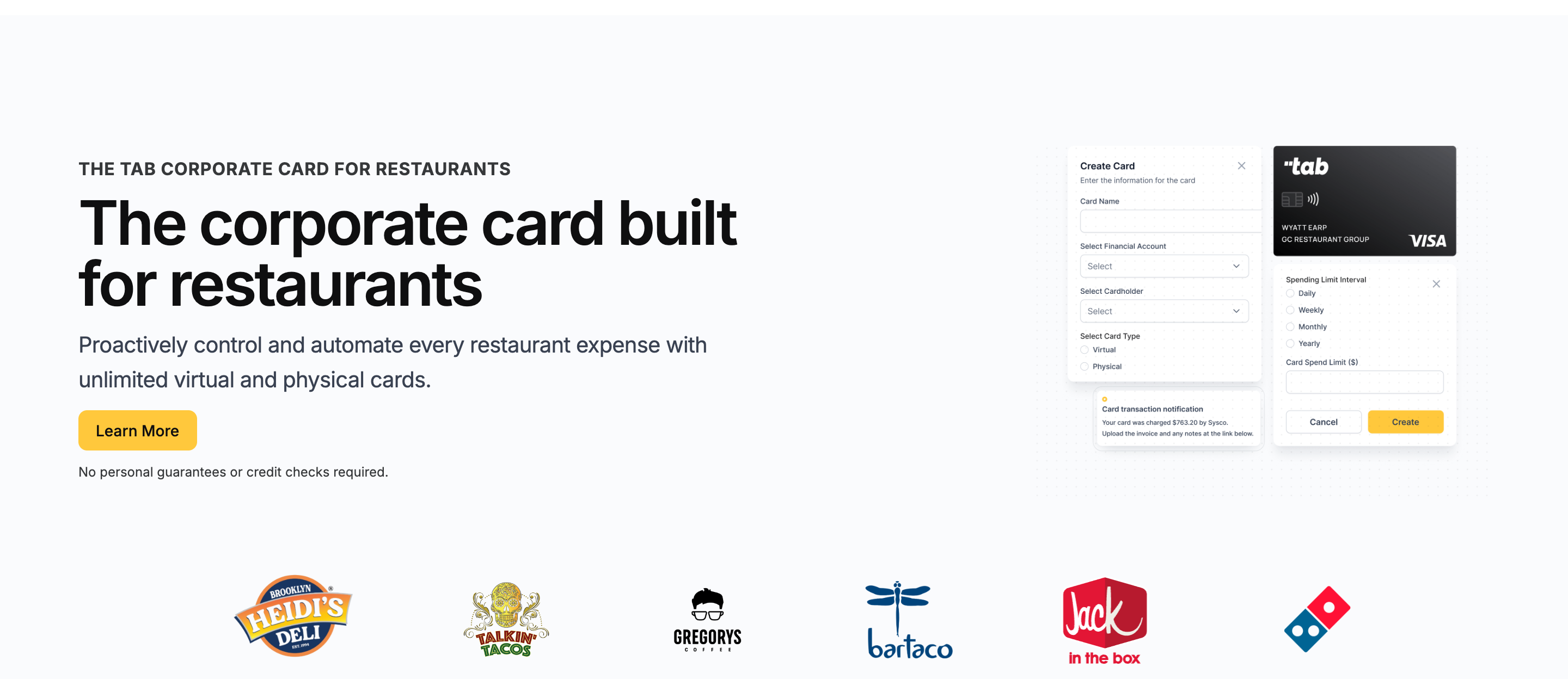
The obvious objection first: you searched for AP software, and Tab is a restaurant finance platform built around cards and expense automation. That is why it ranks here. When restaurants get fed up with BILL, the trigger is usually not invoice routing; it is the spend BILL never sees.
- Cards scoped to the job. Issue unlimited virtual and physical Visa cards with custom limits, assigned to an employee, 1 or more locations, and even specific vendors. No credit check required.
- Multi-entity workflows are first-class. Tab can map spend to locations, LLCs, and bank accounts, so a 12-store group is not reimbursing 1 card balance by spreadsheet.
- Receipts chase themselves. After each swipe, the cardholder gets a text and email prompt for the receipt, a note, and a location tag, including splits across locations.
- Restaurant365 does not become CSV cleanup. Tab supports custom exports, so separate store LLCs can send the fields R365 needs instead of reworking a generic card file.
- The books arrive clean. Transactions land categorized in a full QuickBooks Online integration on the free plan. Tab reports 85%+ higher accounting accuracy.
Now the part a ranked list owes you: Tab is not built to cover every BILL workflow. There is no AR module, no 1099 e-filing, no international supplier payments, and no PO-based procurement.
Tab does not replace bill pay or AP. Pro adds Andy AI to check purchasing data, invoices, vendor agreements, pricing, and rebates. If invoice approvals and payments are the pain, Tipalti and Stampli below cover that job.
The repayment design assumes restaurant cash flow:
- Cash back stays simple. Base includes unlimited cash back, receipt capture, and a full QuickBooks Online integration.
- Match repayment to the bank structure. For groups with separate bank accounts, Tab can help align repayment workflows to location-level cash flow and reduce month-end sweep work.
- Wall off your vendor debits. Tab Accounts adds unlimited virtual accounts with POS revenue deposits, free real-time internal transfers, and currently 2% APY on cash balances.
Support is part of the fit: live humans help restaurants set up cards, locations, bank accounts, and exports. Pro adds a dedicated Account Manager with white-glove onboarding.
Andy AI adds invoice checks: it can help surface location-level price spikes, missed distributor rebates, and contract issues after invoice data is captured.
Operators who ran this exact evaluation landed here at scale. Rock Strategic runs 75+ units on Tab and Heidi's Brooklyn Deli runs 8+ locations. The quote above comes from Tab's card launch announcement.
- Best forRestaurant card spend, receipts, location coding
- PricingBase free; Pro $150/mo/location
- Works withFull QuickBooks Online integration; customizable exports for other ledgers
- Built forRestaurants, including multi-location groups
What you get on the free plan:
- Unlimited virtual and physical cards
- Custom limits by employee, location, LLC, and vendor
- Automated receipt capture by text and email
- Full QuickBooks Online integration included
- Unlimited cash back, no annual fee
- Live US-based human support
Pricing: Tab's Base plan is free and includes the cards, receipt capture, the full QuickBooks Online integration, accounts, and live US-based human support. Pro is $150/month/location and adds Andy AI plus a dedicated Account Manager with white-glove onboarding. Groups with 5+ locations get custom pricing.
Best for: Independent and multi-location restaurant operators whose BILL pain is card spend, receipts, location coding, or Restaurant365 exports. Setup takes about one week and is ready for the first billing cycle. If your business needs AR, 1099s, and international payments from one bill-pay vendor, BILL or Tipalti may still earn that seat.
Ramp
Best for finance teams that want to retire BILL entirely: cards, bill pay, and expense in one system.
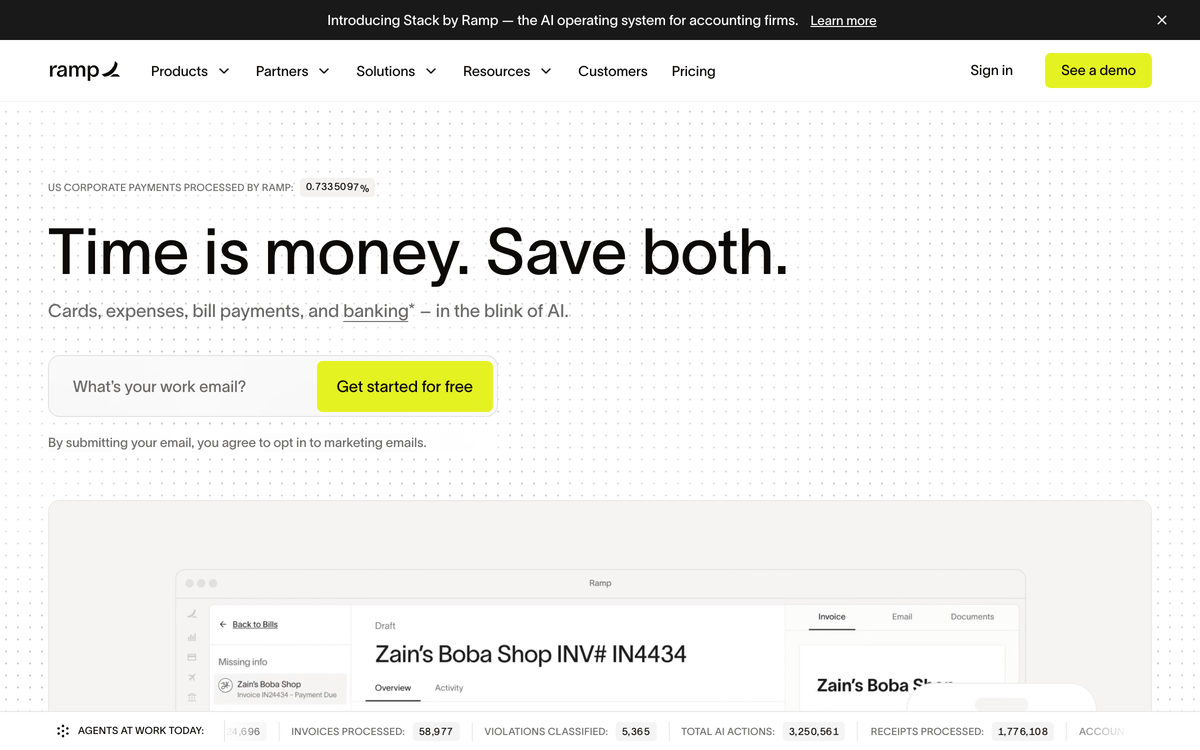
Ramp is the closest thing on this list to a full BILL replacement. Corporate cards, expense management, bill pay, procurement, and travel live in one platform, and the bill-pay module covers BILL's core workflow: capture the invoice, route the approval, pay by ACH, check, or card.
- Best forCards plus AP in one system
- PricingFree; Plus $15/user/mo + platform fee
- Payment feesACH $0.59, check $1.99 from June 2026
- What to weighPer-user pricing; desk-first workflows
Where it wins
- A genuinely free base tier. Bill pay included with QuickBooks Online and Xero sync at $0.
- Controls BILL cannot match. Unlimited employee cards with limits and approval workflows on the card side.
- Deeper ERP integrations on Plus. NetSuite and Sage Intacct sit on Ramp Plus at $15 per user per month billed annually.
Where it falls short
- Nothing restaurant-native. No location tagging at the swipe and no vendor-assigned cards.
- Per-user math turns against you. Once maintenance leads, approvers, and office users all need cards on a Plus plan, seats add up.
- Bill pay is no longer free to run. Standard ACH and checks carry per-payment fees from June 1, 2026.
Ramp · This Section
BILL
Tab · for reference
Verified June 2026 on Ramp's and BILL's published pricing.
What to weigh
- Plus is where the price lives. Multi-entity support and the deeper automations need Plus, at $15/user/month plus a platform fee that scales with team size.
- Bill pay is no longer free to run. Standard ACH and checks carry per-payment fees effective June 1, 2026, unless paid from a Ramp business account.
Tipalti
Best for global suppliers, multi-entity AP, and payment volume BILL was never sized for.
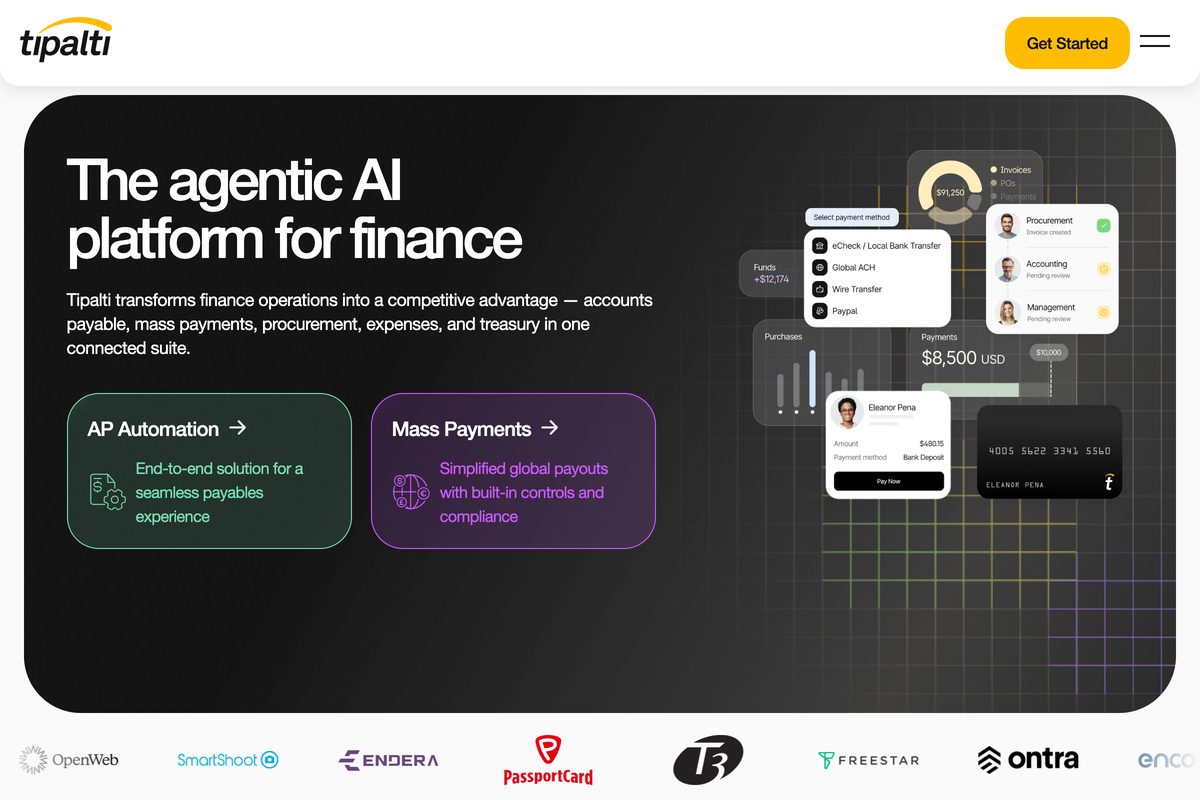
Tipalti is what finance teams graduate to when AP itself becomes the bottleneck. It automates the full payables cycle: invoice capture, supplier self-onboarding, approvals, tax compliance, and cross-border payments to 200+ countries in 120 currencies via 50+ payment methods (per Tipalti's site, June 2026).
- Best forGlobal suppliers, multi-entity AP
- PricingAP from $99/mo; mass payments from $249/mo
- Payment feesTransaction pricing per invoice and payment
- What to weighSized for global payment volume
Where it wins
- Supplier portals with tax validation. Self-onboarding and tax form checks BILL does not attempt at this depth.
- Multi-entity AP without per-user charges. AP plans start at $99/month with unlimited users.
- Mass-payment workflows. Mass payments plans start at $249/month for high cross-border volume.
Where it falls short
- Built for international operations. Nearly everything that makes Tipalti good is sized for cross-border payment volume.
- Transaction fees stack on the subscription. Pricing scales by payments, entities, modules, and currencies.
- Implementation is a project. A 6-location group paying Sysco, a linen service, and a plumber needs almost none of it.
Tipalti · This Section
BILL
Tab · for reference
Verified June 2026 on Tipalti's and BILL's published pricing.
What to weigh
- The subscription is the floor, not the bill. Transaction pricing per invoice and payment comes on top, scaling with volume, entities, payment methods, and currencies.
- Built for global payment operations. With a domestic vendor list, you are paying for infrastructure you will not use.
Stampli
Best for invoice-first AP control that adapts to your ERP instead of replacing it.
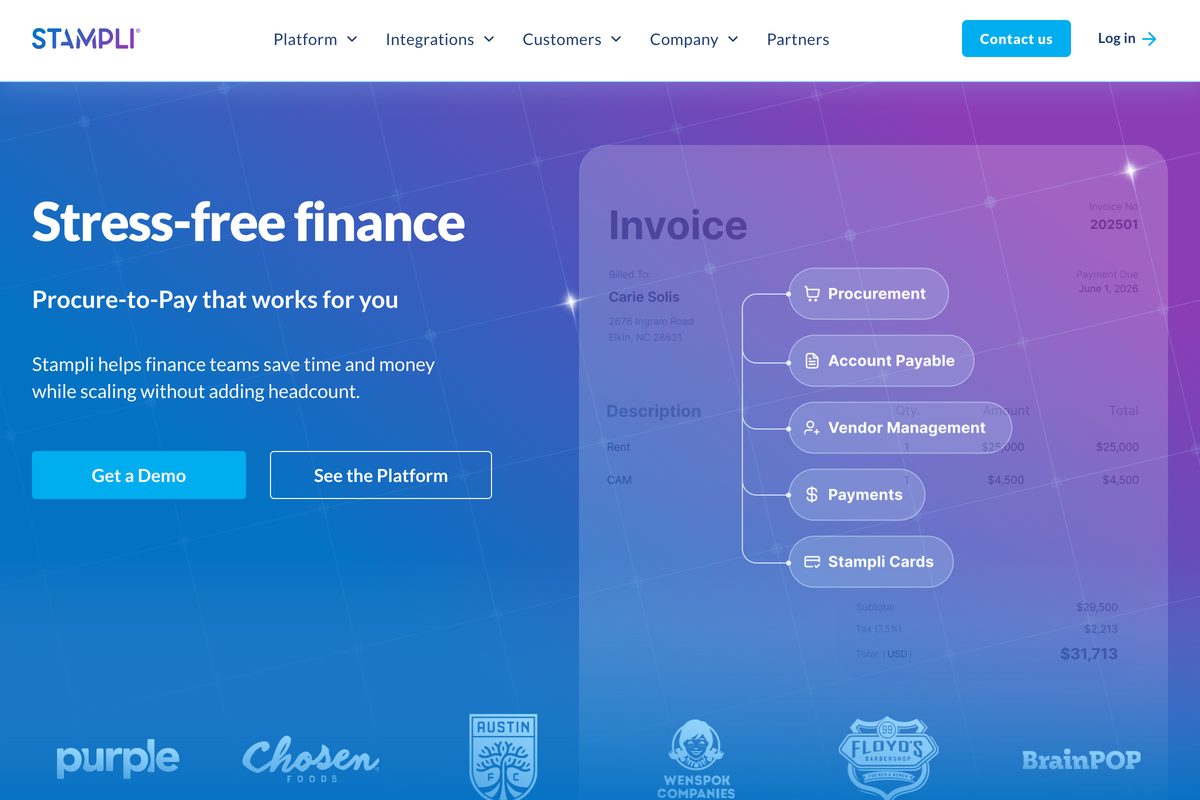
Stampli is built around a simple observation: every invoice becomes a conversation. So it keeps the questions, approvals, documents, and audit trail on the invoice itself instead of scattered across email threads.
- Best forInvoice-first AP on your existing ERP
- PricingCustom quote; no public pricing
- Payment feesQuoted by module
- What to weighInvoice AP only; no card spend
Where it wins
- Invoices arrive any way. Email, drag and drop, vendor portal, or CSV all flow into one place.
- Billy the AI assistant. Suggests GL coding from your ERP, predicts approvers, and handles line-level PO matching.
- Adapts to your stack. Integrates with 70+ systems, from QuickBooks Online and Desktop to NetSuite, Sage Intacct, Dynamics, and SAP.
Where it falls short
- No public pricing. Everything is a custom quote, with payments and card modules scoped separately.
- Invoice AP by design. Employee card spend, receipts, and location coding are not its job.
- Spend management is not included. The AP core is the product; cards are an add-on.
Stampli · This Section
BILL
Tab · for reference
Verified June 2026 on Stampli's and BILL's published pricing pages.
What to weigh
- No public pricing. The pricing page is a quote form, so budgeting requires a sales conversation.
- Cards and payments are add-on modules. The AP core is the product; spend management is not included by default.
Melio
Best for restaurants that want BILL's core job, paying vendor bills, without per-seat software fees.

Melio runs the other direction: less AP software, not more. It is vendor bill pay with a genuinely free plan, built for owners who found BILL's per-user subscription absurd for the 25 bills they pay each month.
- Best forLightweight vendor bill pay
- PricingGo free; paid $25 to $80/mo
- Payment feesACH $0.50 past free allotment; card 2.9%
- What to weighThin controls; no expense management
Where it wins
- A genuinely free plan. Go is $0 with 5 free ACH payments a month; paid tiers stay cheap at Core $25, Boost $55, Unlimited $80.
- Two-way accounting sync. Syncs with QuickBooks Online, QuickBooks Desktop, Xero, and NetSuite.
- Pay any bill by card. Put a vendor bill on a credit card for 2.9% even when they only take bank transfer, buying float in a tight week.
Where it falls short
- Controls are thin. Approval workflows fall short of BILL Corporate.
- Users cost extra. Additional users run $10/month on Core and Boost.
- No expense management at all. Manager card spend stays exactly as unmanaged as before.
Melio · This Section
BILL
Tab · for reference
Verified June 2026 on Melio's and BILL's published pricing.
What to weigh
- Fees live at the edges. ACH beyond your plan's free allotment is $0.50, checks are $1.50, and instant transfers run 1%.
- One user on the free plan. Go is single-user with no approval routing; delegation starts at Core plus per-user fees.
Airbase (Paylocity for Finance)
Best for mid-size groups consolidating procurement-to-pay with payroll and HR under one vendor.
Airbase made its name treating AP, corporate cards, and reimbursements as one approval workflow with guided procurement on top. It now sells as "Airbase, a Paylocity Company," folded into Paylocity for Finance after the payroll provider acquired it.
- Best forProcurement-to-pay plus payroll, one vendor
- PricingCustom quote; no public pricing
- Payment feesNot published
- What to weighSold as part of Paylocity's suite
Where it wins
- Approvals start before money is spent. Procurement intake, AP automation, cards, and expense share one approval spine.
- Payroll and spend on one platform. The Paylocity tie-in puts payroll and non-payroll spend together.
- A real draw for Paylocity shops. One vendor relationship if Paylocity already runs your HR.
Where it falls short
- Custom-quote pricing only. No published tiers to budget against.
- The buying conversation now includes HCM. Expect the sales motion to center the combined Paylocity platform.
- No restaurant context. None of the workflows know what a restaurant location is.
Airbase · This Section
BILL
Tab · for reference
Verified June 2026 on Airbase/Paylocity and BILL published pages.
What to weigh
- No public pricing. Quotes are customized to company size and modules; there are no published tiers to budget against.
- Now part of a payroll suite. Expect the sales motion and roadmap to center Paylocity's combined platform rather than standalone spend management. If ordering and receiving are the actual job, compare this restaurant procurement software guide.
Restaurant365
Best for groups ready to replace QuickBooks with restaurant-specific accounting, not bolt on bill pay.

Restaurant365 is the other restaurant-specific platform on this list, and it competes at a different altitude. It is accounting, AP, inventory, scheduling, and payroll built for restaurants, and Restaurant365's site claims 50,000+ restaurants run on it (June 2026).
- Best forRestaurant-native accounting replacing QuickBooks
- PricingCustom quote; no public pricing
- Payment feesNot published
- What to weighA full accounting migration, not a bolt-on
Where it wins
- Accounting built for restaurants. AP automation lives inside a restaurant general ledger with location-level P&Ls.
- One system, end to end. POS integration plus food and labor cost reporting in the same place.
- Replaces QuickBooks plus add-ons. Choosing R365 over BILL is really choosing a new accounting stack.
Where it falls short
- No public pricing. Only custom quotes and demos.
- Adoption is a migration. Measured in months, not a Tuesday-afternoon signup.
- Overkill if QuickBooks works. If QuickBooks Online works for you, R365 solves a problem you do not have.
Restaurant365 · This Section
BILL
Tab · for reference
Verified June 2026 on Restaurant365's and BILL's published pricing pages.
What to weigh
- Quote-and-demo pricing. The pricing page collects requirements and books a demo; no public number exists to budget against.
- It replaces your accounting file. This is an ERP-level decision with implementation and training, not an AP add-on. This restaurant bookkeeping software guide compares lighter accounting stacks.
The verdict
Ways to narrow the list
- Your BILL pain is card spend, receipts, location coding, or Restaurant365 exports: Tab is worth considering beside the AP and accounting tools you keep. Its Base plan is free.
- You want one system for cards plus AP: Ramp combines those jobs, while Stampli focuses more deeply on invoice control.
- BILL is larger than your bill volume requires: Melio provides a lighter bill-pay workflow.
The special cases: Tipalti for global supplier payments, Airbase if Paylocity already runs your payroll, and Restaurant365 if you are replacing QuickBooks entirely. BILL may still fit when you genuinely use AP and AR together, e-file 1099s through it, and your approval chain fits the seats you already pay for.
One useful test is to look at the last 10 finance problems that cost your team an evening. If most involve a card purchase, a missing receipt, or the wrong restaurant, the open work may sit outside AP. Tab's restaurant finance workflow overview explains how that card-and-receipt work fits beside bill pay.
FAQ
For restaurant card spend, receipt texts, location coding, and customizable Restaurant365 exports, Tab is the card-and-receipt option in this list. Ramp or Stampli go deeper on AP, while Melio keeps bill pay light. The right choice depends on which daily workflow is failing.
Tab can replace a separate card-and-receipt tool or work beside BILL. It handles manager cards, receipt texts, restaurant and entity details, a full QuickBooks Online integration, and customizable exports. BILL still handles AR, 1099s, bill pay, and global vendor payments; Tab does not replace those workflows.
BILL's AP and AR plans run $49, $65, and $89 per user per month, with Enterprise custom. Payment fees add $0.59 per ACH, $1.99 per mailed check, $11.99 for Pay Faster ACH, and 2.9% to pay by card. BILL Spend & Expense, the former Divvy, is free software with the BILL Divvy Card for teams that want card spend beside BILL's bill-pay/AP workflow.
Tipalti. It pays suppliers in 200+ countries across 120 currencies with 50+ payment methods, validates supplier tax forms, and supports multi-entity AP. Plans start at $99/month plus transaction pricing, so it earns its cost at international volume, not on a domestic-only vendor list.
Melio. The Go plan is free with 5 ACH payments a month, paid plans run $25 to $80 per month, and it syncs 2-way with QuickBooks Online, QuickBooks Desktop, Xero, and NetSuite. You give up BILL's deeper approval controls, which for many small operators is the point.
They solve different problems. BILL adds AP and AR to an existing accounting file, while Restaurant365 provides restaurant accounting, AP, inventory, and payroll in one system. Restaurants keeping QuickBooks can compare BILL or Melio for bill pay and Tab for card-and-receipt work. Restaurants replacing QuickBooks can evaluate Restaurant365.
The bottom line
An AP migration may not solve missing card receipts, while a lighter bill-pay tool may be enough for a small vendor list. The useful comparison is the daily workflow each option handles.
If that workflow is card spend, receipts, location coding, or Restaurant365 exports, see how Tab handles restaurant spend end to end. The Base plan is free, setup takes about one week and is ready for the first billing cycle, and there is no credit check to clear.

James writes from Tab's work with restaurant groups choosing cards, receipt workflows, accounting handoffs, and support. Tab builds the AI-powered finance platform for restaurants: cards, accounts, payments, automation, and intelligence in one back office.


