

Contents
Expensify starts with the expense report. Restaurant spend often starts with a manager card. We ranked 7 alternatives on limits, receipt follow-up, coding by restaurant, reimbursements, travel, and accounting handoff.
Expensify alternatives comparison
Here is how all 7 stack up before the detail:
| # | Platform | Pricing | Free entry / trial | Review signal | Best fit for |
|---|---|---|---|---|---|
| 01 |  Tab Best for restaurantsRestaurant-native expense automation
|
Base free; Pro $150/month/location | Free Base plan | 1,000+ restaurants | Restaurant owners and multi-location groups replacing expense reports and accounting cleanup |
| 02 |  RampHorizontal spend platform
|
Free base; Plus $15/user/month billed annually + platform fee | Free tier | 4.9/5 on Capterra | Finance teams that want one horizontal spend platform |
| 03 |  BrexStartup-grade cards and banking
|
Essentials $0/user/month; Premium $12/user/month | $0 Essentials tier | 4.5/5 on Capterra | Funded or global companies with startup-style spend |
| 04 |  BILL Spend & ExpenseAP-first cards and spend
|
Free software with the BILL Divvy Card | Free with the card | 4.7/5 on Capterra | Teams that need BILL-style AP and bill pay tied to card spend |
| 05 |  NavanTravel and expense in one app
|
Travel free; expense free for first 5 users, then $15/user/month | First 5 expensing users free | 4.6/5 on Capterra | Teams whose spend happens on the road |
| 06 |  SAP ConcurEnterprise T&E incumbent
|
Custom quotes; no public list pricing | Free trial | 4.3/5 on Capterra | Enterprises with strict policy and ERP requirements |
| 07 |  Sage Expense ManagementKeep your existing cards (formerly Fyle)
|
Growth $11.99/active user/month billed annually | Demo only | 4.5/5 on Capterra | SMBs keeping their existing credit cards |
Pricing verified June 2026 on vendor pricing or billing docs; ratings verified June 2026 on Capterra.
Where Expensify falls short according to users online
Expensify is strong at scanning receipts and building expense reports. Public reviews and its billing rules point to 5 tradeoffs that matter more when a restaurant handles high card volume.
- Receipt scanning still needs babysitting. SmartScan earns real praise, but reviewers describe scans that run slow or misread merchants and amounts, forcing manual corrections. A desk team fixes 3 receipts a month; a 4-location restaurant group fixes them daily. (Capterra reviews)
- Support runs through chat, and complex issues drag. Some users report fast answers, while others describe slow back-and-forth exchanges on billing and sync problems, plus recurring glitches that need manual fixes. (Capterra reviews)
- The headline pricing has strings attached. The $9 Control rate requires an annual subscription plus 50% or more of US spend on the Expensify Card. Without the card it is $18 per active member, and pay-per-use is $36. (Source: Expensify billing overview, June 2026)
- Collect bills every member, active or not. The $5 Collect plan charges per unique member each month regardless of activity, an awkward model for the seasonal staffing and turnover that are normal in restaurants. (Source: Expensify billing overview, June 2026)
- Nothing in the product knows what a restaurant is. There is no native way to tag a transaction to one store or split it across several, no vendor-assigned cards, and the core model assumes employees file reports for reimbursement. (Source: Expensify product pages)
How to choose an Expensify alternative for a restaurant group
Before scoring vendors, score your own operation. Give yourself 0 to 2 points per row, where 2 means "this is a weekly pain."
The restaurant expense fit score
| Criterion | 0 Points | 1 Point | 2 Points |
|---|---|---|---|
Receipt follow-through |
Receipts arrive without chasing | A few stragglers every month | Managers swipe daily and receipts vanish weekly |
Location/entity allocation |
One location, one P&L | 2 to 3 locations or LLCs, occasional miscoding | Spend regularly lands on the wrong location or entity |
Card controls |
The owner holds the only card | A few employee cards on informal rules | Operations, finance, and maintenance teams need cards with limits |
Accounting handoff |
Manual entry is manageable | Sync exists but needs monthly cleanup | Month-end close stalls on uncoded card spend |
Restaurant support fit |
Generic software support is fine | You occasionally need a human fast | You need support that understands restaurant operations and close deadlines |
Score each row 0 to 2, then total across all 5 rows.
How to read your total
- 8 to 10: your main problem is restaurant card operations. Tab addresses that work with location tagging for card transactions, multi-LLC workflows, and bank-account mapping.
- 4 to 7: a strong general platform like Ramp or BILL Spend & Expense can work, as long as someone on your team owns location and entity mapping by hand.
- 0 to 3, with travel or ERP needs dominating: your problem is not restaurant spend. Look at Navan for travel, SAP Concur for enterprise policy depth, or Sage Expense Management to keep your existing cards.
If most of your points sit in the card controls row, the primer on modern corporate and purchasing cards for restaurants explains which controls actually matter.
One more decision input: you do not have to rip out every card to fix visibility. Tab Connect links existing bank accounts and cards, so linked-card spend gets the same real-time expense reporting and location assignment.
The 7 best Expensify alternatives, Ranked
Tab Commerce
Best for restaurantsBest for restaurant owners and groups that want card controls, receipts, location/entity coding, and accounting handoff handled at the swipe instead of at month-end.
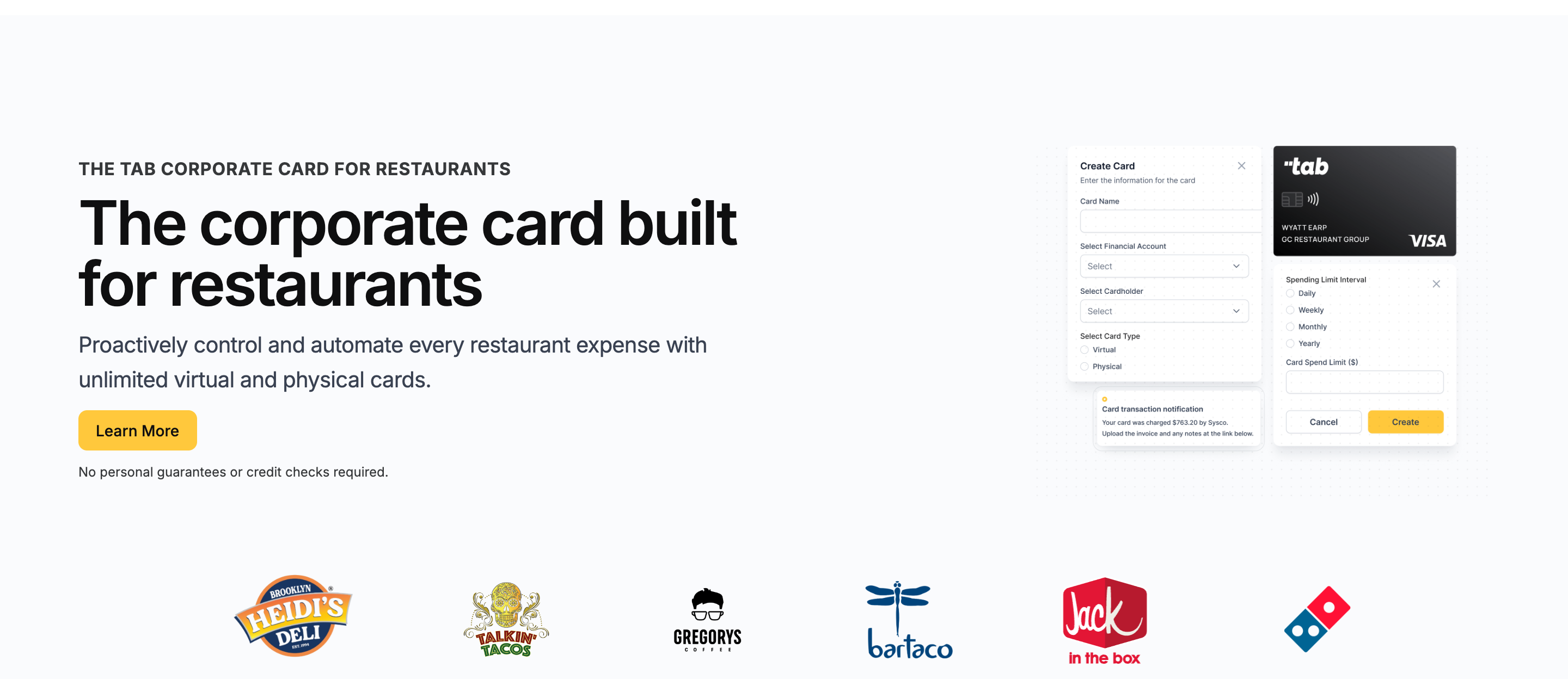
Expensify asks your team to file expense reports. Tab prompts for the receipt and restaurant after the card purchase, so finance gets the details without waiting for a separate report.
Tab is the AI-powered finance platform built for restaurants and their actual financial flows: multiple locations, multiple LLCs, multiple bank accounts, corporate cards, receipt capture, virtual accounts, and a full QuickBooks Online integration on the free plan. Here is what that means in practice:
- Cards are scoped to the job. Cards can be assigned to an employee, one or more locations or entities, and specific vendors, each with custom limits and no credit check required.
- The mechanism replaces the report. The moment a cardholder swipes, Tab texts and emails them to snap the receipt, add a note, and tag the location or split the purchase across several. The transaction lands categorized and GL-coded.
- Matching becomes a review step. Automatic expense reconciliation brings the transaction, receipt, note, and restaurant together before finance checks it. Tab reports 85%+ higher accuracy.
- Multi-unit finance stays mapped to the org chart. For groups with multiple LLCs and bank accounts, Tab can map spend to the right location or entity and support repayment from the corresponding bank account, reducing sweep work at month-end.
- Restaurant accounting handoffs are not generic. Tab includes a full QuickBooks Online integration on the free plan and works with Restaurant365 groups on customizable export files.
- Andy AI covers invoice digitization. On Pro, Andy AI uses invoice capture/OCR to digitize distributor invoices and receipts, read line items, and surface price spikes, rebate opportunities, and contract issues.
Against Expensify: Expensify starts working after an employee submits something. Tab prompts for the receipt after the swipe, reducing the follow-up finance handles later. The Base plan includes unlimited cash back, receipt capture, and a full QuickBooks Online integration.
Multi-unit operators already run their spend on it: Rock Strategic runs 75+ units on Tab, and Heidi's Brooklyn Deli runs 8+ locations. The quote above comes from Tab's card launch announcement.
- Best forIndependent and multi-location restaurant operators
- PricingBase free; Pro $150/mo/location
- Rewardsunlimited cash back on Base
- Built forRestaurant financial flows
What you get on the free plan:
- Unlimited virtual and physical cards
- Custom limits by employee, location, entity, and vendor
- Automated receipt capture by text and email
- Full QuickBooks Online integration included
- Unlimited cash back, no annual fee
- Live US-based human support
Pricing: Tab's Base plan is free and includes unlimited cards, unlimited cash back, receipt capture, the full QuickBooks Online integration, and live US-based human support. Pro ($150/month/location) adds Andy AI for invoice and purchasing analysis; groups with 5+ locations get custom pricing. Tab does not replace bill pay or AP.
What to weigh
If the accounting tool itself is still under review, compare this bookkeeping software for restaurants guide before choosing the expense workflow.
Best for: Restaurant operators from a single independent to multi-location, multi-entity groups who want the card program and accounting handoff to close the books. If your spend is mostly flights and hotels for a desk team, Tab is not your tool; Navan (#5) and SAP Concur (#6) are built for that.
Ramp
Best for finance teams that want one modern platform for cards, bills, and expenses across any industry.
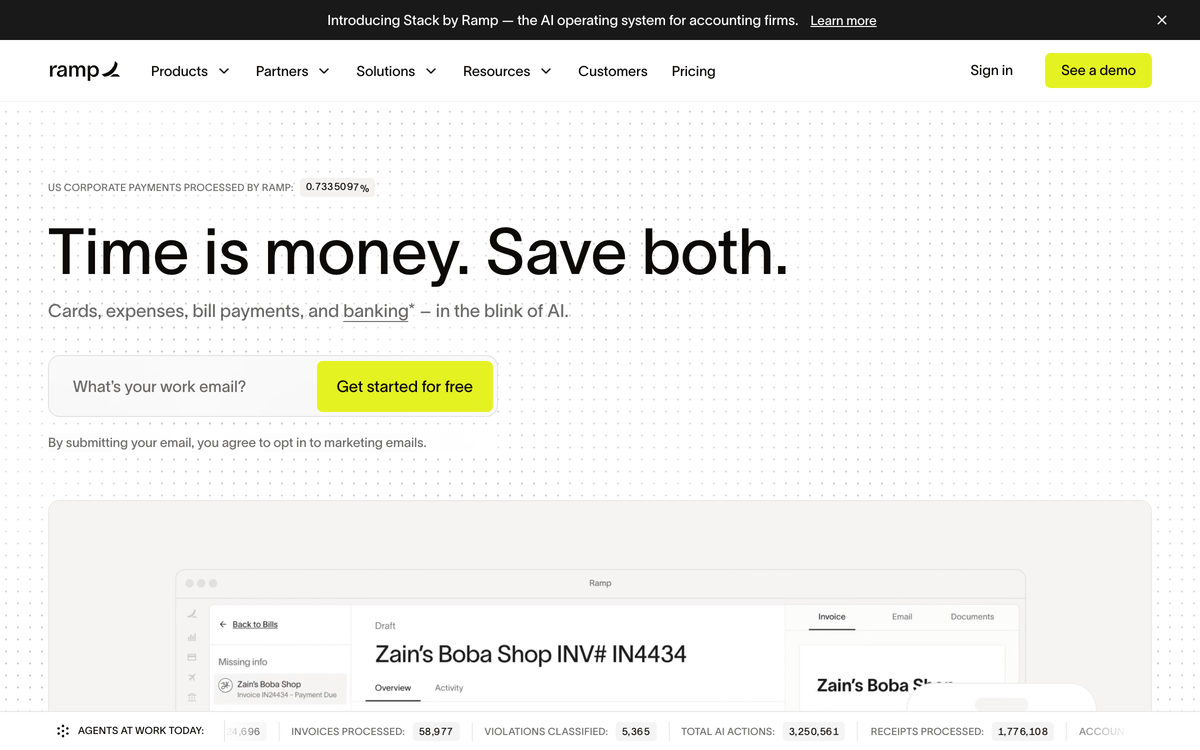
Ramp is the first name most controllers shortlist when they outgrow Expensify, and the reviews back it up: 4.9 out of 5 across 217 reviews on Capterra, the highest rating on this list. The platform bundles corporate cards, expense management, bill pay, procurement, and travel.
- Control moves to the card. Ramp is a stronger horizontal card-control platform than a report-first app. Receipts collect over SMS and policy controls run at the swipe.
- Accounting sync is broad. QuickBooks Online and Xero sync on the free plan, with NetSuite and Sage Intacct on Plus.
- The trade is restaurant fit. Plus runs $15 per user per month billed annually plus a platform fee, and Ramp lacks restaurant-native location/entity tagging, vendor-assigned cards, and multi-bank repayment.
- Best forHorizontal finance teams
- PricingFree; Plus $15/user/mo + platform fee
- RewardsCash back on card spend
- What to weighPer-user pricing, no restaurant logic
Where it wins
- Strong horizontal policy automation. Receipts collect over SMS, and policy controls run at the card.
- Broad accounting sync. QuickBooks Online and Xero on the free plan; NetSuite and Sage Intacct on Plus.
- A genuinely free base tier. Cards and expense management at $0 before per-user economics kick in.
Where it falls short
- Per-user pricing stacks up. Plus is $15 per user per month billed annually plus a platform fee, painful when every shift lead carries a card.
- Bill pay now carries fees. Standard ACH costs $0.59 and standard checks $1.99 from June 2026, waived only when paying from a Ramp account.
- No restaurant logic. No location tagging at the swipe and no vendor-assigned cards.
Ramp
Expensify
Tab (for reference)
Pricing: Free base tier; Plus is $15/user/month billed annually plus a platform fee (verified on Ramp's pricing overview, June 2026).
What to weigh
- Bill-pay fees arrived June 1, 2026: standard ACH now costs $0.59, same-day ACH $10, domestic wires $15, and standard checks $1.99, waived when paying from a Ramp account.
- Restaurants usually land on Plus: multi-entity support and the deeper accounting automations sit behind Plus pricing plus the platform fee.
Brex
Best for funded or global companies that clear startup-style underwriting.
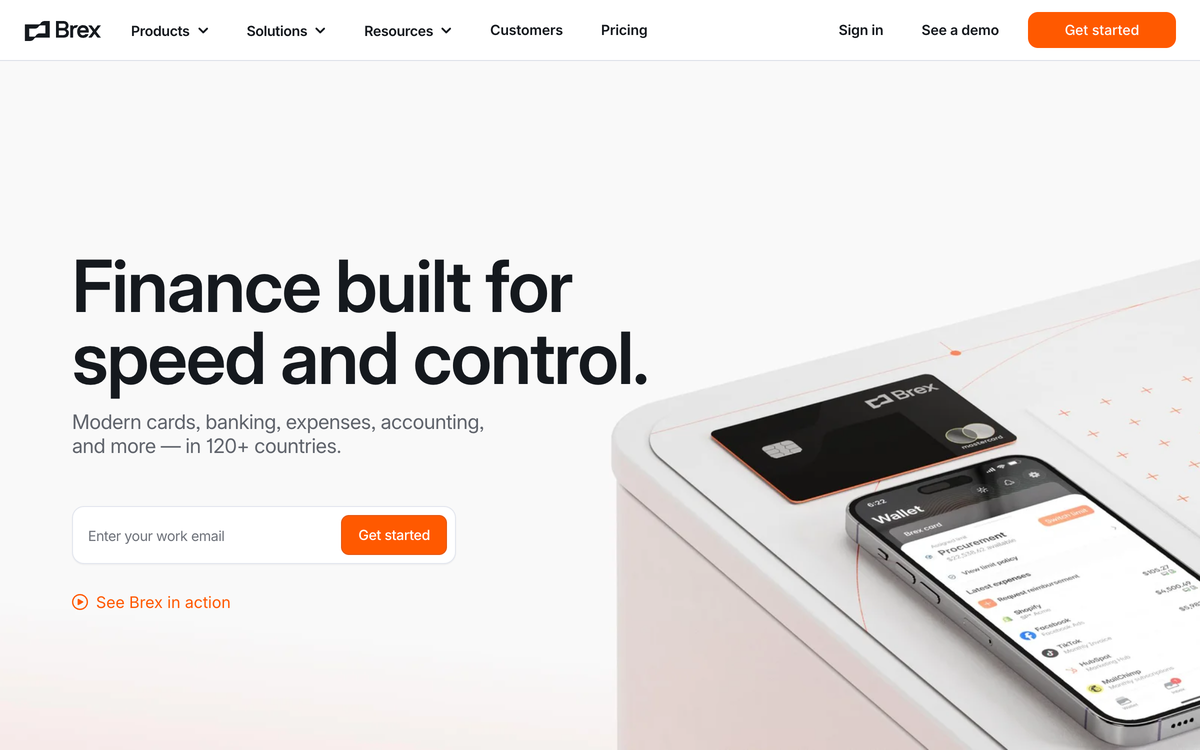
Brex looks like Ramp's twin on a feature list, but it underwrites like a venture investor. Cards, expense management, banking, and travel come with strong policy automation and global reach, and Capterra reviewers rate it 4.5 across 139 reviews.
- Card-first controls replace report-first workflows. Brex adds multi-entity, multi-currency support Expensify cannot match, useful for hospitality groups with international suppliers or entities.
- The catch is the model. Underwriting favors venture-funded and cash-rich companies rather than restaurant balance sheets.
- Rewards come as points. That is one more system nobody has time to optimize between services.
- Best forFunded, global hospitality groups
- PricingEssentials $0; Premium $12/user/mo
- RewardsPoints, not flat cash back
- What to weighStartup-shaped underwriting
Where it wins
- Strong policy automation. Card-first controls and deep expense tooling that replace report-first cleanup.
- Global reach. Multi-entity and multi-currency support for international suppliers or entities.
- $0 Essentials tier to start, with Premium at $12/user/month.
Where it falls short
- Startup-shaped underwriting. Favors venture-funded and cash-rich balance sheets, not the typical restaurant.
- Points, not cash. Squeezing value from a points ecosystem is one more job between services.
- Zero restaurant context. No location tagging or vendor-assigned cards designed around restaurant operations.
Brex
Expensify
Tab (for reference)
Pricing: Essentials $0/user/month; Premium $12/user/month; Enterprise is custom (verified on Brex's pricing page, June 2026).
What to weigh
- Support draws criticism: some reviewers describe needing too many support interactions for basic account issues.
- Credit cards only: Brex offers credit cards rather than debit, which some reviewers find complicates simple cash-flow tracking.
BILL Spend & Expense
Best for teams that need BILL-style AP and bill pay tied to card spend.
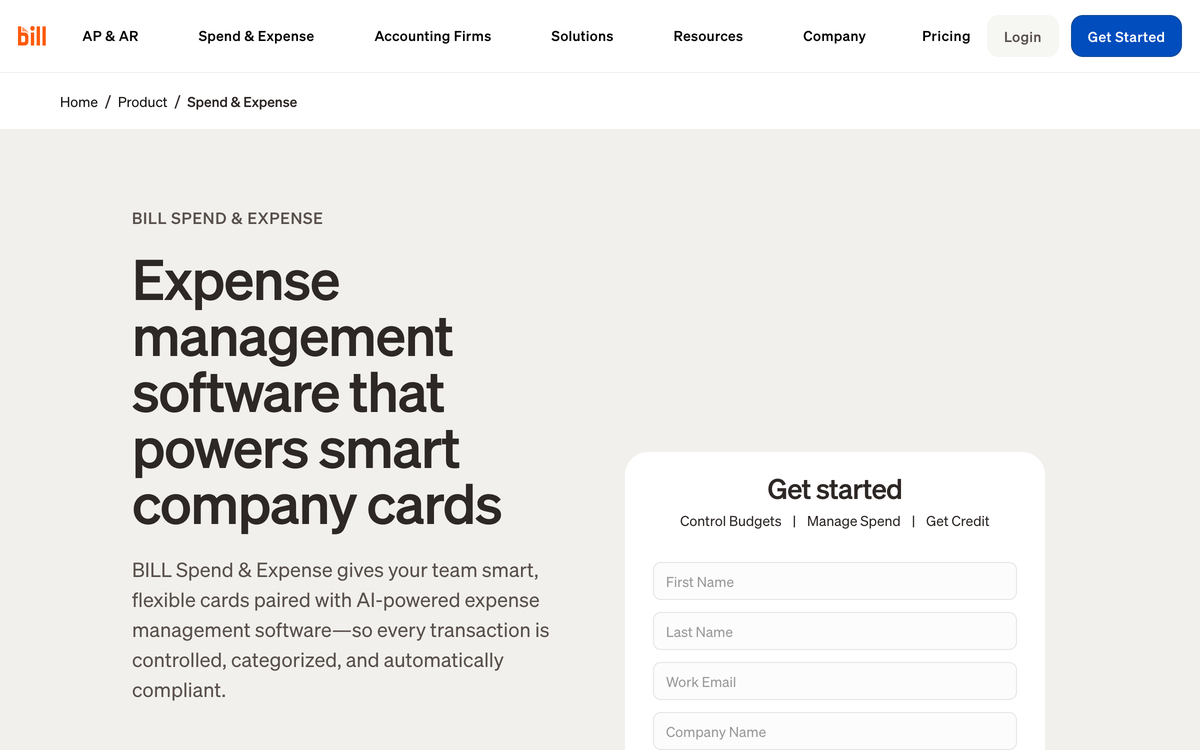
BILL Spend & Expense (formerly Divvy) is the card side of BILL's AP and bill-pay ecosystem. Budgets and cards sit near vendor payment workflows rather than a restaurant-native card program, and reviewers rate it 4.7 across 438 reviews on Capterra.
- The software is free with the card. Advertised credit lines run from $1K to $5M, though BILL is explicit that lines are determined at application approval and not guaranteed.
- There is no per-member software bill at all. That stands against Collect's $5 for every unique member each month, and enforcement happens before the swipe instead of after the report.
- The trade is restaurant fit. Rewards scale with payoff frequency, credit deployment can get awkward across locations, and location/entity mapping stays manual.
- Best forBILL-style AP plus cards
- PricingFree software with the Divvy Card
- RewardsScale with payoff frequency
- What to weighCredit lines not guaranteed
Where it wins
- BILL AP and cards live together. Useful when bill pay is the non-negotiable part of the workflow.
- Free software with the card. No per-member software bill against Collect's $5 for every unique member.
- Credit lines from $1K to $5M advertised, sized at application approval.
Where it falls short
- Rewards take reading. Earn rates scale with how often you pay off, so the effective rate is hard to predict.
- A workflow your cardholders must learn. Budget-first controls are a real behavior change for store-level teams.
- No restaurant logic. Mapping spend to locations and entities stays your bookkeeper's job.
BILL Spend & Expense
Expensify
Tab (for reference)
Pricing: Free software with the BILL Divvy Card; no per-member software bill (verified on BILL's product pages, June 2026).
What to weigh
- No phone support after onboarding: reviewers note support is responsive early, but phone access disappears once you are a customer.
- Rewards take reading: payout value depends on payoff cadence and program conditions, which several reviewers found underwhelming in practice.
Navan
Best for teams whose expenses mostly happen on the road.
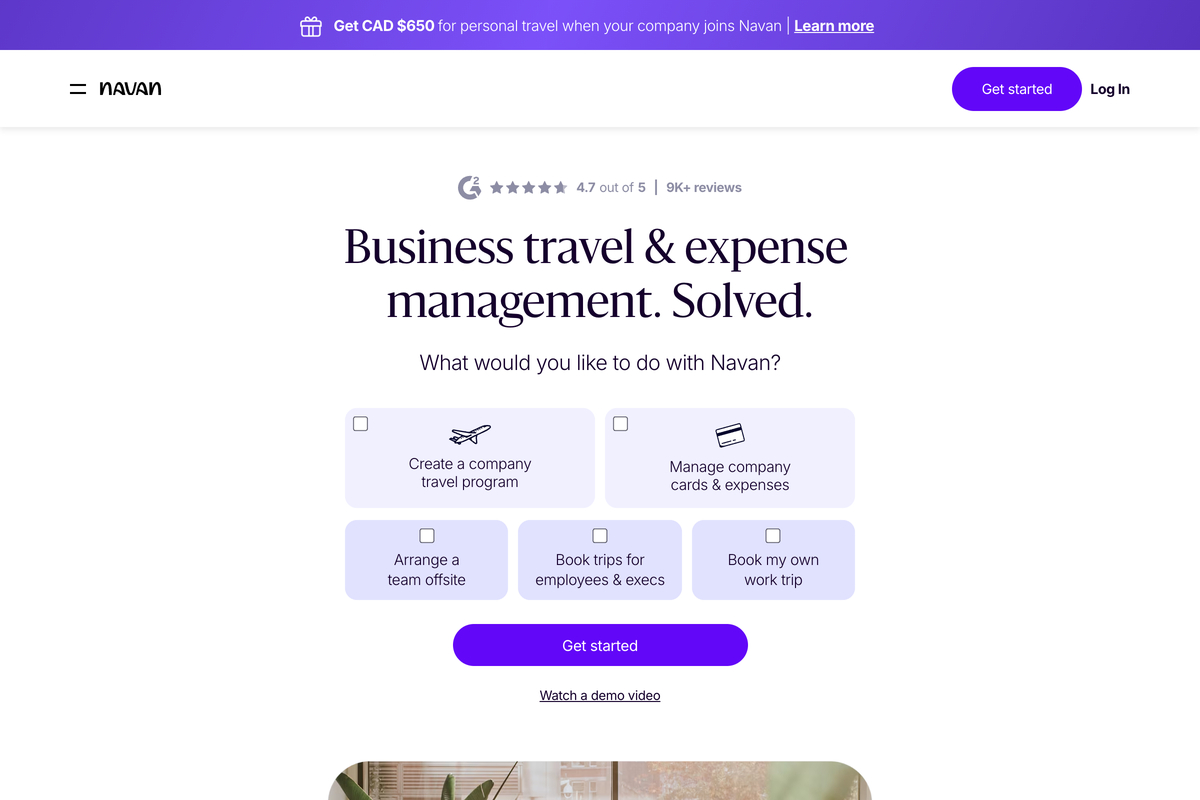
Navan answers a different question than the rest of this list. If your people spend mostly while traveling, it folds booking and expense into one app: flights, hotels, rental cars, and the expense trail they create. Capterra reviewers rate it 4.6 across 211 reviews.
- Travel booking is free with unlimited trips. Policy is applied at booking time rather than at report review.
- Expense pricing is seat-based. Expense management is free for the first 5 monthly expensing users, then $15 per user per month, and companies over 300 employees move to custom Enterprise pricing.
- For restaurants it is the wrong shape. Your spend happens at the store and the supplier, not on the road.
- Best forTeams with a real travel program
- PricingTravel free; expense from $15/user/mo
- RewardsPolicy applied at booking time
- What to weighBuilt for the road, not the store
Where it wins
- Travel and expense in one move. For travel-heavy teams, Navan replaces Expensify plus a separate booking tool.
- Policy at booking time. Spend gets controlled before it happens rather than at report review.
- Free for small teams. Travel booking is free with unlimited trips, and the first 5 expensing users are free.
Where it falls short
- Wrong shape for restaurants. Restaurant spend happens at the store and the supplier, not on flights and hotels.
- Seat pricing past 5 users. Expense jumps to $15 per user per month once you pass the free tier.
- Enterprise gate over 300 employees. Larger teams move to custom Enterprise pricing.
Navan
Expensify
Tab (for reference)
Pricing: Travel free with unlimited trips; expense free for the first 5 monthly expensing users, then $15/user/month (verified on Navan's pricing page, June 2026).
What to weigh
- Admins carry the weight: reviewers describe the admin side as a struggle, with one calling it "not designed with the admin in mind."
- Booking fees add up: several reviews flag booking fees as expensive next to booking direct.
SAP Concur
Best for enterprises that need policy, audit, and ERP depth more than speed.
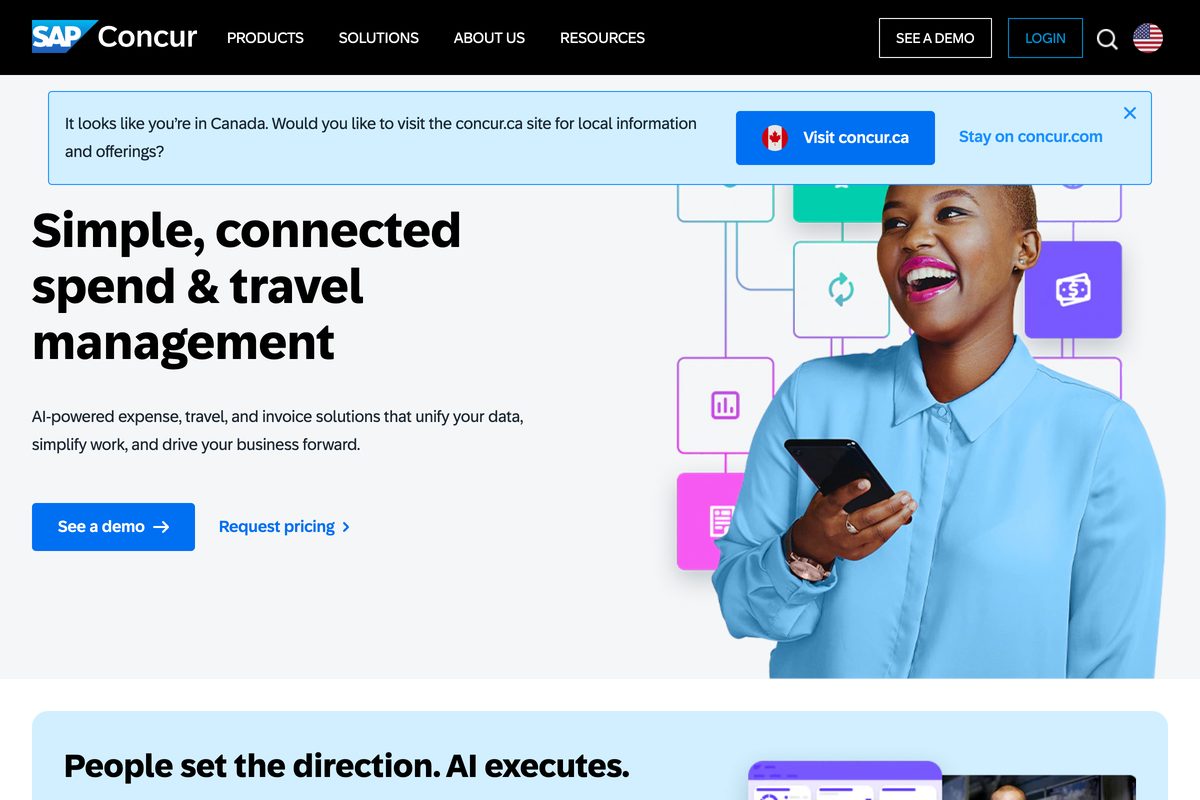
SAP Concur is the system restaurant groups usually inherit rather than choose, typically when a parent company or franchisor standardizes on it. It is the enterprise T&E incumbent: travel, expense, and invoice with policy engines, audit trails, and ERP-grade integration. The scale is real, and so is the friction: 4.3 across 2,252 reviews on Capterra, the largest review base on this list and also its lowest rating.
- It out-muscles Expensify on depth. Concur wins on global compliance, approval hierarchies, and enterprise integration.
- It also out-weighs it. Configuration, implementation, and a sales-led buying process come with the package. For an 8-location restaurant group, that is more system than most finance teams need for routine card spend.
- Pricing is opaque. SAP does not publish transparent list pricing; quotes depend on modules, user count, and transaction volume.
Vendr reports the median Concur buyer pays $9,859 per year, and Capterra lists usage-based plans starting at $7.00 per month with a free trial.
- Best forEnterprise policy and ERP depth
- PricingCustom; Vendr median $9,859/year
- RewardsUsage-based plans from $7.00/mo
- What to weighHeavy, sales-led, lowest rated here
Where it wins
- Global compliance depth. Policy engines and approval hierarchies Expensify cannot match.
- ERP-grade integration. Built to feed enterprise finance systems and audit trails.
- Travel, expense, and invoice in one. A single incumbent suite across many entities.
Where it falls short
- Heavy to deploy. Configuration, implementation, and a sales-led buying process slow everything down.
- Opaque pricing. Every quote is custom and depends on modules and transaction volume.
- Lowest rated here. 4.3 on Capterra against 4.5 to 4.9 for the alternatives above.
SAP Concur
Expensify
Tab (for reference)
Pricing: No public list pricing; Vendr reports a median of $9,859/year and Capterra lists usage-based plans from $7.00/month with a free trial (verified June 2026).
What to weigh
- Pricing is a negotiation, not a page: every quote is custom, and Vendr describes outcomes as heavily dependent on company size and SAP relationship.
- Lowest-rated option on this list: 4.3 on Capterra against 4.5 to 4.9 for the alternatives above. Restaurant groups comparing the same travel-and-expense job can review these Concur alternatives.
Sage Expense Management
Best for SMBs that want to keep their existing credit cards and bank.
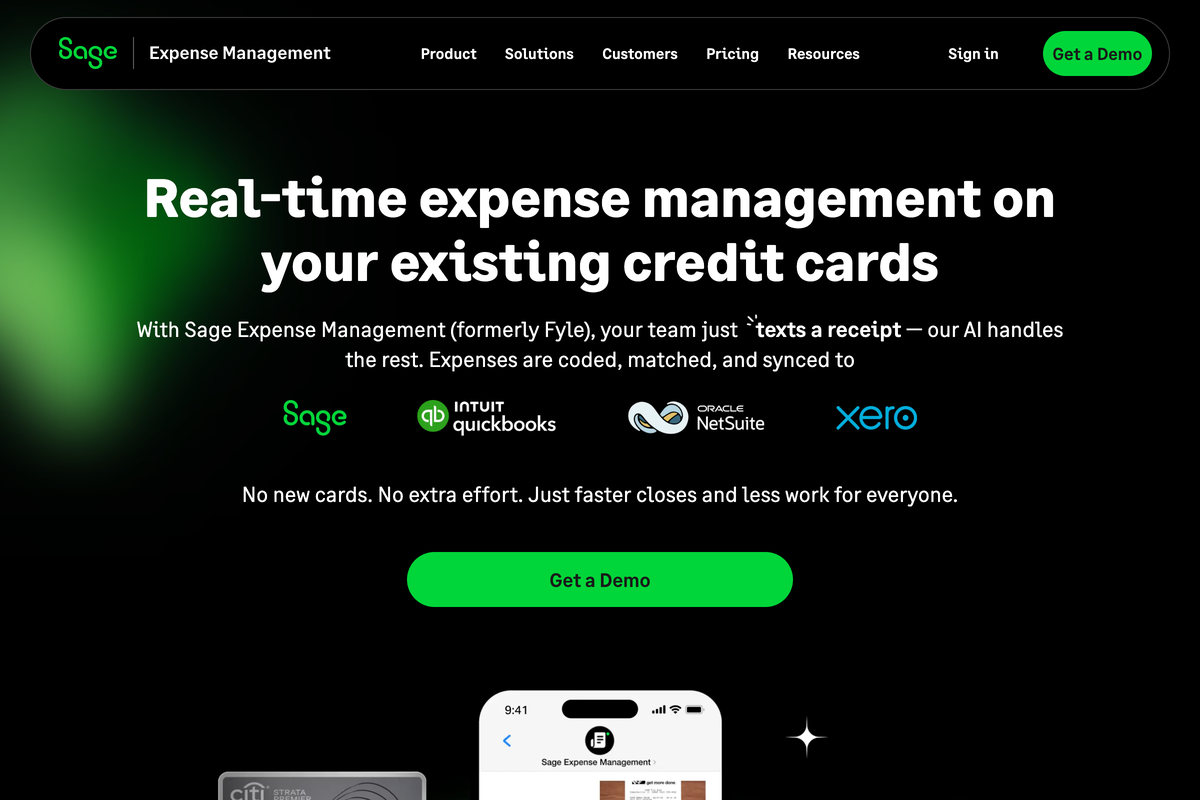
Sage Expense Management is Fyle wearing a new badge: Sage announced the acquisition in July 2025 and rebranded the product. Capterra reviewers rate it 4.5 across 158 reviews, with receipt capture and quick submissions earning the praise.
- Its signature trick survived the rename. It works with the credit cards you already have, pushing real-time spend notifications instead of issuing its own cards.
- It competes most directly on capture. Against Expensify, Sage's real-time card feeds beat the report-and-wait rhythm on receipt capture and coding.
- The difference is commercial. Per-active-user pricing billed annually with user minimums, and no self-serve trial. Restaurants drawn to keep-your-cards should also weigh Tab Connect, which adds location and entity assignment on linked cards.
- Best forKeep-your-cards SMBs
- PricingGrowth $11.99/active user/mo, annual
- RewardsReal-time feeds on existing cards
- What to weighAnnual minimums, demo only
Where it wins
- Keep your existing cards. Card-agnostic real-time feeds rather than a new card to issue.
- Strong receipt capture. Reviewers praise capture and quick submissions over report-and-wait.
- Sage-ecosystem fit. A natural pick for teams already standardized on Sage.
Where it falls short
- Annual commitment with minimums. Growth bills a 5-user minimum and Business a 10-user minimum, both annually.
- No self-serve trial. Evaluation starts with "Get a Demo."
- No restaurant location logic. Linked-card spend still needs location and entity mapping elsewhere.
Sage Expense Management
Expensify
Tab (for reference)
Pricing: Growth $11.99/active user/month billed annually with a 5-user minimum; Business $14.99 with a 10-user minimum (verified on Sage Expense Management's pricing page, June 2026).
What to weigh
- Annual commitment with minimums: Growth bills a 5-user minimum and Business a 10-user minimum, both annually.
- Demo only: there is no self-serve trial; evaluation starts with "Get a Demo."
The verdict: which Expensify alternative should restaurants choose?
Across these 7 alternatives, the decision comes down to what your spend looks like:
- Restaurant card spend is the main problem: Tab fits when cards need limits by employee, restaurant, vendor, and company, with receipt prompts and a direct QuickBooks Online integration. Other accounting tools can receive a customizable export.
- Desk-based company with a finance team? Choose Ramp, and budget for Plus seats plus the platform fee.
- Travel is the spend center? Choose Navan. Formal enterprise policy and ERP requirements? That is SAP Concur's territory.
One honest caveat: if all you need is simple reimbursement reports for a small office team, staying on Expensify Collect at $5 per member is defensible. The switch turns decisive at the moment cards multiply, locations multiply, and receipts start going missing, which is exactly where restaurant groups live.
FAQ
Tab fits restaurants that want to replace expense reports with controlled cards and receipt prompts after each purchase. It adds employee card limits, restaurant and company tags, and a direct QuickBooks Online integration. Pro adds Andy AI for distributor invoice capture and purchasing checks. Travel-heavy teams may fit Navan or SAP Concur better.
For restaurant expense management, yes: cards, receipt capture, transaction review, location/entity coding, and accounting sync. Andy AI can check purchasing data and invoices for overpricing or missed rebates. Tab does not book travel, run global reimbursements, or replace bill pay and AP, so travel-heavy and enterprise T&E teams may find Navan or SAP Concur a better fit.
Common G2 and Capterra patterns include receipt scans that need correction at volume, chat-based support dragging on complex issues, and recurring workflow glitches. Pricing matters too: the $9 Control rate requires an annual subscription plus majority Expensify Card spend, and Collect bills every unique member whether active or not.
Navan. Travel booking is free with unlimited trips, and expense management is free for the first 5 monthly expensing users, then $15 per user per month. Enterprises that need formal policy controls, audit trails, and ERP integration should evaluate SAP Concur instead.
Tab includes a full QuickBooks Online integration on Base; transactions arrive matched with receipts, categories, and location/entity tags. For Restaurant365 and other ledgers, Tab works with operators on customizable exports rather than a generic card file.
Expensify Collect is $5 per unique member/month, billed regardless of activity. Control is $9 per active member/month with an annual subscription and 50%+ US spend on the Expensify Card, $18 without the card, or $36 pay-per-use, with up to 2% cash back (verified June 2026). Legacy pricing may apply to workspaces created before April 1, 2025.

James writes from Tab's work with restaurant groups choosing cards, receipt workflows, accounting handoffs, and support. Tab builds the AI-powered finance platform for restaurants: cards, accounts, payments, automation, and intelligence in one back office.


