

Contents
Divvy is now BILL Spend & Expense. We compared 7 direct card alternatives on manager controls, rollout across restaurants, receipt follow-up, rewards, support, and what reaches accounting at month end.
7 Divvy alternatives compared
Here is the full field at a glance, ranked by restaurant fit. The deep dives, pricing breakdowns, and caveats for each follow below.
| # | Platform | Best for | Pricing | Rewards / terms | Key caveat |
|---|---|---|---|---|---|
| 01 |  Tab Best for restaurantsRestaurant-native card controls
|
Restaurant operators and multi-location groups | Base is free; Pro $150/month/location | unlimited cash back on Base; Pro adds Andy AI and dedicated support | Restaurant-focused by design |
| 02 |  RampGeneral-purpose spend automation
|
Desk-heavy finance teams | Free; Plus $15/user/month + platform fee | Cash back on card spend; bill-pay fees from June 2026 | Per-user pricing; no restaurant workflows |
| 03 |  BrexFunded and global spend
|
Funded, multi-entity, or international groups | Essentials $0/user/month; Premium $12/user/month | Points-based rewards | Underwriting favors startups |
| 04 |  ExpensifyReceipt and reimbursement first
|
Receipt-and-reimbursement-heavy teams | Collect $5/member/month; Control from $9 | 1% card cash back; up to 2% on Control | Control jumps to $18/member without the card |
| 05 |  NavanTravel program with expense
|
Teams whose spend problem is travel | Travel free to 300 employees; expense $15/user/month after first 5 | Free travel booking via provider commissions | Travel-first, not card-controls-first |
| 06 |  Airbase by PaylocityFinance and HR in one vendor
|
Companies wanting finance and HR in one vendor | Custom; no public pricing | Spend, AP, and procurement suite | Pricing requires a sales call |
| 07 |  Sage Expense ManagementSoftware on the cards you carry
|
Teams keeping the cards they already carry | Growth $11.99/user/month billed annually, 5-user minimum | Runs on existing Visa, Mastercard, and Amex cards | Annual minimums; no card product |
Pricing and rewards verified June 2026 on each provider's published pricing and billing pages.
Where Divvy falls short according to users online
BILL Spend & Expense ties card budgets to bill pay and AP, and its ratings are high. Public reviews point to 4 tradeoffs restaurant teams should weigh:
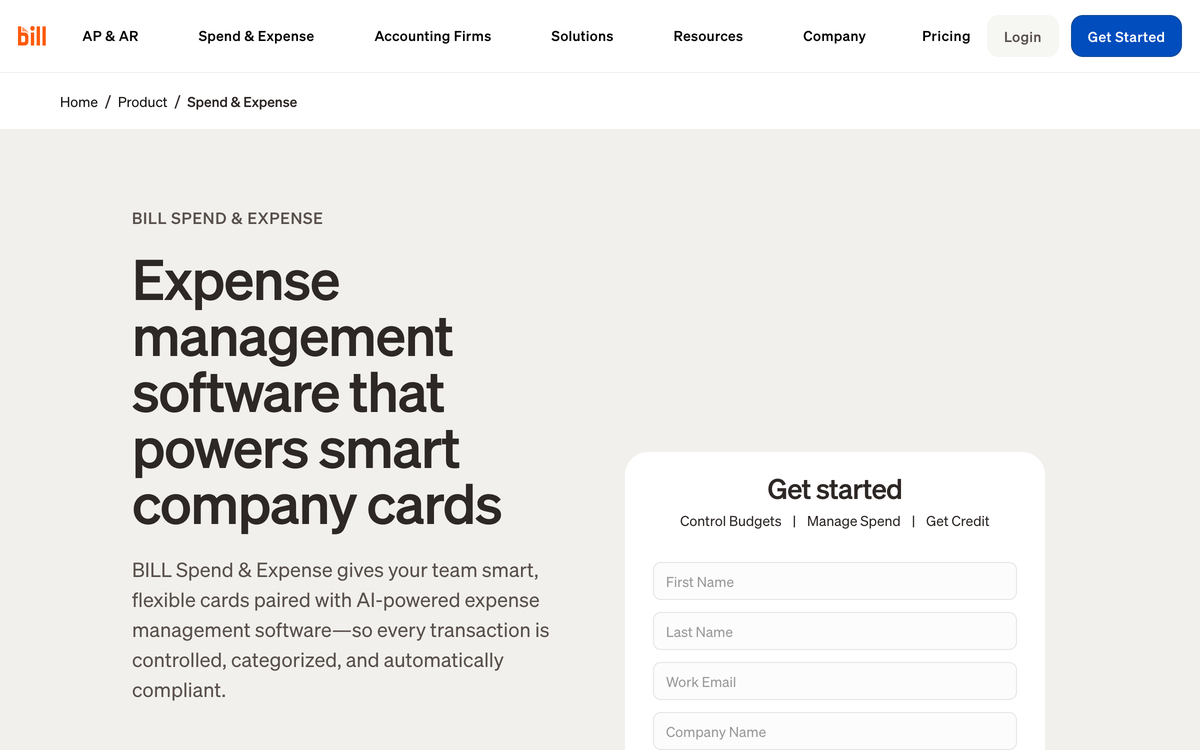
- The AP-plus-card workflow can feel heavy. Budgets and categories cannot overlap, so admins may create multiple budgets per person and cardholders must pick the right one before a purchase clears. For a manager buying supplies, that is a blocked transaction, not a control. (G2 reviews, Apple App Store reviews)
- App bugs and receipt friction. About 62% of negative Capterra reviews mention bugs, glitches, or slowdowns, including mobile receipt-upload instability. (Capterra reviews)
- Support drags after onboarding. Reviewers describe complex billing or account issues taking 7 to 10 business days, and post-implementation support is a recurring dislike. (Apple App Store reviews, G2 reviews)
- Rewards are weak for card-first buyers. New accounts earn points for 12 months before they can redeem, redemption needs 5,000+ points and an account that is not past due, and keeping rewards requires spending at least 30% of your credit line monthly. (source: BILL's rewards page, June 2026)
- Credit lines and payment timing can wobble. Lines are advertised from $1K to $5M but are "not guaranteed... determined upon application approval," and App Store reviewers describe payments taking 5 or more business days to clear. (source: BILL's credit page; Apple App Store reviews)
- Multi-location card deployment can get awkward. Spend organizes by budget and department, so groups may need workarounds for locations, entities, vendor cards, and store-level P&Ls. (source: BILL Spend & Expense product pages)
None of this makes BILL Spend & Expense a bad product. It makes it a bill-pay-first product whose card workflow is not always a clean fit for restaurant operators.
How restaurants can evaluate Divvy alternatives
Most spend platforms picture a department, a budget, and a laptop. A restaurant runs on repairs, vendor purchases, location-level spend, and a bookkeeper closing 3 entities by the 5th.
The mismatch is expensive: restaurants collectively spend over 250 million hours a year reconciling expenses. A primer on modern corporate cards for restaurants explains why the card itself should do that work.
The Restaurant Card Control Checklist
Score any Divvy replacement against this checklist before a demo. The priority shifts with your footprint, so the single-location and multi-location columns differ.
| Card control | Single location | Multi-location group |
|---|---|---|
| Cards assignable to employees with custom limits | High priority | High priority |
| Receipt prompts by text or email after each swipe | High priority | High priority |
| Tag or split one transaction across locations | Lower priority | High priority |
| Map spend to the right LLC and bank account | Useful | High priority |
| Full QuickBooks Online integration or a customizable ledger export | High priority | High priority |
| Works with the bank cards and accounts you already have | Useful | Useful |
| Human support that answers during month-end close | Useful | High priority |
| Cash back or terms without redemption hoops | Useful | Useful |
Priority levels reflect how each control plays out in restaurant operations, single site versus group.
The receipt row deserves the most scrutiny: automated receipt capture only counts if employees respond to it, which often means a text message, not a separate portal. Same for approvals; look for transaction approvals and filters a bookkeeper can run by location, GL code, and receipt status.
What to weigh
If a platform misses several high-priority controls, the extra cleanup may outweigh a better rewards rate. The Tab vs Divvy comparison shows the card workflows side by side. Teams keeping their current cards can also compare Tab Connect for receipt prompts and transaction context.
The 7 best Divvy alternatives, Ranked
Tab
Best for restaurantsBest for restaurant owners and groups that want Divvy-style card controls rebuilt around locations, vendors, receipts, entities, and accounting close.
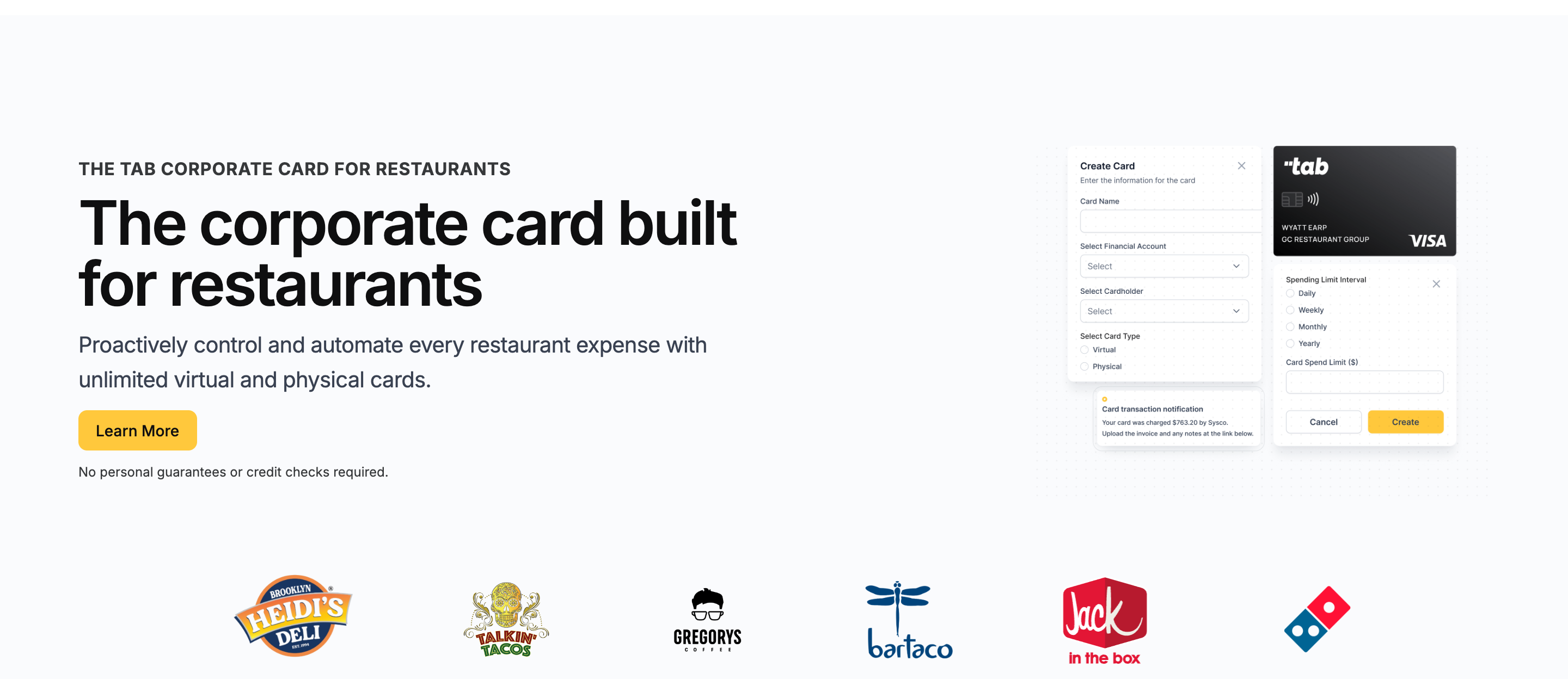
Tab is built for restaurants, including multiple locations, multiple LLCs, multiple bank accounts, and restaurant financial flows. It keeps what operators liked about Divvy: free software, unlimited virtual and physical cards, and hard limits. It is used by 1,000+ restaurants, with no credit check required.
- The controls attach to your business, not a budget. Divvy asks "which budget is this from?" Tab asks "which employee, which location, which vendor, and where is the receipt?" The second set of questions is the one your accountant is paid to answer.
- Cards scope down to a single vendor. A card can be issued to a maintenance lead, office manager, or operations director, capped, and assigned to one location, several, or a specific vendor like Restaurant Depot.
- Receipts and location tags arrive at the swipe. The moment they swipe, Tab texts and emails them for the receipt, a note, and the location tag, and a single Restaurant Depot run can be split across stores.
For multi-entity groups, the important part is what happens later: spend can map to the right location, LLC, and bank account instead of forcing treasury cleanup after the statement closes.
Accounting handoff is restaurant-specific, too. QuickBooks teams can use the full QuickBooks Online integration, while Restaurant365 groups can work with Tab on custom export files instead of forcing a generic CSV into close.
Andy AI broadens the story beyond cards by digitizing distributor invoices, reading line items, and surfacing price spikes, rebate opportunities, and contract issues.
Pro adds Andy AI to check purchasing data, invoices, vendor agreements, pricing, and rebates. Tab does not replace BILL's bill-pay or AP workflow.
Support is part of the product: Base includes live US-based human support, and Pro adds a dedicated Account Manager for rollout and close questions.
Rewards are flat cash, not a points balance with redemption rules: unlimited cash back on Base. Tab also reports 85%+ higher accounting accuracy.
That quote comes from Tab's card launch announcement. Rock Strategic runs 75+ units on Tab, and Heidi's Brooklyn Deli runs 8+ locations on it.
- Best forRestaurants handing cards to managers
- PricingBase free; Pro $150/mo/location
- Rewardsunlimited cash back on Base
- Built forRestaurant financial flows
What you get on the free Base plan:
- Unlimited virtual and physical cards with custom limits
- Cards assignable by employee, location, and vendor
- Automated receipt capture by text and email, with location tags and splits
- Direct QuickBooks Online integration and customizable exports for other accounting tools
- Unlimited cash back, no annual fee
- Live US-based human support
Pricing: Tab's Base plan is free: cards, receipt capture, the full QuickBooks Online integration, virtual accounts, and live US-based human support. Pro is $150/month/location and adds Andy AI for invoice intelligence, purchasing analysis, and a dedicated Account Manager; groups with 5+ locations get custom pricing.
Best for: Any operation from one independent to a franchise group that hands cards to managers, operates across LLCs or bank accounts, or needs Restaurant365/QuickBooks handoff. If you are not running restaurants, BILL Spend & Expense or 1 of the 6 options below fits better.
Ramp
Best for general finance teams that want spend automation everywhere.
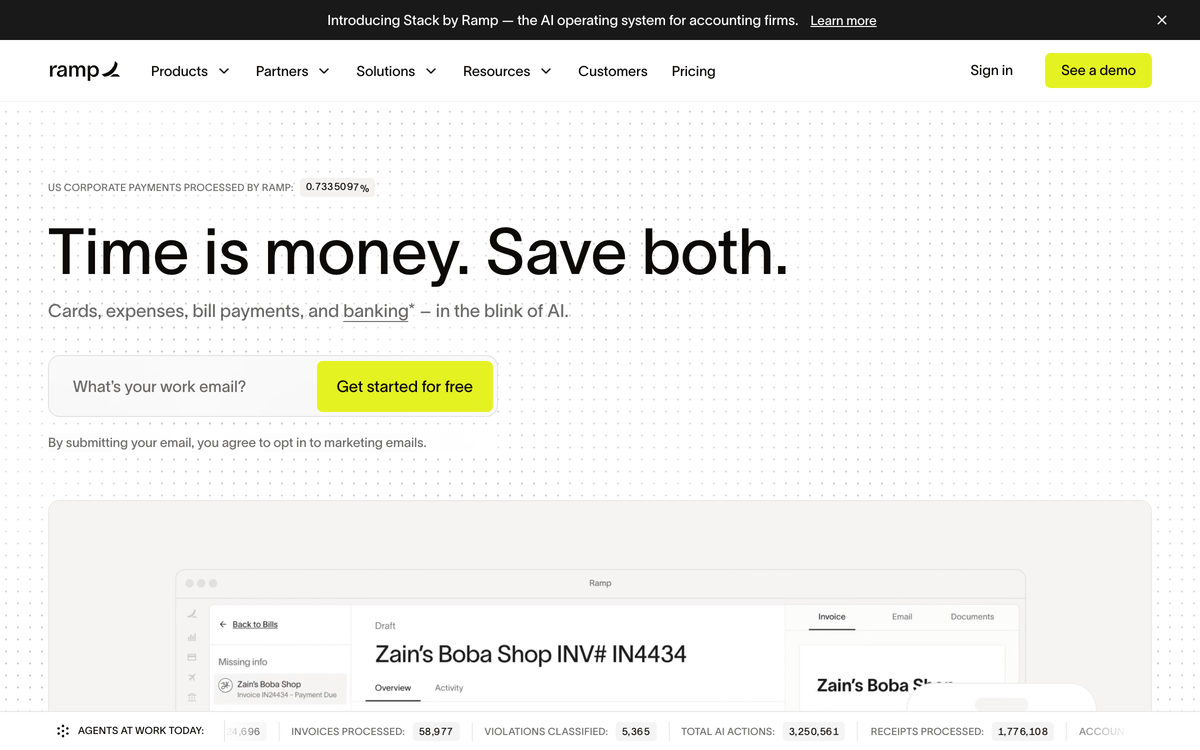
Ramp is what spend management looks like when the customer is the CFO: cards, expense management, bill pay, procurement, and travel in one system, with automation that closes books fast.
Against Divvy: there is no pre-purchase budget gate to fight. Cards carry limits and policies, receipts collect over SMS and Slack, and QuickBooks and Xero sync sits on the free tier, with NetSuite and Sage Intacct on Plus. The catch is the meter: Plus runs $15/user/month billed annually plus a platform fee based on team size, which compounds when every shift lead needs a card. And Ramp thinks in departments, not locations and vendors.
- Best forDesk-heavy finance teams
- PricingFree; Plus $15/user/mo + platform fee
- RewardsCash back on card spend
- What to weighPer-user pricing, generic workflows
What to weigh
- The platform fee is quote-based. Plus adds a fee "based on team size," so the real number takes a sales conversation.
- Bill pay stops being free. From June 1, 2026: $0.59 standard ACH, $10 same-day ACH, $15 domestic wires, $1.99 checks, waived when paying from a Ramp account.
Brex
Best for funded, multi-entity, or international hospitality groups.
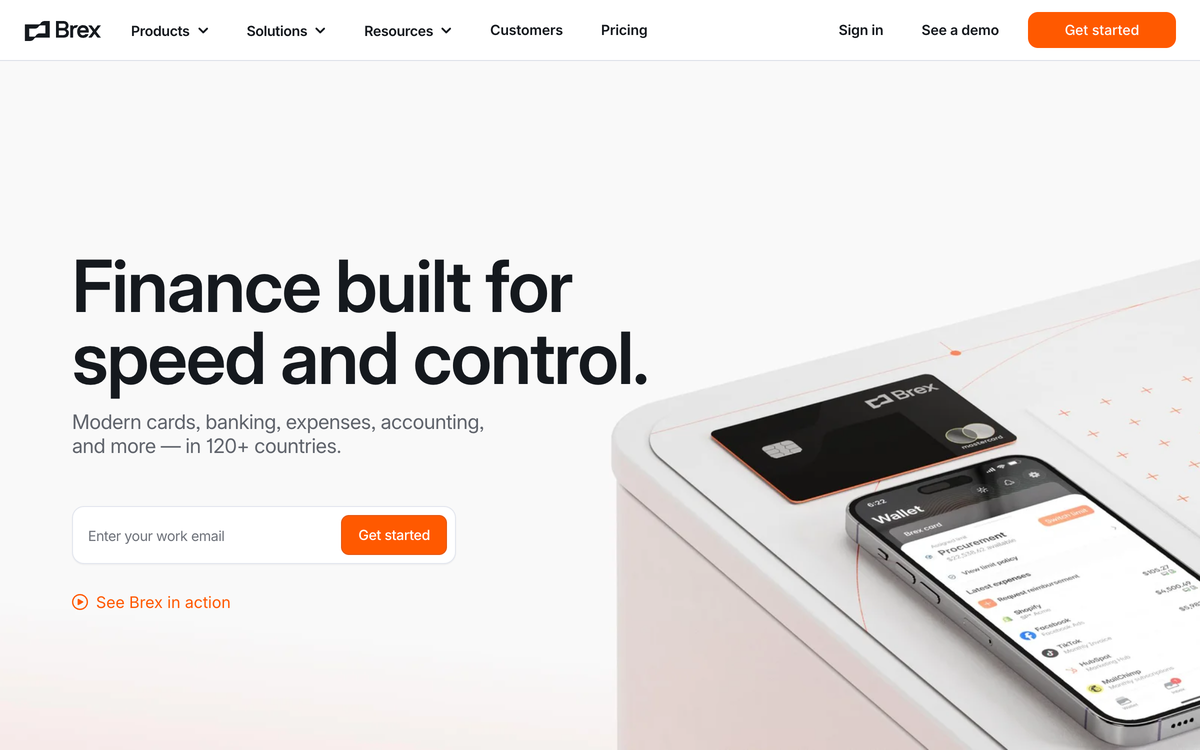
Brex plays a different game entirely: global corporate cards, multi-currency accounts, and policy automation aimed at venture-backed and enterprise companies.
Against Divvy: both run on points rather than flat cash back, but Brex's tooling goes deeper. Essentials is $0/user/month and Premium is $12/user/month with live budgets and richer expense workflows. For a hospitality group with entities in 3 countries, Brex handles complexity Divvy never will. The mismatch is underwriting and audience. Brex favors funded, cash-rich companies, not the typical restaurant balance sheet, and nothing in the product knows what a distributor invoice is.
- Best forFunded, global hospitality groups
- PricingEssentials $0; Premium $12/user/mo
- RewardsPoints, not flat cash back
- What to weighUnderwriting favors startups
What to weigh
- Points need managing. Rewards accrue as points rather than cash, one more balance to think about between services.
- Premium is per user. $12/user/month across a 60-person staff is real money for desk-spend features.
Expensify
Best for receipt-and-reimbursement workflows with a card on the side.
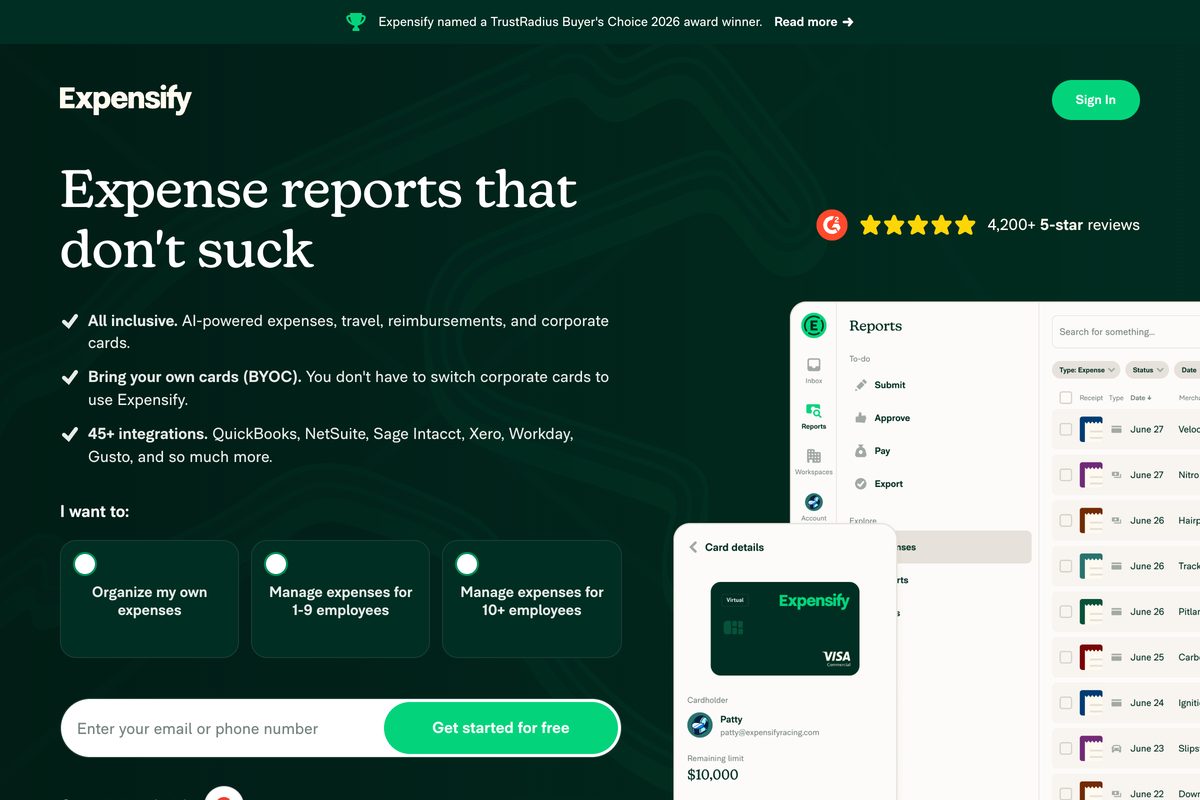
Expensify attacks spend from the receipt side. SmartScan reads receipts, expense reports build themselves, reimbursements run on rails, and the Expensify Card adds 1% cash back, up to 2% on Control.
Against Divvy: it is the inverse philosophy. Divvy controls money before it leaves; Expensify documents it afterward. Teams whose pain is reimbursements and paper receipts, not card limits, often find Expensify the more natural shape. Read the pricing twice: Collect is $5 per unique member/month, billed for everyone in the workspace. Control is $9 per active member/month with an annual subscription and Expensify Card usage, $18 without the card, $36 pay-per-use (verified on Expensify's billing docs and G2's pricing listing, June 2026).
- Best forReimbursement-heavy teams
- PricingCollect $5; Control $9 to $36/member
- Rewards1% card cash back; up to 2% on Control
- What to weighControl doubles without card usage
What to weigh
- Collect bills every member. "Per unique member" means everyone added to the workspace is billed, active or not.
- The Control discount is conditional. The $9 rate requires an annual commitment plus card adoption; drop either and the price doubles or quadruples.
Navan
Best for teams whose spend problem is mostly travel.
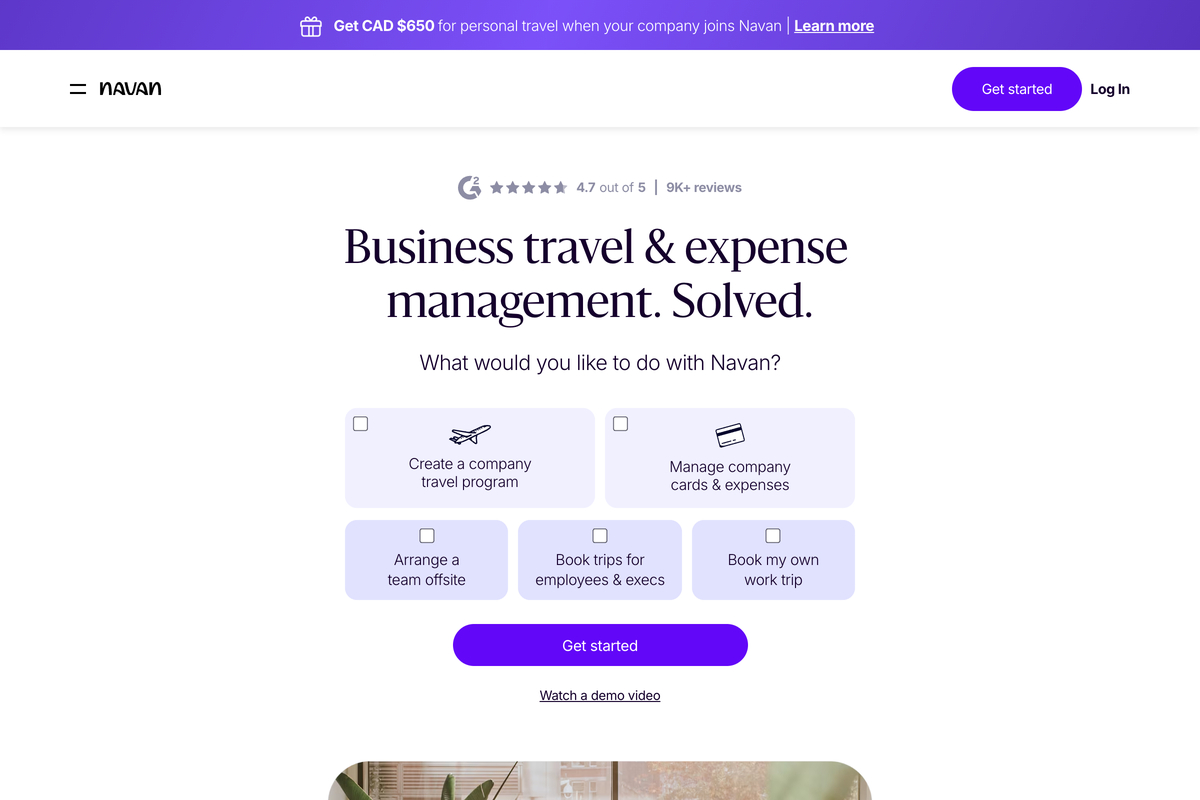
Navan is not really a Divvy replacement; it is a travel program with expense management attached, and for the right team that is the point.
Against Divvy: travel booking, travel policy, and expense live in one system. Booking is free for companies up to 300 employees, funded by travel-provider commissions, and expense is free for the first 5 monthly expensing users, then $15/user/month (verified on Navan's pricing page, June 2026). In a restaurant company, that profile fits the franchise development team that lives on planes, not the store manager who never leaves the zip code.
- Best forTravel-heavy teams
- PricingTravel free to 300; expense $15/user/mo after 5
- RewardsFree travel booking via commissions
- What to weighTravel-shaped, not store-shaped
What to weigh
- The free tier has an edge. Past 5 monthly expensing users, every submitter costs $15/user/month; over 300 employees, pricing goes custom.
- Controls are travel-shaped. Policy enforcement centers on trips, hotels, and flights, not store-level purchasing.
Airbase by Paylocity
Best for companies that want finance and HR under one roof.
Airbase now lives inside Paylocity, marketed as Paylocity for Finance, and that placement tells you who it is for: companies consolidating payroll, HR, and spend with one vendor.
Against Divvy: Airbase goes deeper than budgets, with AP automation, guided procurement, and corporate cards in one workflow. It is closer to a procure-to-pay suite than a card program. The tradeoff is weight. There is no public pricing, implementation is a project, and the product assumes an approval chain longer than "the owner said yes" (verified on Airbase and Paylocity pages, June 2026).
- Best forFinance and HR in one vendor
- PricingCustom; no public pricing
- RewardsSpend, AP, and procurement suite
- What to weighPricing requires a sales call
What to weigh
- No public pricing exists. Budgeting for Airbase means a demo and a quote, which slows comparison shopping.
- It is part of an HR platform now. The pitch is Paylocity's connected HR, finance, and IT suite, not standalone spend tooling. If ordering and receiving are the actual problem, compare this restaurant procurement software guide.
Sage Expense Management
Best for teams that want expense automation on the cards they already carry. Formerly Fyle.
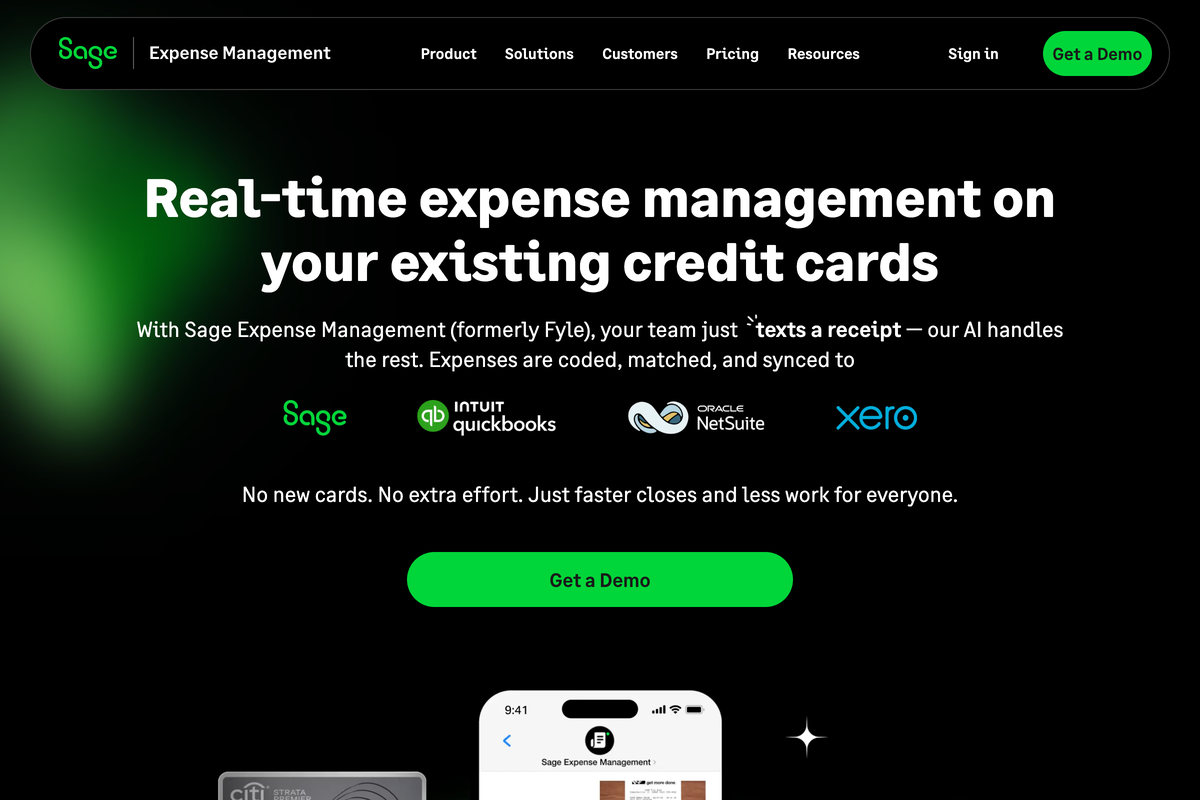
Sage Expense Management starts from a stubborn fact: some businesses are never giving up their existing bank cards. So it plugs real-time feeds into the Visa, Mastercard, and Amex cards you already have and collects receipts by text message.
Against Divvy: there is no card product and no credit line at all. You keep your banking relationships and add a software layer, the opposite of BILL's free-software-with-our-card bargain. Pricing is usage-led but annual: Growth at $11.99 per active user/month billed annually with a 5-user minimum, Business at $14.99 with a 10-user minimum, and custom enterprise plans at 250+ employees (verified on Sage Expense Management's pricing page, June 2026).
- Best forTeams keeping their existing cards
- PricingGrowth $11.99/user/mo; Business $14.99
- RewardsRuns on your existing card rewards
- What to weighAnnual minimums; no card product
What to weigh
- Minimums apply either way. Growth bills at least 5 users and Business at least 10, annually, even in slow months.
- No spend prevention. Without its own cards or limits, it documents spending rather than stopping it.
Which Divvy alternative should you choose?
Decision rules
- Manager card spend is the main problem: Tab fits when cards need limits by employee, restaurant, vendor, and company, with receipt prompts and a direct QuickBooks Online integration. Other accounting tools can receive a customizable export.
- Spend is corporate and finance wants automation: choose Ramp, budgeting for Plus seats plus the platform fee.
- You are funded, multi-entity, or international: choose Brex and accept the points economy.
- Reimbursements and paper receipts are the pain: choose Expensify on Collect.
- Travel dominates: choose Navan and keep a simple card elsewhere.
- You are consolidating onto Paylocity: choose Airbase and plan a real implementation.
- Nobody is giving up the bank cards: choose Sage Expense Management, or Tab Connect if those cards run a restaurant.
One honest filter before any demo: picture where your cardholders stand when they swipe. If the answer is inside stores across multiple locations, a generic budgets tool will always feel borrowed. If BILL's AP side is mandatory, BILL may still belong in the stack; if you are rethinking it, the BILL alternatives breakdown covers that separately.
FAQ
Yes. BILL acquired Divvy in May 2021 and renamed it BILL Spend & Expense in September 2023. The card is still the BILL Divvy Card and the software remains free with it. Anyone searching "Divvy alternatives" today is evaluating the same product under a new name.
Tab fits restaurants that need card limits and receipt follow-up tied to restaurants, vendors, and companies. It includes text receipt prompts, restaurant splits, and a direct QuickBooks Online integration. BILL Spend & Expense may fit better when BILL's AP and bill-pay workflow is the main reason for the card.
The software is free with the BILL Divvy Card, with no initiation, monthly, or hidden fees per BILL's rewards page. Two caveats: BILL's product page prices the broader platform "based on your business needs and the number of users," and rewards carry a 12-month period before redeeming plus a 5,000-point minimum (verified on BILL's pages, June 2026).
Tab supports location tagging for card transactions. After each swipe, the cardholder gets a text and email prompt for the receipt, a note, and the restaurant, and one purchase can be split across multiple locations. Compare that workflow with each vendor's current location and department controls.
Navan. Travel booking is free for companies up to 300 employees, expense management is free for the first 5 monthly expensing users and $15/user/month after, and travel policy lives in the same system as the spend. For restaurant groups, it suits franchise development teams more than store operations.
Pick by what the spend looks like. Mostly general corporate spend with a finance team that wants automation: Ramp. Venture-funded, multi-entity, or international: Brex. Cards in operators' hands across locations, vendors, LLCs, and bank accounts: Tab, because the controls, receipts, and accounting handoff are restaurant-native.
The bottom line
BILL Spend & Expense is useful when bill pay and AP are the anchor and the card is one part of that system. But card controls built around budgets and departments cannot see locations, vendors, entities, or the receipt that never made it back to accounting.
If managers spend across restaurants, Tab can set the card limit and collect the receipt and restaurant after each purchase. The Base plan is free, with no credit check.

James writes from Tab's work with restaurant groups choosing cards, receipt workflows, accounting handoffs, and support. Tab builds the AI-powered finance platform for restaurants: cards, accounts, payments, automation, and intelligence in one back office.


