


None of the nine options below cover all three jobs, and no pricing page will tell you that. Tab Commerce isn't billing software. It sits beside whatever you pick and covers the money going the other way, the purchases nobody bills you for at a table.
Contents
The three billing jobs restaurants actually have
Guest checks. A table opens, items ring in, the check gets split four ways, tips get added, cards run. That's POS billing, and it's what most US searchers mean.
Catering and B2B invoices. An office park orders 60 box lunches on account and pays in 30 days. That's a formal invoice with terms and an open receivable, not a check at a table.
Vendor bills. The produce truck shows up with paper. Someone codes it, someone approves it, someone pays it. That's accounts payable, and it runs on the opposite side of the business from the dining room.
All three end in the same place: the ledger. That handoff is where it breaks, because a POS exports sales while an AP tool exports coded bills.
MarginEdge alone syncs to QuickBooks Online, QuickBooks Desktop, Intacct, Xero, NetSuite, Sage 50, and Dillner's. (MarginEdge) Nobody's books look the same, so the tool bends to your ledger or somebody keys it in twice.
The split shows up in ledger pricing too. In QuickBooks Online, bill management doesn't appear until the Essentials level, which is exactly the moment a restaurant stops only sending invoices and starts approving them. (Intuit)
How billing software fits with your card and your books
Nothing on the ranked list bills this purchase. That is the gap Tab covers.
The 9 options at a glance
Find your billing job in column two, then check what happens when the internet drops and how it hits your books, before you look at price.
Restaurant billing software compared by billing job
Nine columns. Scroll the table sideways to reach pricing; the product column stays pinned.
| Product | Primary billing job | Guest checks | Catering invoices | Vendor bills | When the internet drops | Multi-location fit | Accounting handoff | Public pricing |
|---|---|---|---|---|---|---|---|---|
| Toast | Guest checks (POS) | Tables, tabs, splits, tips | Not the plan's job | Not the plan's job | Offline Mode auto-engages after about 40 seconds; orders and card payments continue | Multi-unit on one platform | Accounting and supplier tools on the same platform | Point of Sale starts at $69/mo; Starter Kit starts at $0/mo; hardware, processing, and final configuration vary |
| Square for Restaurants | Guest checks (POS) | Yes on every tier including free | Square Invoices included on the free plan | Not the plan's job | Offline payments expire after 72 hours; $100 default per-transaction cap | Billed per location, not per register | Square reporting and export | Free $0; Plus $49/mo per location; Premium $149/mo per location |
| Lightspeed Restaurant | Guest checks (POS) | Full service, tables, splits | Not the plan's job | Not the plan's job | Keeps working offline; data stored on device, uploads on reconnect | Many locations from one system; menus change across sites in a few clicks | Cross-location reporting and benchmarking | Starter, Essential, Premium published; Enterprise custom quote; prices vary by business and industry |
| TouchBistro | Guest checks (POS) | Split evenly or by item with a swipe | Not the plan's job | Not the plan's job | Hybrid local connection; terminals keep talking when internet drops | Modules quoted per site | Not stated on the pricing page | POS software from $89/mo (hardware required); Essentials bundle from $99/mo |
| SpotOn Restaurant | Guest checks (POS) | Full service POS | Not the plan's job | Not the plan's job | Not stated in published pricing | Build Your Own tier for multi-unit and high volume | Not stated in published pricing | All-In $0/station/mo (2-year term, 2.79% + $0.20); POS Essentials $55/station/mo (2.45% + $0.15) |
| Clover Dining | Guest checks (POS) | Floor plans, server sections, split checks, auto-coursing | Not the plan's job | Not the plan's job | Mini and Flex default to 7 days of offline payments; caps are configurable; no card verification until reconnect | Configured per device and per location | App Market apps handle exports | Priced by plan plus device on Clover's restaurant pricing pages |
| QuickBooks Online | Catering and B2B invoices | No floor plan, no check splitting | Full invoicing with payment terms | Bill management from Essentials up | Cloud only, no service-floor offline mode | 1 billable user on Simple Start to 25 on Advanced | It is the ledger | Plan prices published by Intuit; Essentials, Plus and Advanced repriced at renewal; Free, Lite, Ledger and Simple Start held |
| Restaurant365 | Vendor bills (AP) | No | No | Invoice capture, multi-level approvals, check/ACH/virtual card | Cloud | Approvals route by dollar amount and location | Full restaurant accounting and general ledger | Custom quote only |
| MarginEdge | Vendor bills inside restaurant management software | No | No | Line-item invoice capture in 24 to 48 hours; Bill Pay included | Cloud | Priced per location | Syncs to QBO, QuickBooks Desktop, Intacct, Xero, NetSuite, Sage 50, Dillner's | $350 per location per month; $500 with the liquor bundle; no contract; 10% off annual |
Tab Commerce works beside your billing system
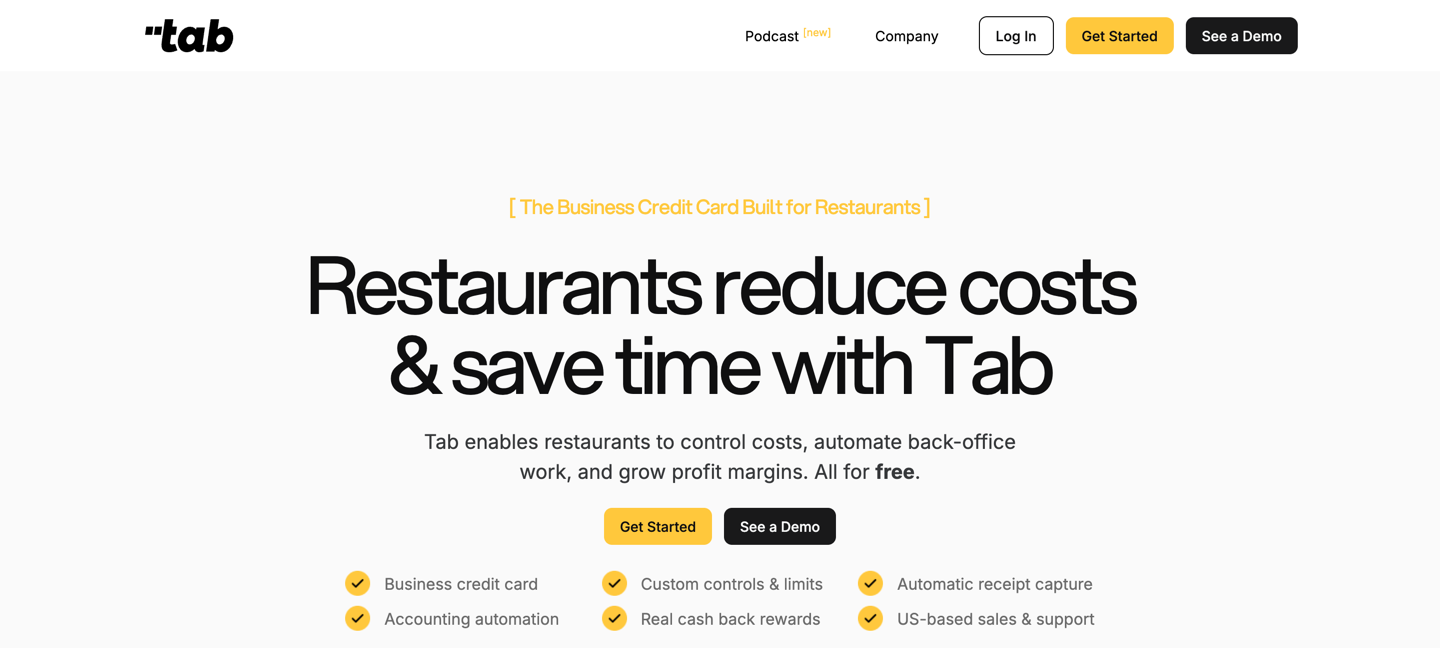
Tab isn't a POS and it isn't an AP system. It's the card your team swipes for the spend nobody sends you an invoice for.
Your POS bills the guest and your ledger records it. Neither one touches money moving the other way: the GM buying a fryer basket, the monthly sales tax payment, the rent split into two payments. Those land later as a receipt nobody can find, on a location nobody wrote down.
- Give a manager, a maintenance tech, or the office staff their own Tab Card with a spend limit, tied to one restaurant or entity, so the limit is set before the swipe.
- Receipts come back in about 90 seconds on average. Tab texts the cardholder, the text opens the camera, and the photo attaches with a note, a GL code, and the restaurant it belongs to. One supply run covering two stores gets split across both.
- Tab runs a full integration with QuickBooks Online, plus customizable CSV exports for whatever ledger you run.
"We looked at other expense systems but it just didn't compare to the technology that Tab has."
Teresa, Accounting Specialist, Rock Strategic (75+ units)
Tab's Base plan is free, Pro is $150 per month per location, and custom pricing is available for groups with 5 or more locations.
The 9 best restaurant billing software options
1) Toast, one vendor for the whole dining room
Toast is the guest-check pick when you'd rather sign one contract than four, from the terminal all the way to the payroll run.
- Toast devices enter Offline Mode automatically after about 40 seconds without a connection, and the team keeps taking orders and card payments while tickets still print or reach the KDS. (Toast support)
- Background card processing is on by default and submits those authorizations once devices reconnect, with no manual step from a manager. (Toast support)
- Toast spans POS, payments, hardware, online ordering, marketing, payroll, scheduling, accounting, and supplier management. (Toast platform)
Price: Toast advertises Point of Sale starting at $69 per month and a Starter Kit starting at $0 per month. Hardware, processing, and the final configuration vary, so confirm the live quote. (Toast pricing)
What to weigh That plan is priced and built around the dining room. Catering invoices on 30-day terms and vendor-bill approvals are different jobs, handled further down this list, so a catering-heavy concept is buying two systems either way.
2) Square for Restaurants, the cheapest way to start
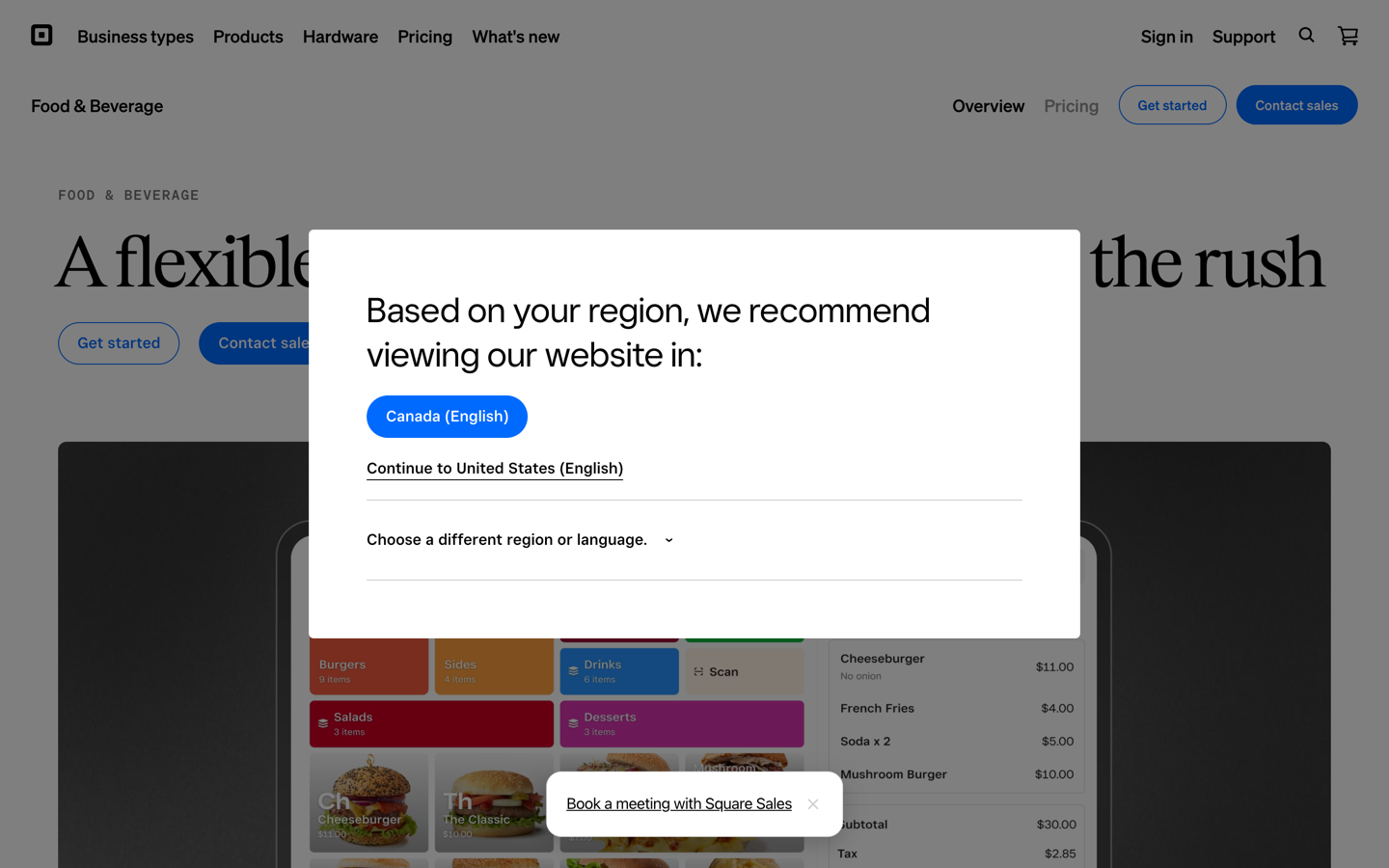
Square is the fastest way to start billing guests with no software bill at all, and it's the only POS here whose free tier also sends invoices.
- Square Free is $0 per month per location and includes point of sale, websites, online ordering, invoicing, and Square Banking. (Square)
- Free, Plus, and Premium replaced 18 separate à la carte subscriptions, and the monthly fee applies per location rather than per register. (same source)
- Offline payments have to be uploaded within 72 hours or they expire, the per-transaction limit defaults to $100, and the restaurant carries the risk if a card later declines. (Square support)
Price: Free $0, Plus $49 per month per location at 2.5% plus 15 cents in person, Premium $149 per month per location at 2.4% plus 15 cents with 24/7 phone support. Kitchen display and kiosk apps are separate, at $30 and $50 per device per month on Plus. (Square pricing)
What to weigh The plan price isn't the bill. Four kitchen screens on Plus is four times the $30 device fee, so $120 a month before a single card gets processed. Price the devices you actually run, not the tier.
3) Lightspeed Restaurant, one menu change hits every site
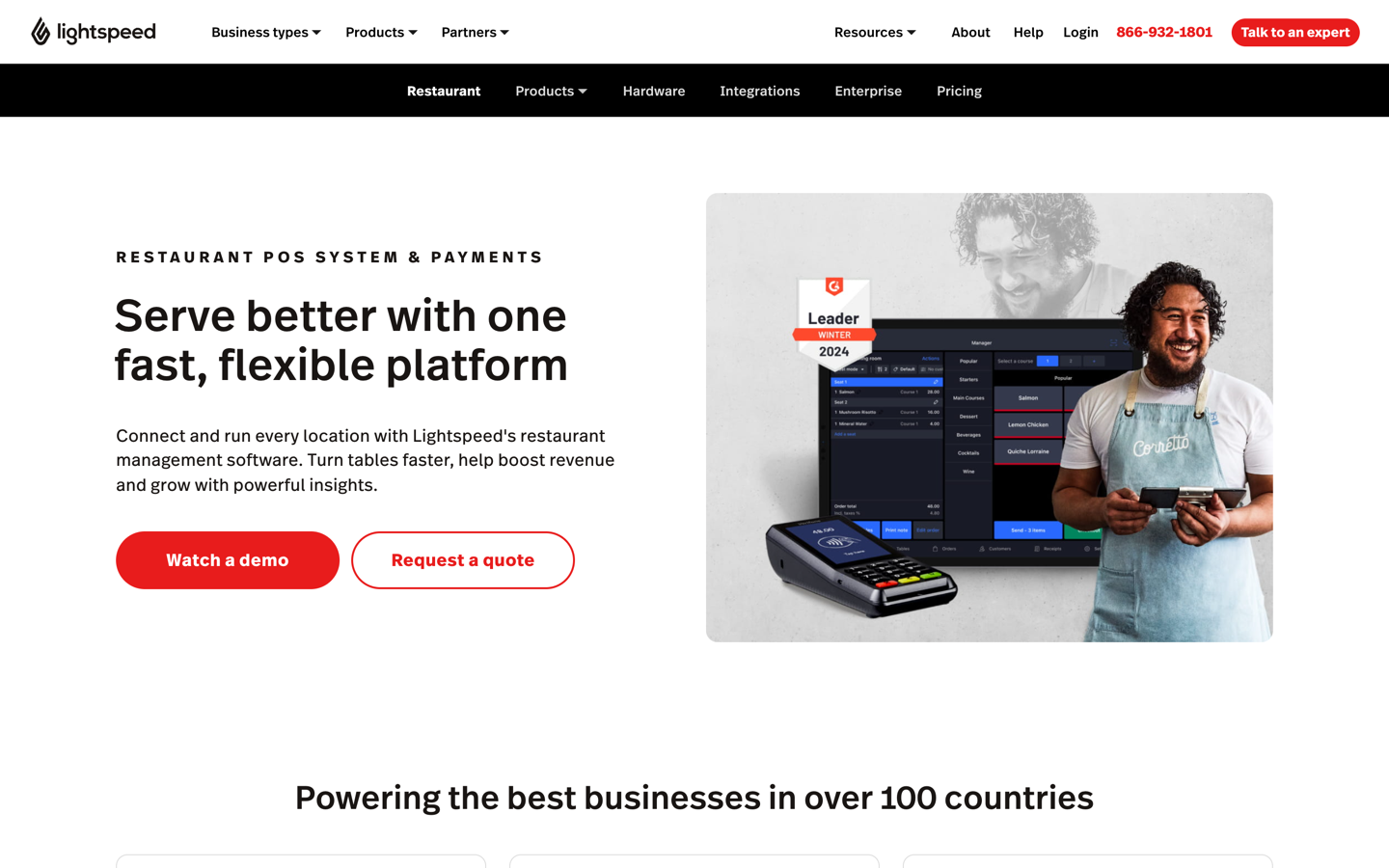
Lightspeed fits groups that need one menu change to hit every site, because location management and reporting are the product rather than a bolt-on.
- Lightspeed says operators can run as many locations as they want from one restaurant POS and change all menus in a few clicks. (Lightspeed)
- If connectivity drops, the software keeps working, stores entries on the device, and uploads them automatically once the connection returns. (same source)
- Reporting shows how a site stacks up against competitors, alongside menu performance and top-performing staff. (same source)
Price: Lightspeed publishes a Starter, Essential, Premium, and Enterprise ladder with Enterprise quoted custom, and states prices vary depending on the nature of the business and the industry. (Lightspeed pricing)
What to weigh The figures on that pricing page shift by region and currency, so the number on screen may not be the number on your quote. Get the quote in writing before you line it up against Toast or Square.
4) TouchBistro, the pick for split-by-seat full service
TouchBistro is built around the floor plan, which suits full-service rooms where checks split by seat and terminals can't go dark in the middle of service.
- TouchBistro splits bills evenly or by items ordered with a simple swipe, and the floor plan can be edited on the fly using distance between tables, time seated, and spend per table. (TouchBistro)
- A hardwired local connection acts as backup, so terminals keep talking to each other when the internet is down and sync once it returns. (TouchBistro help)
Price: POS software starts at $89 per month with hardware required, and the Essentials bundle of software, hardware, and payments starts at $99 per month. Inventory, KDS, online ordering, and loyalty are quoted separately. (TouchBistro pricing)
What to weigh The starting price covers the POS, not the stack. Every added module is its own quote, so the real monthly number depends entirely on how many you switch on.
5) SpotOn Restaurant, a human on the phone at 11pm
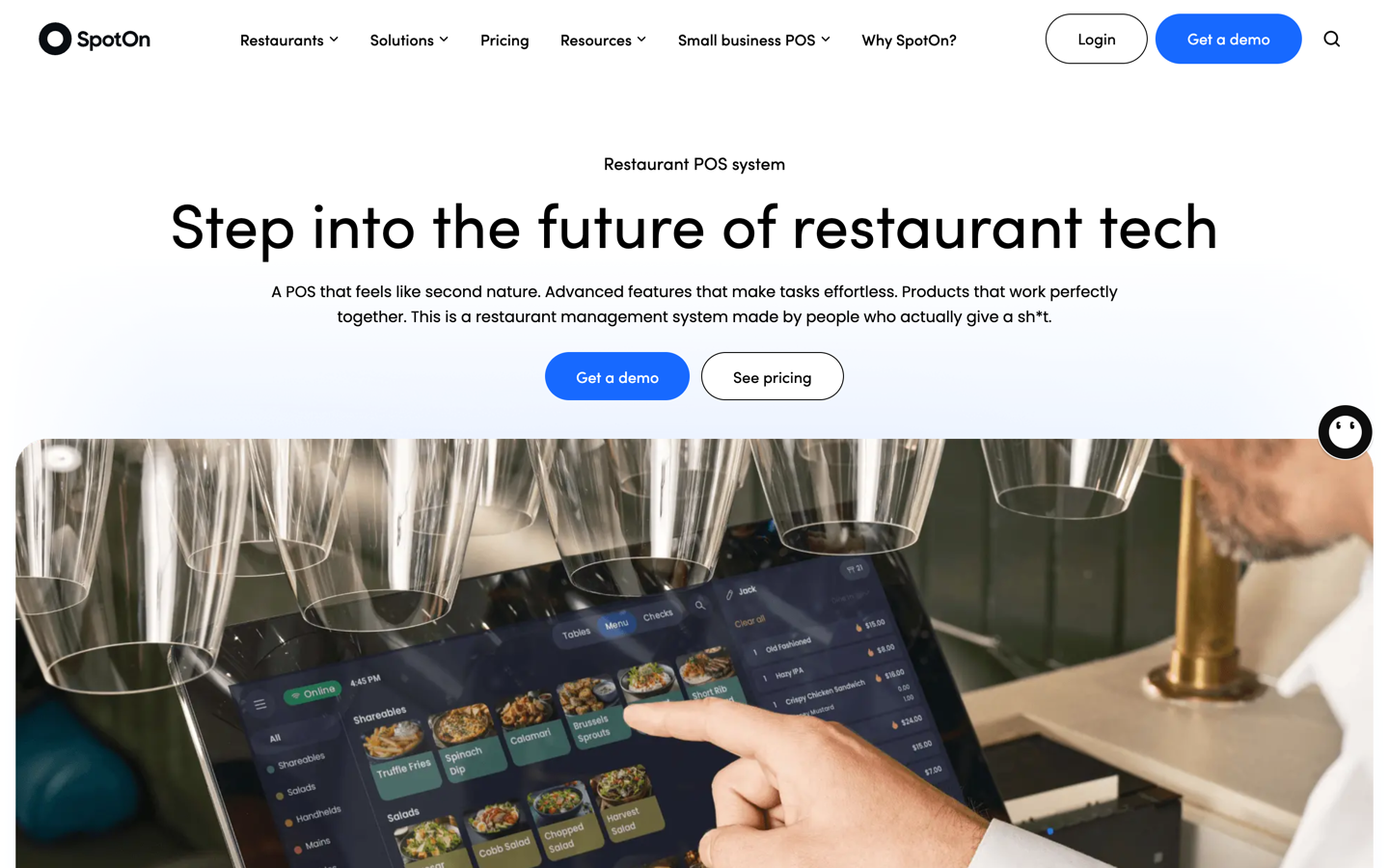
SpotOn suits operators who want a human on the phone at 11pm, and it prices that help into every plan instead of selling it as a tier.
- SpotOn includes round-the-clock help from real people on every plan, with no added fee. (SpotOn pricing)
- All-In is $0 per station per month with hardware and software included, on a minimum two-year term with processing minimums, at 2.79% plus $0.20 card present. (same source)
- POS Essentials is $55 per station per month, month to month, at 2.45% plus $0.15 card present, with Amex at 3.19% plus $0.15. (same source)
Price: Hardware lists at $995 for a Station 15 and $495 for a handheld, with financing available, and multi-unit operators get custom rates through Build Your Own. (same source)
What to weigh The $0 station is bought with a two-year term, processing minimums, and a higher card-present rate. All-In runs 0.34 points and a nickel more per swipe than POS Essentials, so once a station does about $16,000 a month on cards, the rate gap alone passes the $55 fee.
6) Clover Dining, shape the POS around your room
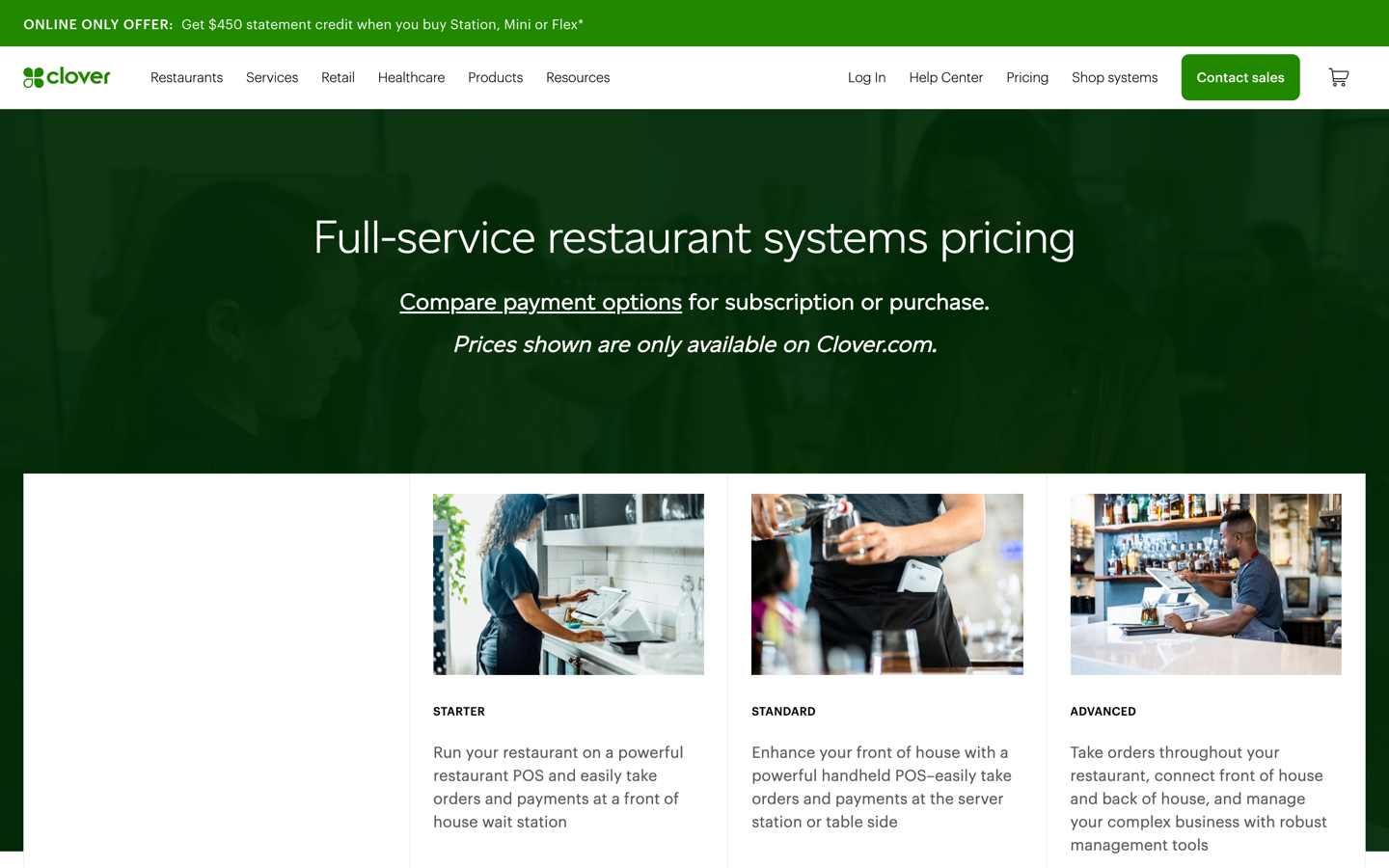
Clover fits operators who want to shape the POS around their room and add capability from a marketplace rather than take one vendor's full stack.
- Sections represent floors, patios, and bars, and tables can be square, rectangular, or circular, then rotated, resized, and placed anywhere. (Clover help)
- Clover Dining assigns sections or tables to specific servers and splits checks from the table view, and auto-coursing fires items to the kitchen in the order the room needs them. (Clover help, auto-coursing)
- Clover Mini and Flex are set to take offline payments for up to 7 days by default, you can cap the transaction amount and the total taken while offline, and the device can't check the card for funds until it reconnects. (Clover docs)
Price: Clover configures restaurant setups by plan plus device on its own full-service and quick-service pricing pages, so the monthly number depends on how many terminals and handhelds you run. (Clover restaurant pricing)
What to weigh The flexibility comes from the App Market, which means some capability arrives as a third-party subscription with its own monthly bill. You can't price Clover until you list the apps you'll switch on.
7) QuickBooks Online, the catering invoice pick and not a dining-room POS
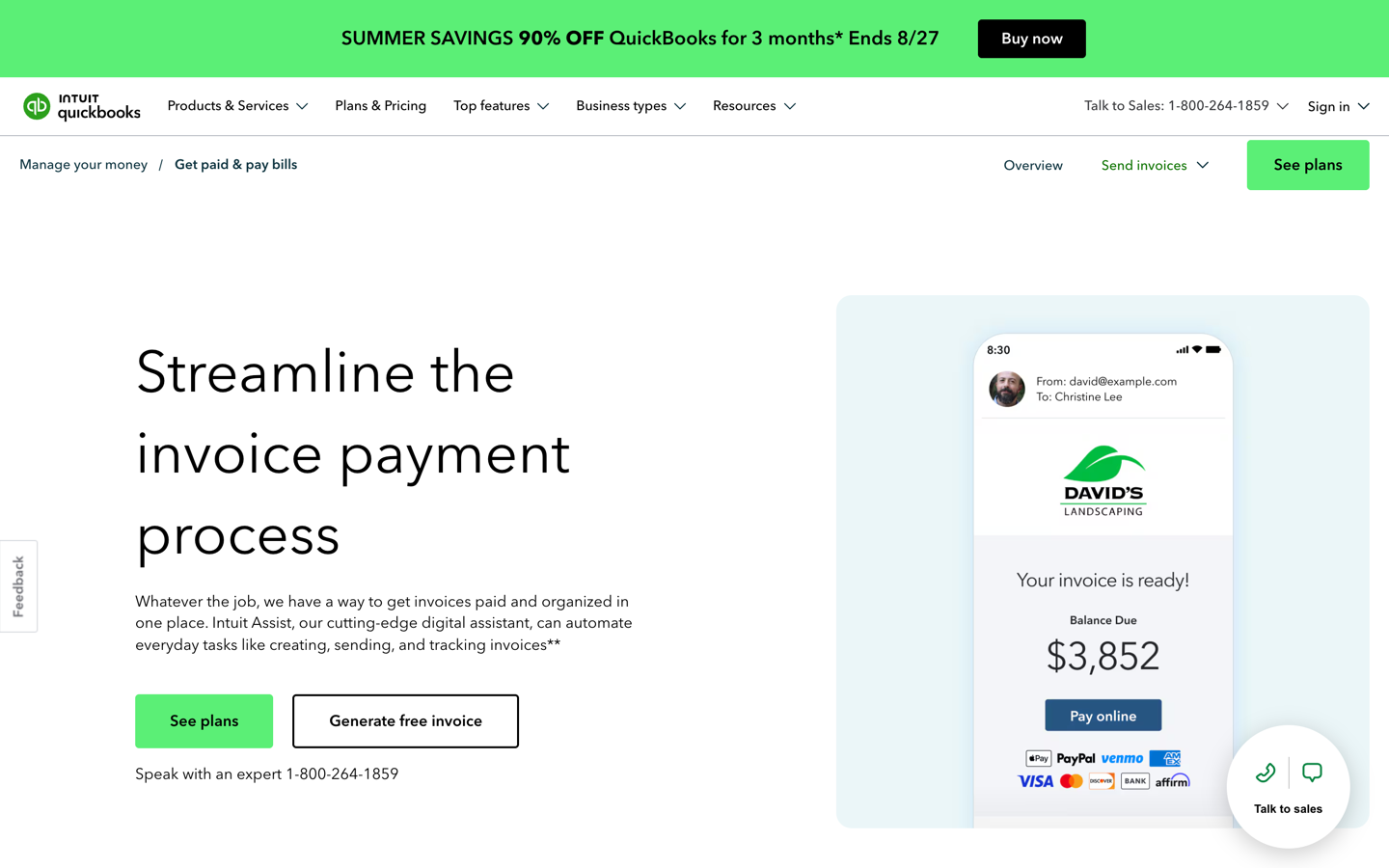
QuickBooks Online is the answer when the bill goes to a company, not a table. It sends a real invoice with payment terms and tracks whether it came back.
- Invoices go out with payment terms, take card and bank payments, and sit in the same file as the books, so nobody re-keys a catering order into accounting afterward. (QuickBooks invoicing)
- Simple Start allows 1 billable user, Essentials 3, Plus 5, and Advanced 25, which is what usually forces a restaurant group up a tier. (Intuit)
- Because bill management starts at Essentials, a catering-heavy group that also wants vendor approvals starts a tier above Simple Start, and Plus is where inventory tracking and project profitability come in. (same source)
Price: Essentials, Plus, and Advanced were repriced at renewal, while Free, Lite, Ledger, and Simple Start held. Pull the live Simple Start and Essentials figures before you budget, because Simple Start to Essentials is the jump this job forces. (QuickBooks pricing, Intuit price update)
What to weigh QuickBooks Online won't run a dining room. No floor plan, no check splitting, no service-floor offline mode, so it sits behind the POS. For a catering-heavy concept that's fine, because the catering invoice and the ledger are the same job.
8) Restaurant365, for when the office owns the vendor bills
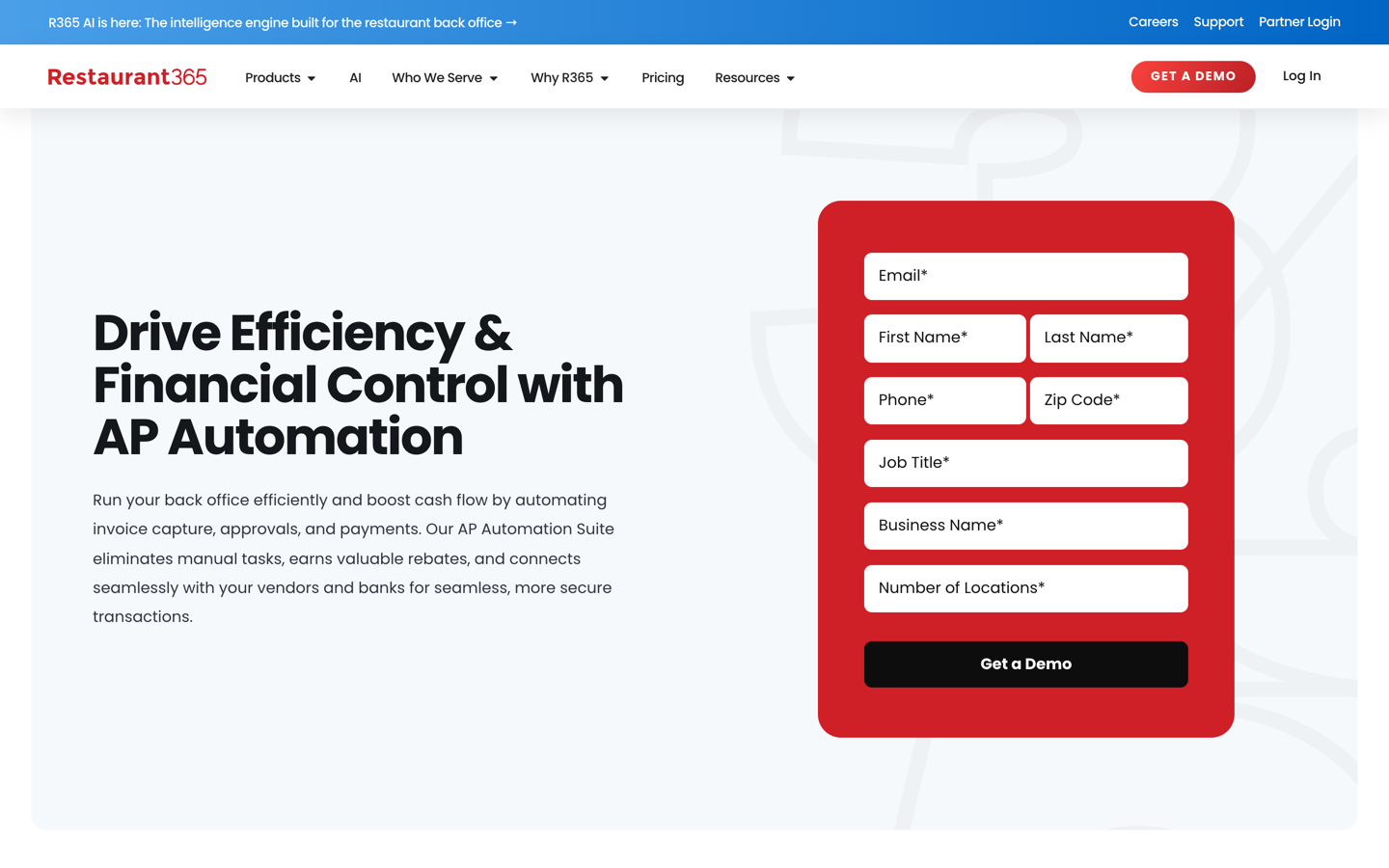
Restaurant365 is the vendor-bill pick when the office owns the process, not the floor, because approvals and the general ledger live in one product.
- Invoices upload directly, arrive as a phone or scanner image, or come straight from the vendor, and R365 converts paper invoices without a separate third-party service. (Restaurant365)
- Workflows route by vendor, amount, or GL code, with multi-level approvals based on dollar amount and location. (same source)
- Pay by check, ACH, or virtual card, with virtual card payments earning rebates through a Mastercard partnership, and Positive Pay available to AP Automation customers at no added cost. (same source)
Price: Custom quote only. Restaurant365 publishes no plan pricing and routes buyers to a quote. (Restaurant365 pricing)
What to weigh Implementation runs a few weeks and moves with your size, integrations, and data migration. R365 partner People Serving People says it often goes from kickoff to go-live in 30 days, so ask who builds yours and what they commit to. Time the cutover to a period close, not a busy Friday.
9) MarginEdge, vendor bills inside restaurant management software
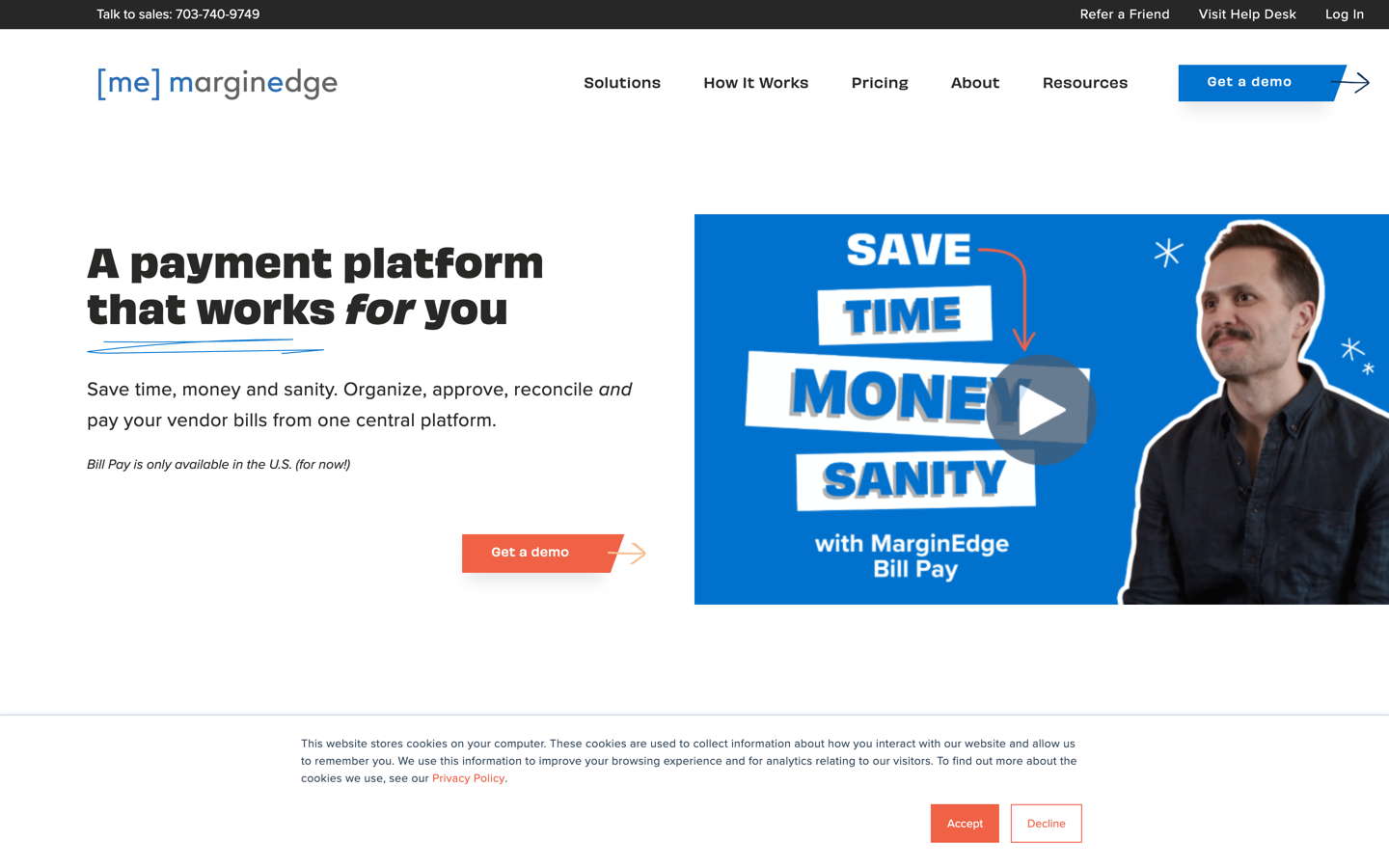
MarginEdge is restaurant management software covering inventory, recipes, and ordering. Its vendor-bill workflow is what earns it a spot here, because it turns paper invoices into line-item data the rest of the system can use.
- Submit by app photo, email, upload, or EDI, and MarginEdge captures full line-item data in 24 to 48 hours, including handwritten notes on the invoice. (MarginEdge)
- During the first four weeks processing generally takes 3 to 5 days while vendor items are mapped to products, then it often lands within 24 hours of upload. (MarginEdge help)
- Electronic payments by ACH or virtual card clear in 2 to 3 business days and paper checks take up to 5, with no additional fee for standard payments. (MarginEdge)
Price: $350 per location per month, no contract, with 10% off annual, including unlimited invoices processed, unlimited US bill payments, email support, and 1:1 training. The $500 tier adds the smart scale for liquor inventory. (MarginEdge pricing)
What to weigh Per-location pricing scales fast. Five units at $350 a location is $1,750 a month before anyone rings in a guest check, and you make that back on food cost and tighter ordering, not on billing.
Which billing job do you need?
Which billing tool matches your bill
Who is the bill going to?
- Want one vendor for POS, payroll and online ordering = Toast ($69/mo)
- Want the lowest starting cost = Square (Free $0, Plus $49/location)
- Running 5+ sites off one menu = Lightspeed (Enterprise custom quote)
- Full service, split-by-seat, no-downtime floor = TouchBistro (from $89/mo) or SpotOn ($55/station)
- Want to configure hardware and add apps = Clover (plan plus device)
- QuickBooks Online, Essentials and up for bill management
- Accounting-led group, approvals by amount and location = Restaurant365 (custom quote)
- Want inventory and recipes with the bills = MarginEdge ($350/location/mo)
None of these bill the manager's supply run, the sales tax payment, or rent. That is a card and receipt job.
A new single location watching every dollar starts on Square Free and upgrades when the kitchen screens go in.
The purchases none of them bill. Every restaurant spends money nobody invoices: the supply run, the equipment repair, the sales tax payment, the rent. That spend never enters a billing system, so it hits the books as an unexplained charge weeks later.
A restaurant corporate card with automatic receipt collection closes that gap. Tab Cards need no credit check, and card payments run weekly.
Once the spend is captured, Andy AI reviews the purchasing data for overcharges and missed rebates. Existing bank accounts and eligible Mastercard and Visa cards can be pulled in through Tab Connect, so the whole picture sits in one place.
FAQs
In the US, usually yes, for guest checks. Outside the US, "billing software" often means the POS itself, which is why international search results and US results look so different for the same phrase. Say the job out loud before you shop: guest check, catering invoice, or vendor bill.
Not cleanly on this list. The workable pattern is a POS for guests, an AP tool for vendors, and one ledger underneath both. What breaks is rarely the tools. It's the seam, where sales data and coded bills meet the general ledger with different location names.
Toast, Square, Lightspeed, and TouchBistro all publish offline behavior, so having an offline mode isn't what separates them. Ask the rep three things: do card authorizations get captured automatically on reconnect, is there a cap or a clock on the upload, and who eats the loss if a card declines afterward.
POS products generally sell it as a module or a higher tier, quoted on top of the plan price. MarginEdge is the exception in reverse: inventory tools and recipe management with menu analysis come inside the subscription, and the invoice workflow feeds them. (MarginEdge pricing)
Three lines decide the real number, and the plan fee is the smallest one. On this list the plan fee runs from free up to $350 a location on MarginEdge, and add-on bundles push it higher.
Then price the processing rate against last year's card volume, and count the stations, kitchen screens, and kiosks, because those bill per device. A plan that costs nothing up front, on a two-year term with processing minimums, is a financing decision, not a free one.


