


Contents
- Is QuickBooks good for restaurants?
- What QuickBooks should actually own
- How restaurant data reaches QuickBooks
- Set up a chart of accounts
- Track each restaurant without rebuilding the books
- Connect the systems around QuickBooks
- Your weekly and month-end routine
- Mistakes that keep books dirty
- When QuickBooks stops being enough
- FAQs
- Start with the input that breaks first
Yes, QuickBooks Online works for most restaurants, as long as you treat it as the ledger and not the whole stack. It records what happened. Your POS, payroll, inventory, and card tools decide whether those numbers show up clean. Get the chart of accounts, locations, and daily sales flow right and QuickBooks closes the month fine.
Get them wrong and you get the thing every operator knows: books that stay open for weeks after month end while somebody chases receipts and retypes POS totals.
The setup runs in order below. Accounts first, then locations, then the four systems that feed the ledger, then the weekly routine that keeps it honest.
Is QuickBooks good for restaurants?
For an independent operator or a group running a handful of units, yes. Intuit sells directly into the category and publishes both a restaurant accounting page and a separate QuickBooks Online Advanced page for restaurants.
Be honest about what that means. QuickBooks is general accounting software with restaurant use cases, not restaurant software. Nothing in it knows what a prime cost is until you build the accounts that produce one.
It fits well when most of this is true:
- Your restaurants sit under one entity, or a small number of entities.
- Your CPA or bookkeeper already works in QuickBooks Online, so nobody has to learn a new ledger.
- You want a P&L per restaurant, not per shift or per menu item.
- Recipe-level food cost lives in an ops tool, or you are fine with monthly COGS from counts.
The answer changes once complexity moves past reporting. QuickBooks Online Plus caps you at 40 combined classes and locations, 250 chart-of-accounts entries, and 5 billable users, and Advanced raises all three. A 12-unit group with three concepts and four LLCs will hit that ceiling fast.
If you are still deciding whether to stay on a general ledger at all, the breakdown of bookkeeping software for restaurants compares ledgers against the restaurant-specific tools that feed them.
What QuickBooks should actually own
QuickBooks is the main accounting file. It stores what already happened and turns it into statements you can hand to a lender, a landlord, or the IRS.
That is a real job, and it is a narrow one. The schedule, the invoice, and the inventory count all get worked somewhere else. QuickBooks gets the result.
Inventory is the clearest example. QuickBooks Online tracks inventory only on Plus and Advanced, it values on FIFO, and it has no assembly or recipe build. It can count cases of chicken. It cannot tell you the food cost of a chicken sandwich.
What QuickBooks does and does not do for restaurants
QuickBooks does this
- General ledger and chart of accounts
- Bank and credit card reconciliation
- P&L, balance sheet, and cash flow statements
- P&L and balance sheet filtered by class or location
- Vendor bills, AR, and 1099 records
- Tax-ready books for your CPA
- Case-level inventory quantity and value on Plus and Advanced, FIFO only
QuickBooks does not do this
- Recipe costing or plate cost
- Ingredient-level depletion from POS sales
- Labor scheduling or real-time labor percentage
- Menu engineering and item profitability
- Invoice line-item price tracking against contracts
- Chasing a manager for the receipt from Home Depot
- Assembly builds, bundles are the only workaround
So keep the work where it happens. Scheduling stays in your scheduling app, recipes stay in your food cost tool, and the ledger gets the total. Ask QuickBooks to build a schedule or price a plate and the books get slower and the answer is still wrong.
If COGS is the number you actually care about, the restaurant food cost calculator does the plate-level math QuickBooks was never built to do.
How restaurant data reaches QuickBooks
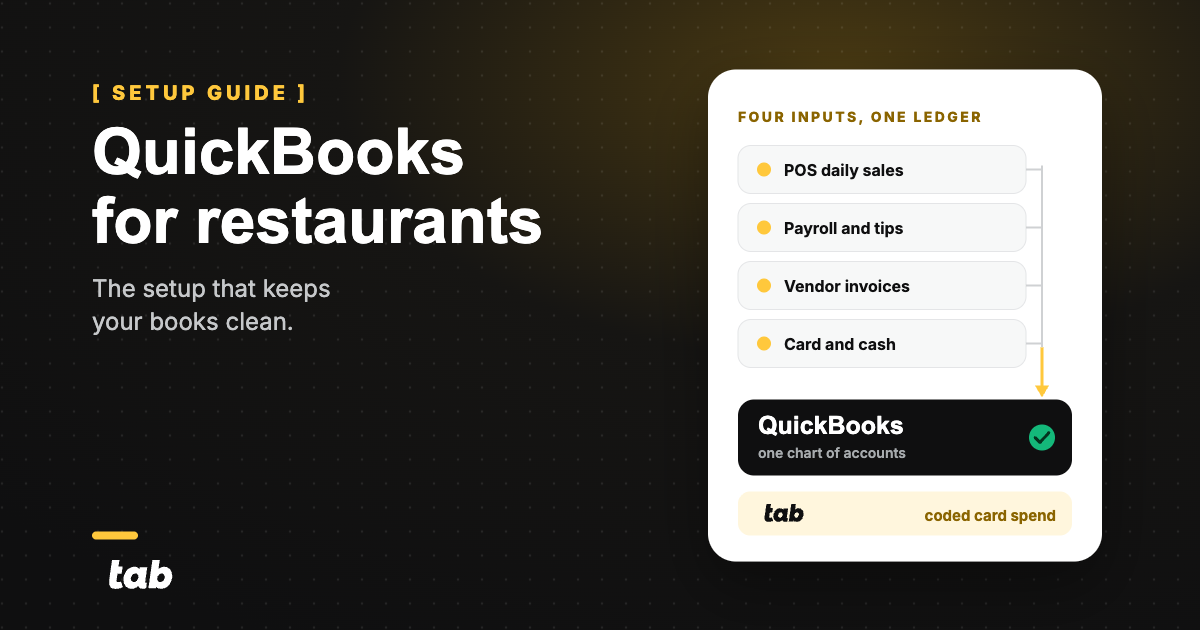
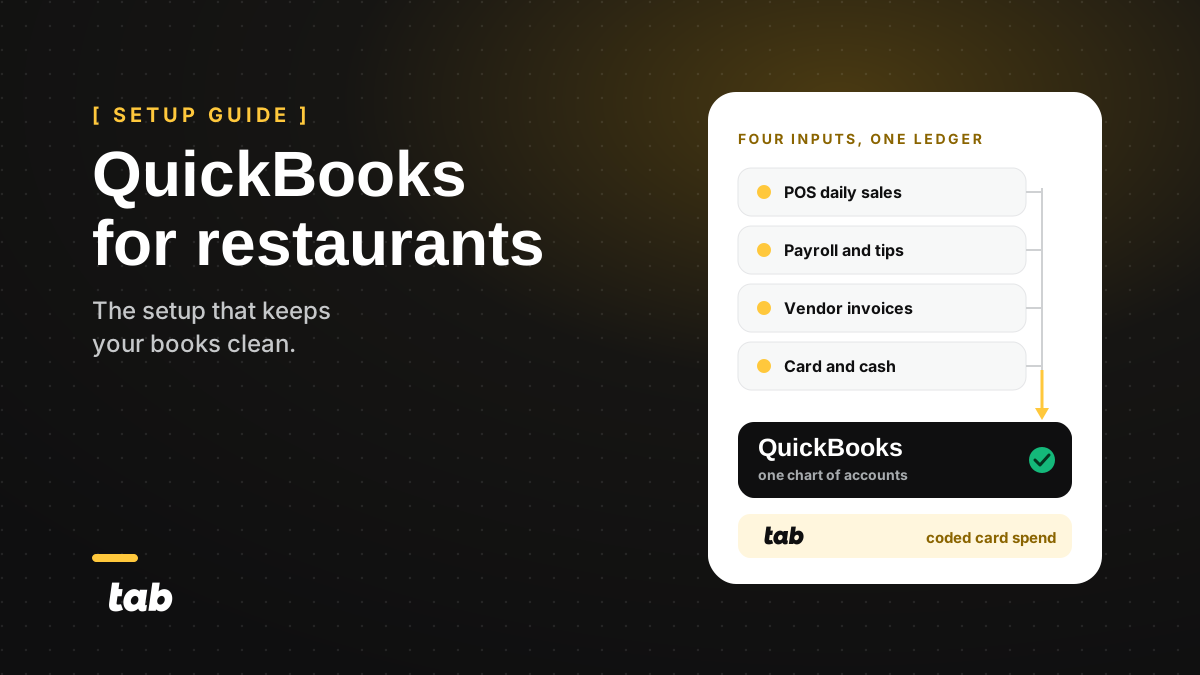
Sales, payroll, invoices, and card spend. Those are the four handoffs, and clean restaurant books come down to all four landing without a person retyping anything.
| Source system | What QuickBooks receives | How often | Who owns cleanup |
|---|---|---|---|
| POS | One daily sales receipt: gross sales split by revenue account, comps and discounts as contra revenue, sales tax payable, tips payable, and each tender routed to the matching bank or clearing account | Daily, one entry per restaurant per day | GM reviews next morning, bookkeeper reconciles the deposit |
| Payroll and tips | Payroll journal: gross wages by class or location, employer taxes, benefits, and tips payable clearing back to zero | Every pay run | Payroll admin, reviewed by controller at close |
| Vendor invoices and inventory | Vendor bills coded to food, beverage, and paper COGS by location, plus one month-end COGS adjustment from the physical count | Invoices as received, count adjustment monthly | AP clerk enters, controller books the adjustment |
| Card and cash purchases | Each purchase with a receipt attached, a GL code, and the restaurant it belongs to, matched against the card feed | At the transaction, not at month end | Cardholder attaches the receipt, controller reviews weekly |
Here is what that looks like for a three-restaurant group with one LLC per unit.
Each restaurant posts its own daily sales receipt, so the P&L by location is right without an allocation. Payroll runs once and splits by location on the journal, not afterward. Sysco invoices get coded to the restaurant that received the truck.
The repair card swipe at unit two carries unit two's tag before anyone opens the books. Overhead that belongs to no single unit posts to a fourth location called Corporate, so unit-level food and labor percentages stay honest.
Nothing in that flow requires a month-end cleanup project. That is the whole point of getting the handoffs right up front.
Set up a chart of accounts
Build the P&L you would actually act on. If you would never change a decision based on a line, that line does not need its own account.
Keep the list short enough that a GM can find the right line without asking. The account cap on Plus is not what stops you. The person coding the purchase is.
COGS, once: what the food, drink, and packaging you sold actually cost you. Everything else is an operating expense.
| Number | Account | Type | Why it earns its own line |
|---|---|---|---|
| Revenue | |||
| 4000 | Food sales | Income | The number the whole P&L is a percentage of. |
| 4100 | Beverage sales, non-alcohol | Income | Different margin than food. |
| 4200 | Alcohol sales | Income | Separate liquor tax and a very different pour cost. |
| 4300 | Third-party delivery sales | Income | Book gross, then expense the commission. |
| 4400 | Catering and events | Income | Different labor model, worth watching alone. |
| 4900 | Comps, voids, and discounts | Income, contra | Where margin quietly disappears. |
| Cost of goods sold | |||
| 5000 | Food cost | COGS | Half of prime cost. |
| 5100 | Beverage cost, non-alcohol | COGS | |
| 5200 | Alcohol cost | COGS | Pour cost is managed separately from food. |
| 5300 | Paper and packaging | COGS | Rises with off-premise mix. |
| Labor | |||
| 6000 | Hourly wages, back of house | Expense | |
| 6010 | Hourly wages, front of house | Expense | FOH and BOH move for different reasons. |
| 6020 | Management salaries | Expense | Fixed, so it never belongs with hourly. |
| 6100 | Payroll taxes | Expense | |
| 6200 | Benefits and workers comp | Expense | |
| Operating | |||
| 7000 | Rent and CAM | Expense | Fixed occupancy, tracked per unit. |
| 7010 | Utilities | Expense | |
| 7100 | Repairs and maintenance | Expense | The account card spend hides in. |
| 7200 | Smallwares and supplies | Expense | |
| 7300 | Marketing | Expense | |
| 7400 | Merchant and processing fees | Expense | |
| 7500 | Third-party delivery commission | Expense | Pairs with 4300 so net delivery margin is visible. |
Do not let it bloat:
- One account per decision, not one per vendor. Sysco, US Foods, and the produce guy all post to 5000 Food cost. The vendor name is already on the bill.
- Split only where the numbers behave differently. FOH and BOH wages move for different reasons, so they split. Napkins and to-go lids do not.
- Sub-accounts, not new top-level accounts. Rolling up cleanly matters more than granularity you will never read.
Heads up on delivery. Booking net delivery deposits as sales understates revenue and hides the commission entirely. Book the gross sale to 4300 and the commission to 7500, or your food cost percentage will look worse than it is.
Once the accounts are stable, they become the skeleton of the plan. The guide to restaurant budgeting covers turning those same lines into targets your GMs can hit.
Chart-of-accounts structure has tax consequences. Confirm the final list with your accountant before you close a period on it.
Track each restaurant without rebuilding the books
QuickBooks Online gives you two tracking fields, classes and locations, and both require Plus or Advanced. Neither exists on Simple Start or Essentials, which is the single most common reason an operator ends up on the wrong plan.
Turn them on under Settings, then Account and settings, then Advanced, in the Categories section. Tag every transaction from the first day you switch them on. Backfilling tags across a closed quarter is the project that never gets finished.
Pick one meaning for each field and stick to it. What works:
- Locations = physical restaurants. Unit 1, Unit 2, Unit 3, plus a Corporate location for overhead.
- Classes = concepts or revenue channels. Full service, fast casual, catering, food truck.
That gives you a P&L per unit and a P&L per concept from the same transactions. You can also run a balance sheet by class or location once every transaction carries the tag.
Twelve units across three concepts is 15 tags, which sits fine inside the Plus ceiling. Add a tag for every revenue channel on top and it gets tight. Seats usually run out before tags do, because a GM per restaurant plus an office team eats the Plus login limit quickly.
One caution that costs real money. Separate legal entities need separate QuickBooks companies. A class is a reporting label, not an entity boundary, and using one to fake entity separation produces a balance sheet nobody can audit.
If units share cash or one LLC pays another's invoices, you need due to and due from accounts and an accountant who has done intercompany before. That is a conversation to have before the second entity opens, not after.
The restaurant expansion strategy guide covers how multi-location reporting should be structured before the units exist.
Connect the systems around QuickBooks
This is where books get clean or stay dirty. Here are the connections, in the order they usually break.
Decision rule
Reconcile from the bank feed. Never categorize from it.
Categorizing a POS deposit off the bank feed while also posting the daily sales receipt records the same sale twice. The feed confirms the money landed. The sales receipt records the sale.
1) POS daily sales
Post one daily sales receipt per restaurant per day, not individual tickets. Intuit's own method uses a dummy "Daily Sales" customer and a saved template, and it tells you to record the actual amount deposited to the bank so the entry matches the statement.
The receipt should carry gross sales by revenue account, comps and discounts, sales tax payable, tips payable, and each tender routed to its own account.
Route the tenders by how the money actually arrives. Cash goes to undeposited funds or cash on hand, card tenders go to a merchant clearing account, and third-party delivery gets a clearing account of its own. Each one lands on a different timeline, and each should clear back to zero when it does.
That is what makes the deposit reconcile without a hunt. If your merchant clearing account never returns to zero, the gap is almost always processing fees posting net.
Most POS platforms publish either a QuickBooks Online app or a daily sales export. Check your POS's own app listing before you assume a sync exists, and never let a connector post individual tickets into the ledger.
If your questions are really about invoicing guests and house accounts rather than closing the books, restaurant billing software is the closer fit for that job.
2) Payroll and tips
Payroll should arrive as a journal that splits wages by location, so nobody allocates labor afterward.
Tips are the part people get wrong. Tips collected are a liability until they are paid out, not revenue. Tips payable should clear to zero every pay period. If it does not, something is being counted twice.
The IRS rules are worth knowing as written. Employees report cash tips to their employer by the 10th day of the month after the month the tips are received, unless they took in less than $20 in tips from that employer for the month.
Large food or beverage establishments also file Form 8027 each year. That means on-premises dining where tipping is customary and the employer normally employed more than 10 employees on a typical business day last year.
Treat that as background, not advice. Tip credit, allocation, and service-charge treatment are decisions for your accountant.
3) Vendor invoices and inventory
Enter vendor bills coded to the right COGS account and the right restaurant. Keep the count in your inventory or procurement tool, then book one month-end COGS adjustment from beginning inventory plus purchases minus ending inventory.
Do not try to make QuickBooks track ingredients. It has no recipe build, and forcing it produces a chart of accounts nobody maintains.
Line-item price tracking, rebate capture, and contract compliance live upstream of the ledger. The best restaurant procurement software roundup covers the tools that catch a price change before it becomes a food cost surprise, and AI for restaurants covers where invoice reading and automated coding are heading.
4) Card and cash purchases
Everything above has a system pushing data. Card spend has a person, which is why it is the input that breaks. A manager buys a compressor part, the charge posts, and the receipt is in a truck console for three weeks.
Bank and card feeds do not fix this. A feed gives you a merchant name, an amount, and a date. It does not know which restaurant it was for, which GL account it belongs to, or whether it was business at all.
Your weekly and month-end routine
The setup is a week of work. The routine is what keeps it clean after.
The restaurant close routine
- Confirm yesterday's sales receipt posted for every restaurant
- Confirm the deposit on the bank feed matches the tenders on that receipt
- Clear any card transaction still missing a receipt or a location
- Reconcile bank and card accounts week to date, do not wait for the statement
- Enter or import every vendor bill received
- Review card spend by location and fix miscodes while people still remember the purchase
- Run P&L by location week over week and check food and labor as a percentage of sales
- Post the physical count and book the COGS adjustment
- Confirm tips payable cleared to zero
- Reconcile every bank, card, and clearing account to statement
- Review the P&L by location and the balance sheet by class or location
- Lock the period so nobody posts backward into a closed month
Most restaurants are still closing the books two to three weeks after the month ends, and receipts are what they are waiting on. The routine above exists to kill that wait.
Reconcile weekly, not monthly. Catch a miscode on day three and the fix is one text to the manager who bought the thing.
Catch it on day 34 and somebody sits at a desk pulling statements to work out what a hardware store charge was for. That is an hour that belonged on the floor.
Ownership is the other half. The GM checks yesterday's sales receipt the next morning, the bookkeeper reconciles the deposit, and the controller reviews card spend by location once a week, which is exactly the split the data map above assigns.
And lock the period once it closes. An unlocked prior month means the number you reported to your lender quietly changes after you reported it.
Mistakes that keep books dirty
The same mistakes show up in almost every set of dirty restaurant books.
- Posting the gross bank deposit as sales. The deposit is net of tender fees and holds, so sales come from the POS, cash comes from the bank, and they meet at the clearing account.
- Double-counting POS and bank feeds. Same rule as above: reconcile from the feed, never categorize from it.
- Mixing owner spend with business spend. Every personal charge on a business card becomes a distribution entry, an add-back, and an awkward conversation at tax time.
- Coding each restaurant differently. When unit one calls it Repairs and unit two calls it Maintenance, the group P&L stops meaning anything. Same accounts, same tags, every unit.
- Waiting until close to collect receipts. The charge posts today and the receipt turns up in week five, if it turns up at all.
When QuickBooks stops being enough
Most operators wait a year too long to switch ledgers. A few jump a year too early and buy software nobody on staff has time to run.
Should you stay on QuickBooks Online?
How many restaurants and legal entities?
-
1 to 3 units, 1 to 2 entities
QuickBooks Online Plus. Add invoice capture and card receipt collection before you add software.
-
4 to 10 units, up to 4 entities
Do you need daily or weekly food and labor by unit?
NoQuickBooks Online Plus plus classes and locations.
YesQuickBooks Online Plus or Advanced, plus a food-cost and invoice tool feeding it.
-
10+ units or 5+ entities or 3+ concepts
Are you past 40 combined classes and locations, or 250 accounts?
NoQuickBooks Online Plus still works. Fix the inputs, not the ledger.
YesQuickBooks Online Advanced for unlimited classes, locations, and accounts.
-
Multi-entity consolidation, franchise reporting, or per-store daily labor targets
Price a restaurant ERP, and price the implementation and the staff to run it in the same conversation.
The ledger is genuinely the problem when:
- You are past the class and location ceiling on Plus, and the workaround is a spreadsheet.
- Consolidation across entities takes days, because eliminations are manual every month.
- Operators need daily food and labor by unit, and the books only produce monthly.
The ledger is fine and the inputs are not when receipts arrive late and purchases arrive with no restaurant attached. Migrating a ledger fixes neither, and you will bring the same mess into a more expensive system.
If the real question is which general ledger to run rather than whether to leave one, the Xero for restaurants comparison covers how the two ledgers differ on restaurant reporting.
FAQs
Online, for almost every restaurant. Intuit stopped selling new US subscriptions to QuickBooks Desktop Pro Plus, Premier Plus, Mac Plus, and Enhanced Payroll, though existing subscribers can still renew and Enterprise was not affected.
Online also gives multiple managers access from anywhere, which matters when the person holding the receipt is standing in a walk-in.
At the case level, yes, on Plus and Advanced, valued FIFO. It has no assembly or recipe build, so it cannot deplete ingredients as menu items sell. Most restaurants keep counts in an inventory tool and post a monthly COGS adjustment instead.
One sales receipt per restaurant per day, using a dummy "Daily Sales" customer, with gross sales by revenue account, comps, sales tax payable, tips payable, and each tender on its own line. Intuit's method records the actual amount deposited to the bank so the entry ties to the statement. Never import individual tickets.
Through the daily sales receipt as a liability, then out through payroll when they are paid. Tips payable should clear to zero each pay period.
Employees report tips to the employer by the 10th of the following month unless they received under $20 for that month, and large food or beverage establishments file Form 8027 each year. Confirm tip credit and service-charge treatment with your accountant.
Yes, if they share a legal entity. Use locations for units and classes for concepts, and you get a P&L per restaurant from one file. Separate LLCs need separate QuickBooks companies, because a class is a reporting tag and not an entity boundary.
Start with the input that breaks first
The setup above takes about a week: accounts, then classes and locations, then the four connections, then the routine.
Do it in that order, but fix card spend first. It is the only input that depends on a person remembering something.
A receipt collected at the swipe costs the cardholder one text while the part is still on the counter. The same receipt chased in week five costs a controller a phone call and a guess at which restaurant it belonged to.
Get receipts and restaurant coding into QuickBooks before month end.


